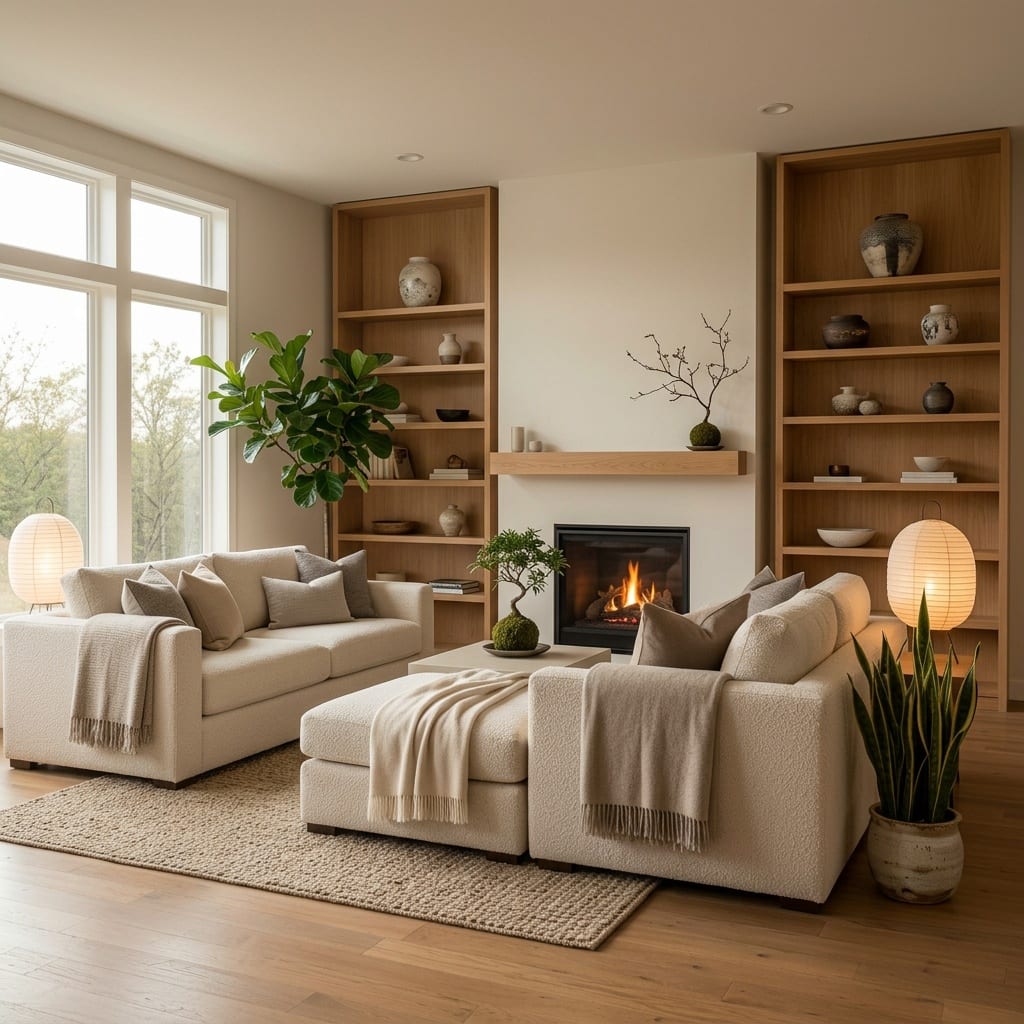
Best AI Interior Design Apps 2026: A Practical Buyer's Guide
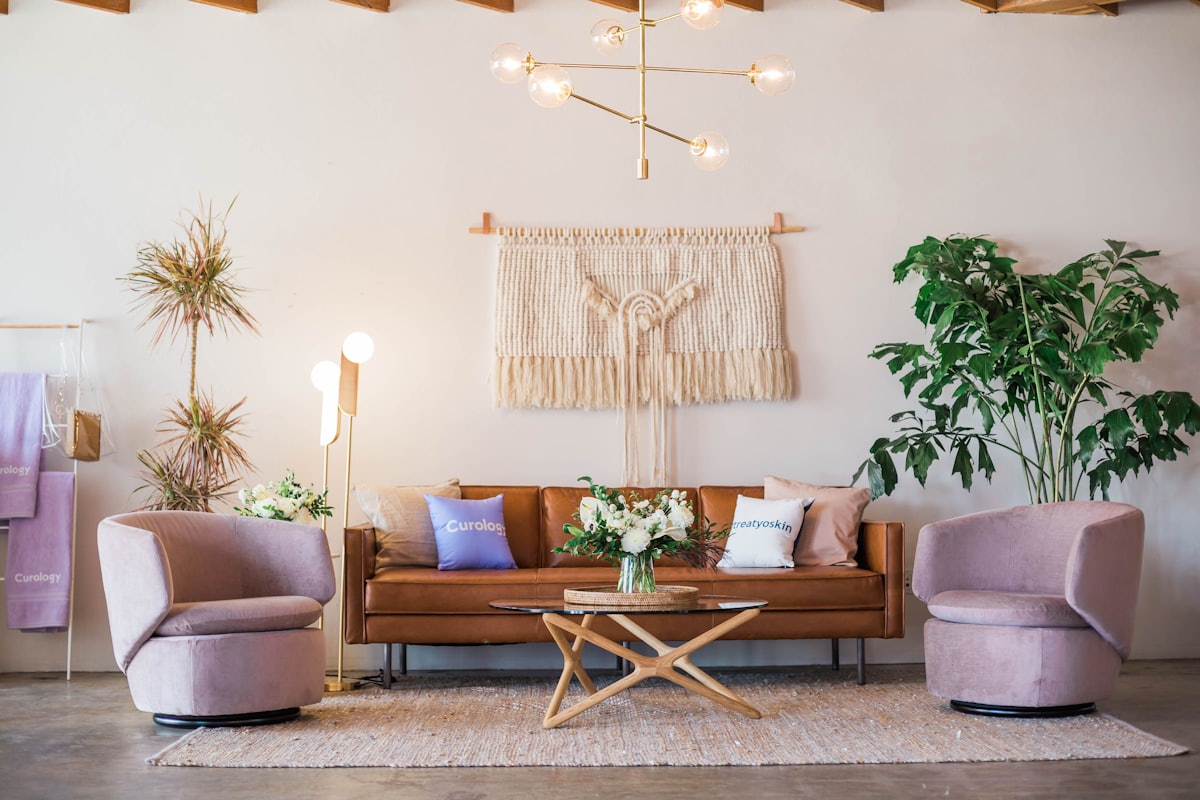
Redesigning a room used to mean hiring a designer or guessing with a tape measure. Now you can photograph your space and see a finished result in seconds. But the category has grown fast, and quality varies wildly. If you’re comparing the best AI interior design apps 2026 has produced, this guide walks through what actually matters — and how to test an app before you commit.
What to look for in an AI room design app
Most apps promise a “magic redesign.” The difference between a fun toy and a tool you’ll keep using comes down to a few concrete things.
Photo-realistic results. The single most important factor. A good app keeps your room’s real geometry — windows, doorways, ceiling height, the angle you shot from — and only changes furniture, finishes and styling. Watch for warped walls, melted furniture, or rooms that no longer match your photo. If the output looks like a generic stock image instead of your room, the realism isn’t there.
A real range of styles and themed worlds. Three preset styles get boring fast. The better apps give you hundreds of looks — Scandinavian, Japandi, mid-century, industrial, maximalist — plus curated themed worlds that bundle a coherent mood so you don’t have to art-direct from scratch.
Quick, surgical edits. Sometimes you don’t want a full restyle — you want to change one wall color, declutter, or swap the lighting. The strongest apps offer targeted one-tap edits that change a single thing while leaving the rest of the room untouched. That’s what makes them useful for real decisions, not just fantasy makeovers.
Speed. If a render takes minutes, you won’t iterate, and iteration is where the value is. Look for results in seconds so you can try ten directions in the time it used to take to try one.
Fair, transparent pricing. Free trials are great, but check what happens after. Look for honest pricing with a credit or subscription model you understand up front — not a paywall that ambushes you after your first render.
Languages. If you don’t think in English, an app that speaks your language removes friction. Multilingual support is a quiet quality signal: it usually means the team is serious and the product is maintained.
Key features that separate the best from the rest
Once an app clears the realism bar, these are the features worth paying for:
- Style library depth — enough styles that you keep discovering new ones months in.
- Themed worlds — pre-composed aesthetics for when you know the feeling you want but not the details.
- Mode-based edits — declutter, repaint, relight, change flooring, or empty a room, each as a focused action.
- Before/after comparison — so you can actually evaluate the change, not just admire it.
- High-resolution exports — usable for sharing with a contractor, a partner, or a landlord.
- Consistent output — the same photo and the same style should give reliably good results, not a coin flip.
This is the bar Architectural AI was built around: hundreds of styles, curated worlds, and one-tap modes for the small surgical changes — all on your own room photo, in seconds.
How to test an AI design app in five minutes
Don’t judge an app by its marketing gallery. Run your own test:
- Shoot one honest photo. Pick a real room with decent daylight, framed straight-on. Avoid extreme angles.
- Try the same room in three different styles. Does each one feel distinct, and do they all keep your room’s structure?
- Run one quick edit. Change a wall color or declutter. Did it change only that, or did the whole room shift?
- Time it. Count the seconds. Slow apps kill experimentation.
- Check the price wall. Find out what it costs before you’re emotionally invested.
You can run exactly this test on the live demo without installing anything.
Getting good results from any AI design app
Even the best app rewards a good input. A few habits that consistently improve output:
- Light the room first. Open the curtains. Daylight gives the AI more to work with and produces truer colors.
- Declutter before you restyle. A tidy starting photo yields a cleaner, more believable result.
- Shoot straight-on, not from the doorway corner. Flatter angles preserve geometry better.
- Iterate. Try several styles and worlds rather than locking onto the first decent render. The third or fourth attempt is often the keeper.
- Use quick edits for real decisions. Testing a paint color on your actual walls beats imagining it.
The bottom line
The best AI interior design apps in 2026 share the same DNA: realistic results on your own room, a deep style and world library, fast and surgical edits, fair pricing, and support for your language. Judge any app against that checklist and you’ll quickly separate the keepers from the toys.
Want to see where Architectural AI lands? Try it on your own room right now — open the demo and redesign your space in seconds.
Keep reading