How to Make the Most of Dead Space at Home (with AI)
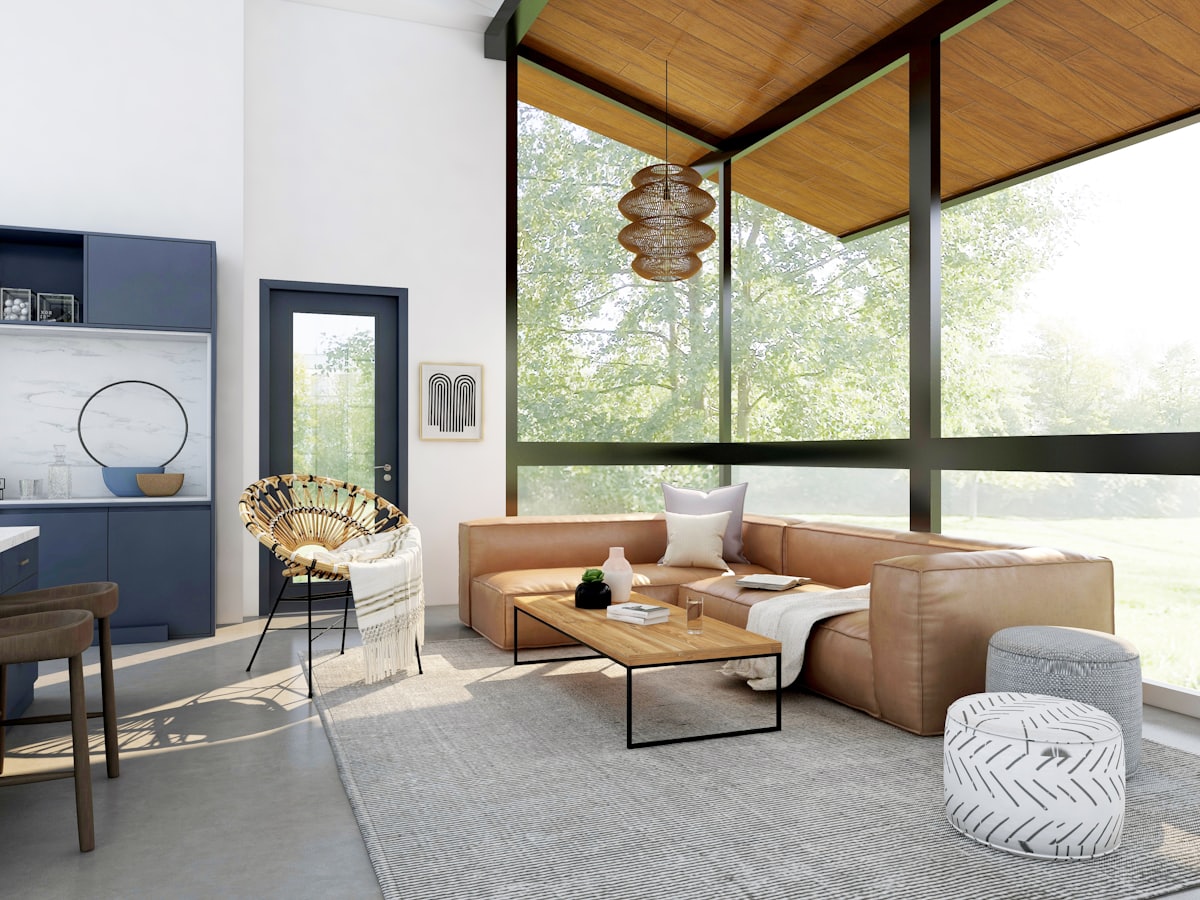
Every home has dead space — the awkward corner, the empty wall, the gap under the stairs, the landing that leads nowhere. It is wasted square footage, and it is usually the cheapest space to improve. The trick is seeing the possibility, which is hard to do staring at an empty corner. AI can show it for you.
What counts as dead space?
Dead space is any area that holds no function: an empty corner, the wall above a door, a too-narrow nook, the strip beside the fridge, the area under a staircase, or a wide hallway with nothing in it.
Awkward corners → a reading nook
A corner with a chair, a slim shelf and a warm lamp becomes a destination instead of a gap. The Cozy Mode mode shows how inviting a bare corner can become.
Empty walls → vertical storage
Tall, slim shelving turns an unused wall into storage without eating floor space. The Smart Storage mode previews built-in, hidden organisation.
Under-stair gap → built-ins
Drawers, a tiny desk, or display niches under the stairs reclaim a classic dead zone.
Wide hallway → a gallery or workspace
A narrow console and framed prints, or a fold-down desk, give a pass-through hallway a real purpose.
Empty room → a blank canvas
Sometimes the best move is to clear and restart. The Empty Room mode strips a space back to a bare shell so you can redesign it from scratch.
Preview before you build
Dead-space projects are small, but they are easy to over- or under-build. Preview the idea on a photo of the actual corner first, then commit.
→ Try the free demo and turn your most useless corner into your favourite one.
Keep reading