Gamer Room Ideas: RGB Setups That Actually Look Good
Most gamer room ideas fail the daylight test: the setup that looks incredible at midnight with the LEDs cycling looks like a pile of cables and mismatched furniture at noon. The fix isn’t more RGB — it’s design: a proper base palette, lighting in deliberate layers, cable discipline and a bit of acoustic sense. This guide walks through each, and because a gaming room is mostly dark colours and bold lighting, it’s exactly the kind of makeover worth previewing on a photo of your real room with Architectural AI before you repaint or rewire anything.
Start with the battlestation
Every gaming room is designed outward from the desk zone — get it right and the rest follows.
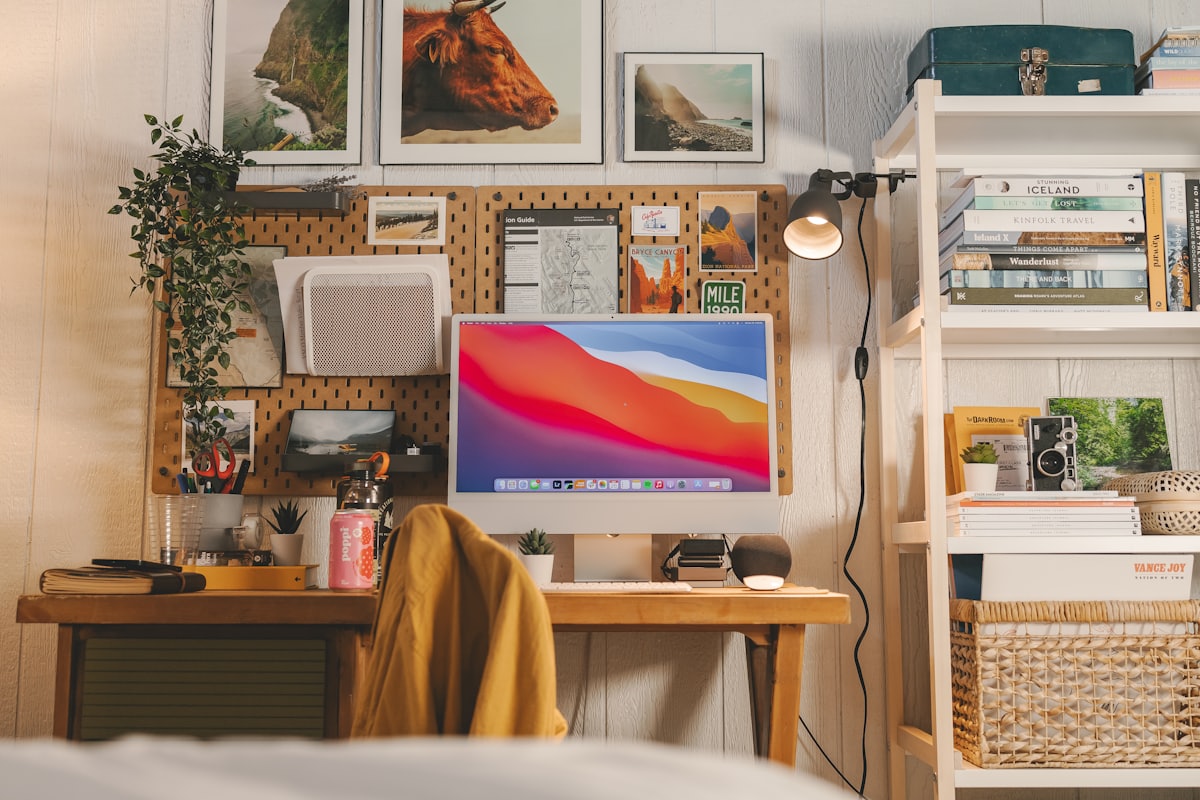
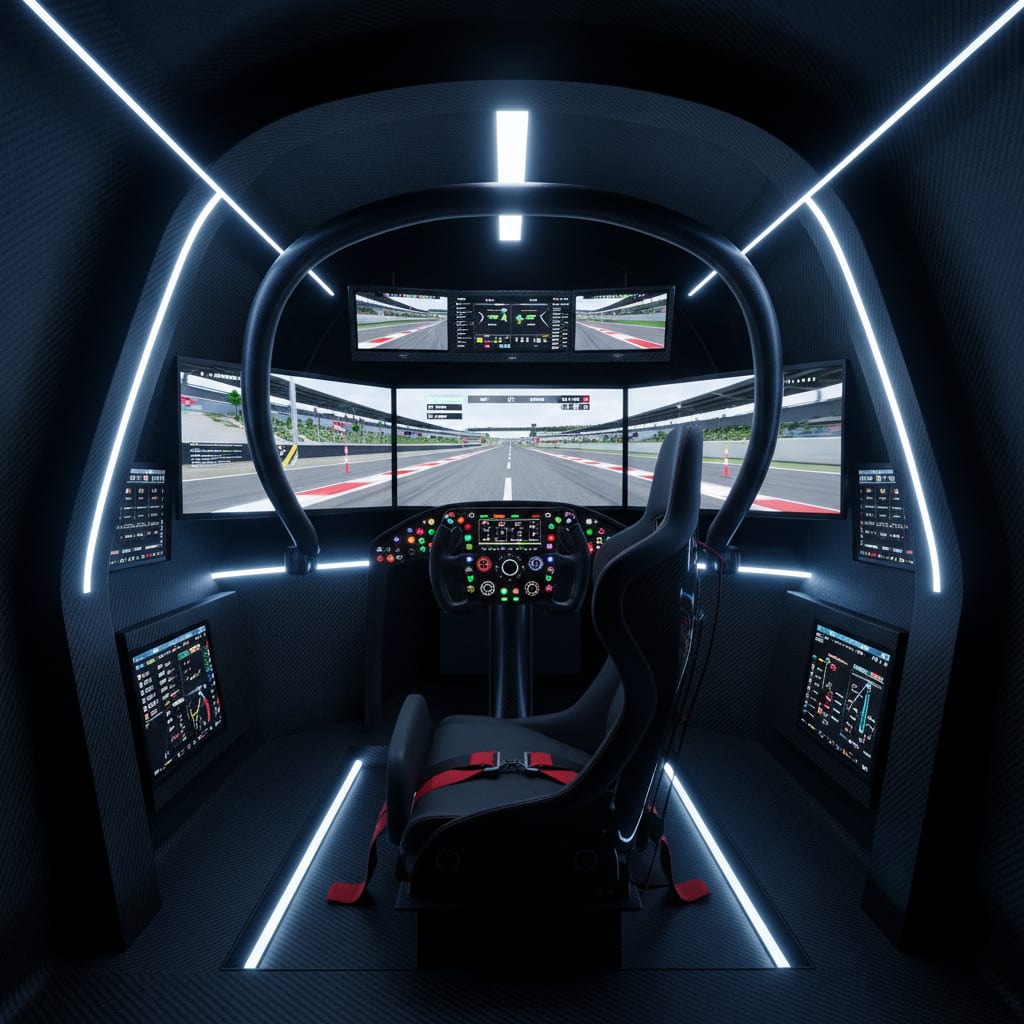
Position the desk so windows sit beside the monitor, never behind or directly in front of it; glare and backlight both punish your eyes. Give the desk a wall of its own if you can, because that wall becomes your display and lighting canvas. Size matters more than people think: a deeper desk (70-80cm) pushes the monitor to a healthier distance and leaves room for a lamp and speakers to sit behind the keyboard line, keeping the surface calm.
Then treat the wall above like a cockpit: a shelf for headsets and controllers, one or two framed prints, and a monitor arm to float the screen and free the desktop. The goal is a zone that looks intentional with everything switched off.
Decor tips:
- Palette: desk and shelving in one dark, matt finish.
- Materials: matt laminate or timber; avoid gloss (fingerprints, glare).
- Lighting: monitor arm + bias light before any decorative LEDs.
- Hero piece: the floated monitor over a clear desk surface.
RGB layering: three layers, two colours
The difference between a showpiece and a fairground is layering and restraint. Build the light in three layers:
- Bias light — a soft, dim strip behind the monitor. Its job is functional: it reduces eye strain and makes screen colours look better. Keep it neutral or matched to your scheme.
- Accent zones — one or two LED runs where the source is hidden: under a shelf, behind the desk, along the ceiling coving. These carry the colour identity of the room.
- Ambient fill — one warm, ordinary lamp. This is the layer everyone forgets, and it’s what keeps the room usable for everything that isn’t gaming.
Then the hard rule: pick two coordinated colours and lock them. Purple and blue. Red and amber. Teal and white. Synchronise every zone to the same scheme and put it all on one smart control. A room with three synced zones in two colours looks professionally lit; a room with five zones cycling the rainbow looks like a vending machine.
Decor tips:
- Palette: two glow colours, everything synced.
- Materials: hide every strip — you should see glow, never diodes.
- Lighting: bias light first, accents second, warm lamp always.
- Hero piece: one hidden ceiling or shelf run that washes the wall.
Cable management is decor
Nothing undermines a setup like visible cable spaghetti — and nothing upgrades one faster than an hour of cable work. Treat it as decor, not admin.
Work top-down. Mount a cable tray or basket under the desk and get every power brick and excess loop off the floor into it. Bundle runs with velcro ties (never zip ties — you’ll re-route within a month). Use adhesive raceway channels, painted to match the wall, for anything that has to cross open wall. Finish with a single braided sleeve for the desk-to-floor drop, so a dozen cables read as one deliberate line.
Two buying rules make this permanent: prefer shorter cables over coiling long ones, and add a clamp-on power strip at desk height so charging never means diving under the desk again.
Decor tips:
- Palette: cables, sleeves and channels in the wall or desk colour.
- Materials: under-desk tray, velcro, raceway, one braided sleeve.
- Lighting: check your LED runs’ own wiring is hidden too.
- Hero piece: the one visible “trunk” line, dead straight.
Acoustics and ambient comfort
Gaming rooms are hard-surface boxes — desk, monitor, bare walls — which makes them echoey on mic and tiring over long sessions. The fixes double as decor.
A thick rug under the chair zone is the single best acoustic purchase and warms the room visually. Full-length curtains (even beside a small window) soak up reflection and add the cinematic darkness the LEDs need. Fabric wall panels or a couple of framed canvas prints tame the wall behind the mic. Bookshelves — the gamer’s secret acoustic weapon — diffuse sound while storing the collection.
Comfort completes it: a chair that supports two-hour sessions, a throw for spectators, and ventilation you’ve actually planned, because a sealed dark room plus a PC is a sauna by hour three.
Decor tips:
- Palette: rug and curtains in the base colour, one shade lighter.
- Materials: wool or high-pile rug, heavy curtain fabric, canvas art.
- Lighting: curtains closed = your accent scheme becomes the room.
- Hero piece: the rug — bigger than you think, under chair and desk.
Pick a visual direction, then commit
The final step is giving the room an identity beyond “dark plus LEDs”. Two proven directions:
Neon-noir: charcoal walls, two-colour glow, tech-as-decor — essentially the Cyberpunk style, which exists as a one-tap base style in the app. It’s the natural home of the two-colour RGB discipline above.
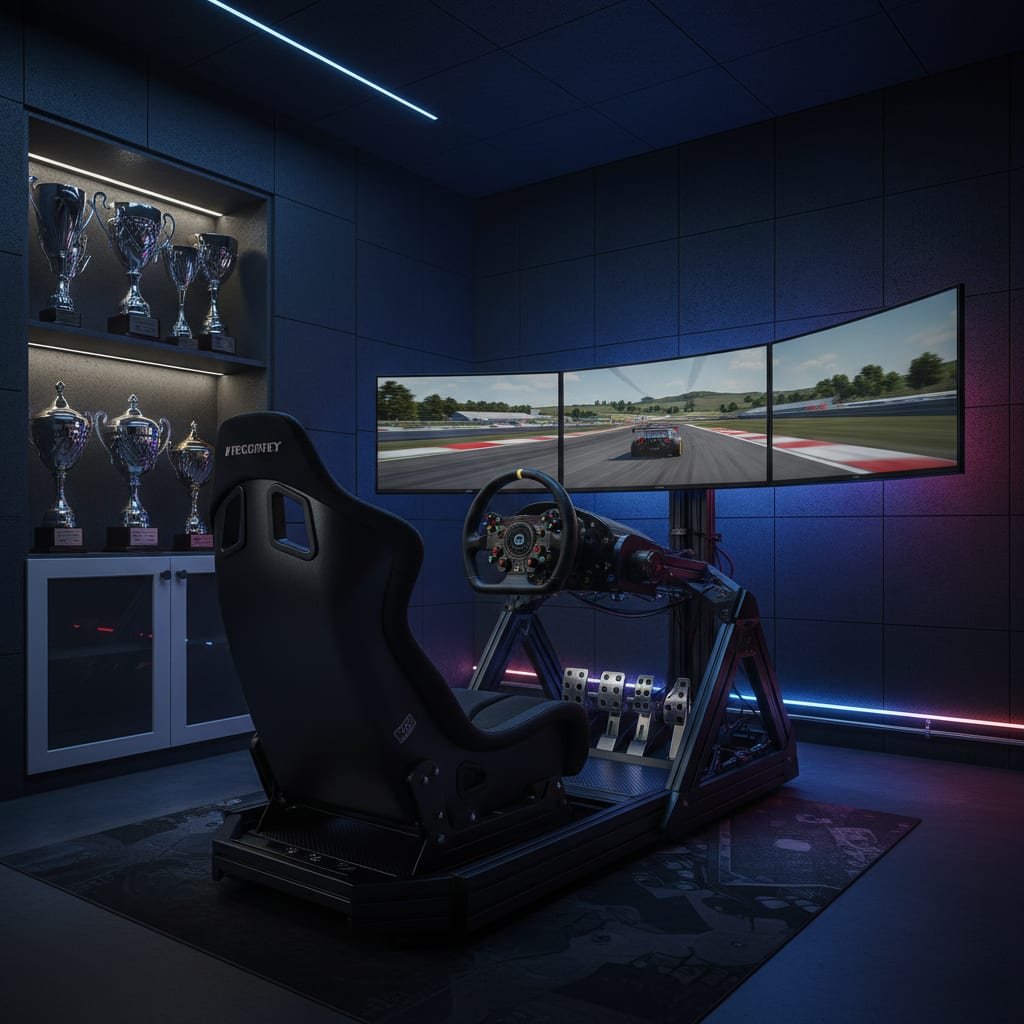
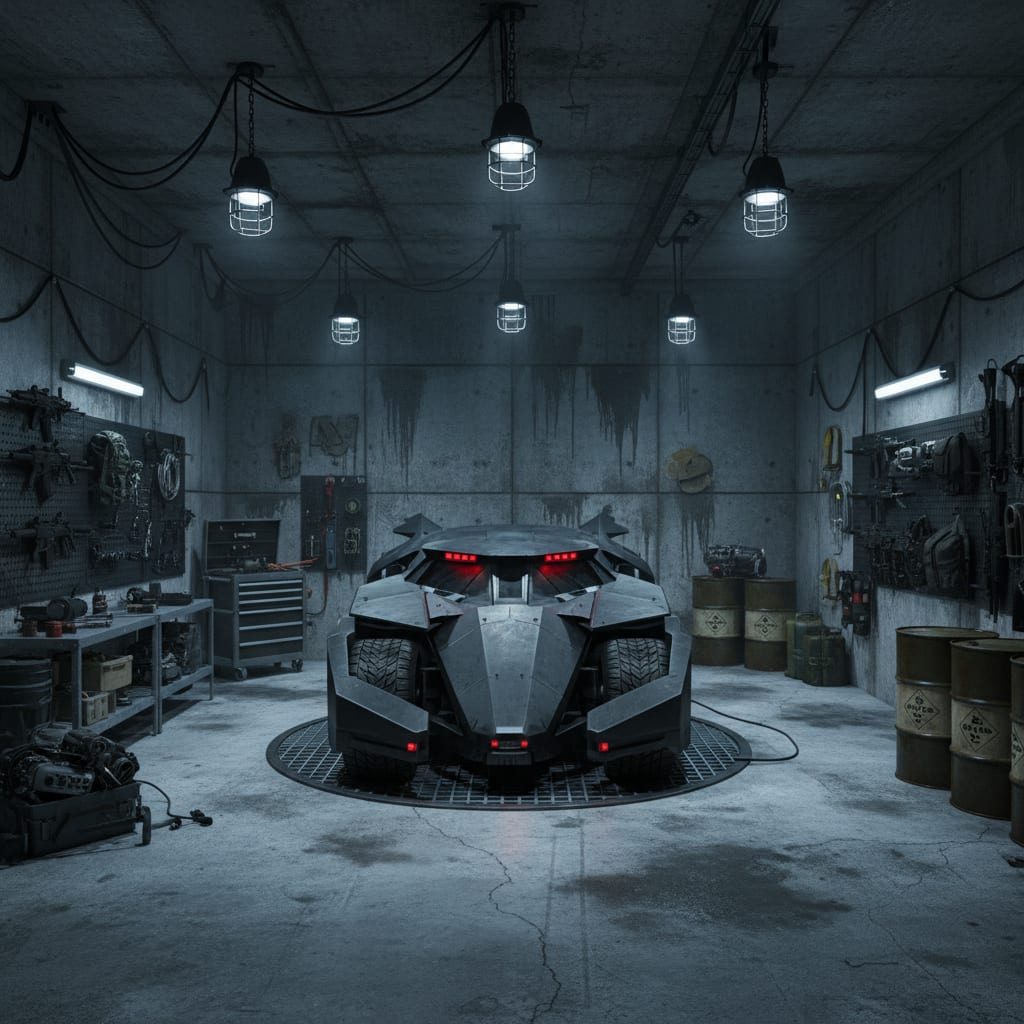
Motorsport garage: if your gaming leans racing, build around the rig — checkered or carbon-texture accents, tool-chest storage, pit-garage lighting. The racing dens in the Themed Worlds catalogue show how far this can go, and there are finished examples in the gallery.
Either way, commit fully: a room that’s 100% one direction beats a room that’s 50% two.
How to get the look on your own room
- Take one clear daylight photo of the room from a corner, with the desk wall in frame.
- Open Architectural AI and apply the Cyberpunk style for the neon-noir direction, pick a racing-den Themed World, or type a custom prompt — e.g. “dark gamer room, charcoal walls, purple and blue LED accent lighting, floating shelves, clean desk setup”.
- Upload the photo — the AI keeps your real walls, window and desk position and re-renders the room in seconds.
- Iterate: test wall colours and LED colour schemes on the same photo; dark navy vs charcoal is a five-second comparison instead of two repaints.
- Save the winner to your gallery and use it as the build plan: paint, LED positions, shelf layout.
Frequently Asked Questions
What is the best lighting for a gamer room?
Three layers: a dim ambient bias light behind the monitor to reduce eye strain, one or two accent zones (shelf or wall LEDs) in a locked colour scheme, and a warm task lamp for everything that isn’t a screen. Avoid rainbow-cycling everything at once.
How do I hide cables in a gaming setup?
Work top-down: a cable tray or basket under the desk catches the bulk, velcro ties bundle the runs, raceway channels carry anything that must cross a wall, and a single braided sleeve handles the desk-to-wall drop. An hour of cable work upgrades the room more than most purchases.
Can AI design my gamer room from a photo?
Yes. Upload one photo of the real room to Architectural AI, pick a style like Cyberpunk or type your own prompt, and it renders your actual walls and desk position in that look within seconds — so you can test dark walls or LED placements before buying.
What colours work best for a gamer room?
A dark, matt base — charcoal, graphite or deep navy — makes LED colour pop and reduces screen glare. Then limit accent lighting to two coordinated hues. Pure black walls in small rooms can feel oppressive; very dark grey reads better on camera and in person.
Does Architectural AI have gaming-themed worlds?
Yes — the Themed Worlds catalogue includes racing sim-rig garages, cockpit-style rooms and other dens built around screens and gear, and there’s a Cyberpunk base style for the neon look. Anything else you can describe as a custom prompt.
A great gaming room is a design project wearing a hobby’s clothes: base palette, layered light, invisible cables, soft surfaces. Before you buy a single strip, take one photo of the room as it stands and run it through the demo — you’ll know in seconds whether your walls want charcoal-and-purple or navy-and-teal, and you’ll build it right the first time.
Keep reading