Living Room Layout Ideas You Can Preview with AI
A great living room is not about owning more furniture — it is about placing what you have so the room feels open, balanced and easy to move through. The hard part is that you cannot drag a sofa around in your head. The fastest way to decide is to see a new arrangement on a photo of your actual room before you lift a thing. That is what Architectural AI does: snap a photo, switch to Redesign Layout, and preview furniture arrangements in seconds.
Here are the living room layout ideas that consistently work, plus how to test each one on your own space.
Start by defining zones
Most living rooms try to do several jobs at once: lounging, watching, talking, sometimes working or dining. Good layouts make those jobs visible. Define a clear conversation zone with seating that faces inward, then carve out secondary zones — a reading corner, a media wall, a console behind the sofa.
You do not need walls to separate zones. A rug, a shift in furniture orientation, or a single floor lamp is enough to tell the eye “this is a different area.” Once zones are defined, every other layout decision gets easier because each piece has a job.
In the app, use Rearrange mode to test how many zones your room can comfortably hold. If a second zone makes the space feel crowded, the preview shows it immediately — no measuring tape required.
Anchor the room around a focal point
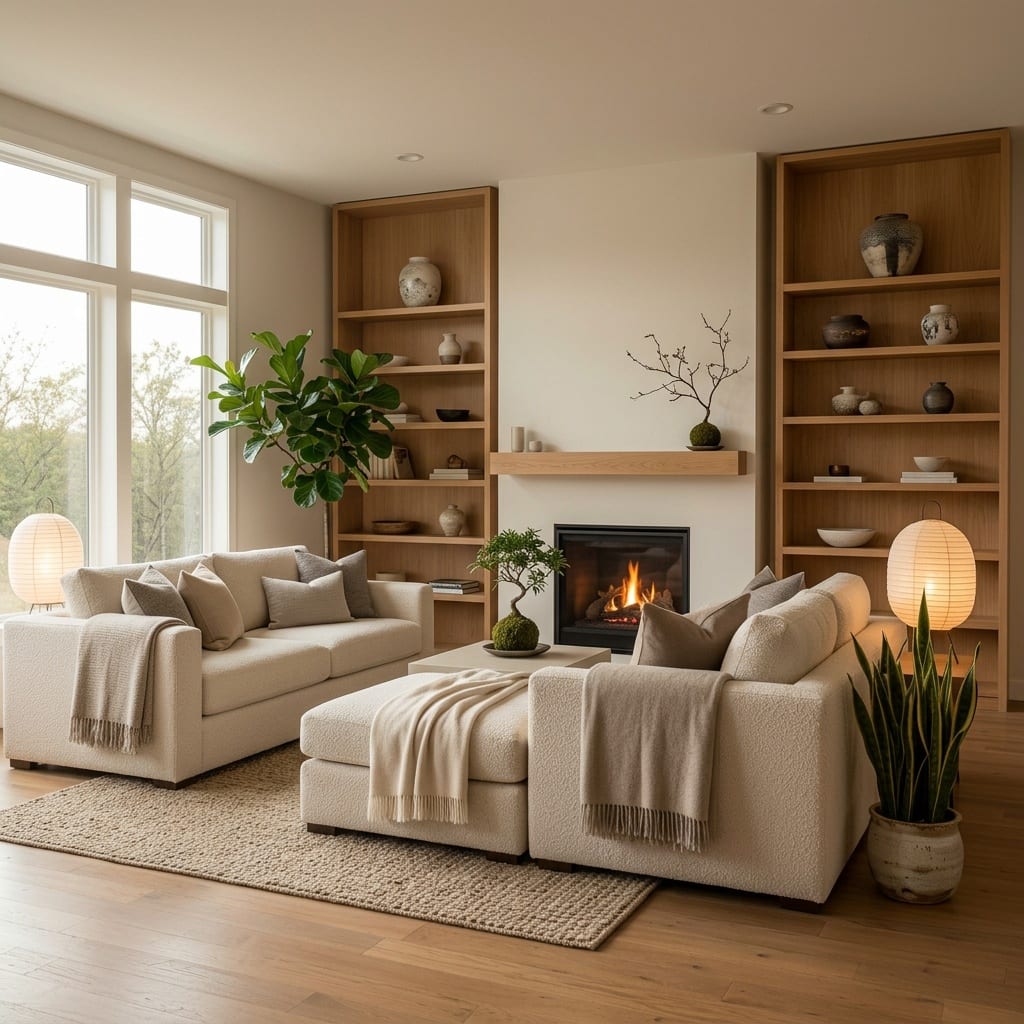
Every layout needs a focal point: the thing seating points toward. Usually it is a fireplace, a TV, or a large window with a view. Pick one and commit. Rooms feel chaotic when furniture argues over two competing focal points.
Once you choose the anchor, angle your main sofa and chairs toward it. Keep the focal point uncluttered so it earns the attention you are giving it. If your focal point is a blank wall, that is a styling opportunity — a large piece of art or a media unit can become the anchor.
Try previewing the same room with the sofa facing the window versus facing the TV. Seeing both options side by side usually makes the right call obvious.
Protect traffic flow
The most common layout mistake is blocking the natural path through a room. Walk the route from the door to the seating to the hallway — that path should stay clear and intuitive. Aim for roughly 75–90 cm of walking space in main pathways and a little less between a sofa and coffee table.
If people have to squeeze past a chair or shuffle around a console, the layout is fighting them. Pull pieces a few centimeters off the walls, float the seating, and let the path breathe. A room with good flow feels larger even when it is not.
Small rooms vs large rooms
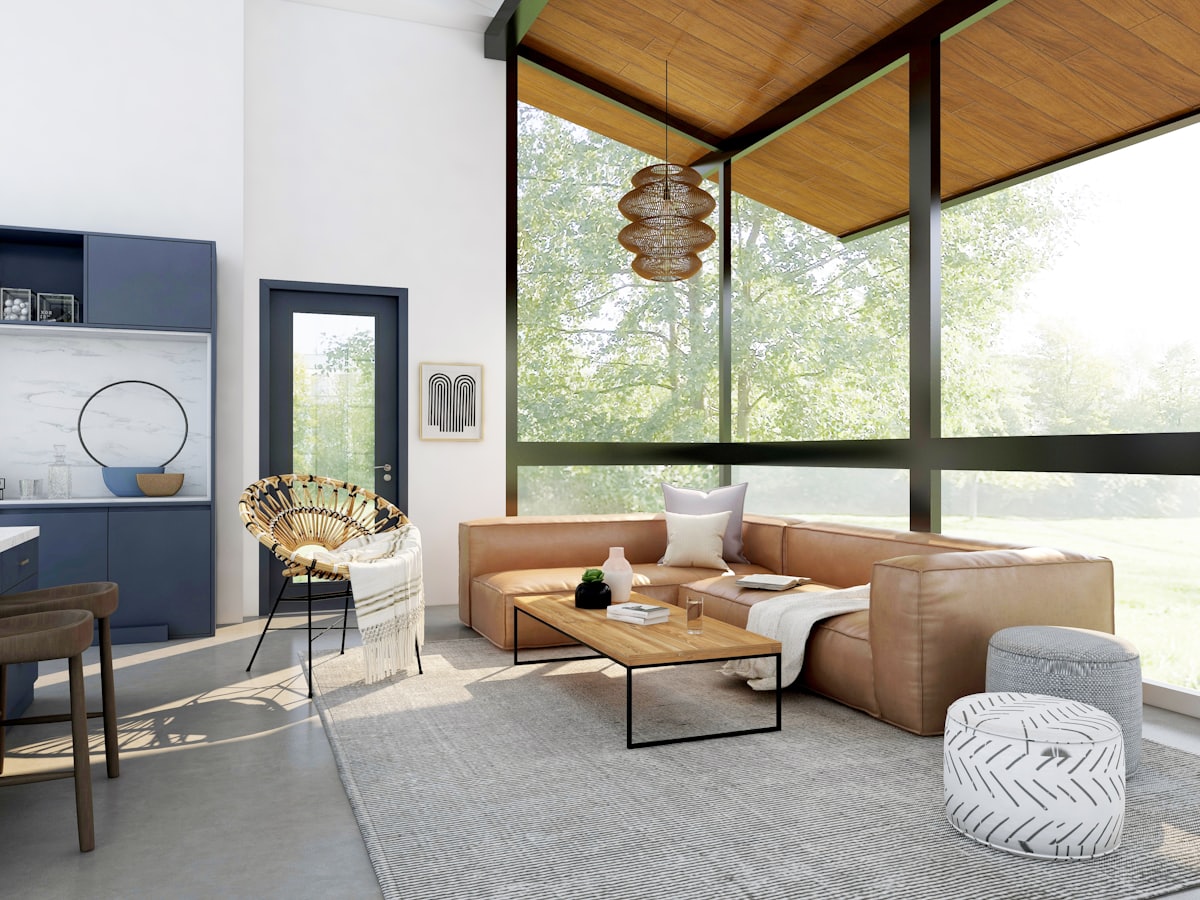
Small living rooms reward restraint. Float the sofa slightly off the wall, choose furniture with legs so light passes underneath, and avoid one oversized piece that eats the floor. A loveseat plus two light chairs often seats more people than a bulky sectional. Keep one clear sightline across the room to make it feel open.
Large living rooms have the opposite problem: furniture pushed to the walls leaves a cold, empty middle. Pull everything inward to create an intimate conversation cluster, then add a second zone to fill the leftover space. Two smaller rugs can define two areas better than one giant rug stretched thin.
Whichever size you have, the Redesign Layout preview is the quickest sanity check — it shows whether a piece reads as “right-sized” or “too big” before you buy.
Rugs and furniture placement
A rug is the cheapest layout tool you own. The rule of thumb: the rug should be large enough that at least the front legs of every seat sit on it. A rug that is too small makes the whole grouping look like it is floating. In bigger rooms, go larger than feels intuitive.
For furniture placement, leave 40–45 cm between the sofa and coffee table — close enough to reach a drink, far enough to walk. Balance visual weight: if one side has a heavy sectional, anchor the other side with a tall plant, a floor lamp, or a bookshelf so the room does not tip.
This is where the app’s extra modes earn their keep. Run Clean Room first to strip the clutter and judge the bones of the layout honestly, then use Add Plants to balance an empty corner once the furniture is set. And because layout and style feed each other, the same room reads very differently in a modern versus a Scandinavian look — browse the full styles library to see what fits your arrangement.
Test, do not guess
Living room layout ideas are easy to read and hard to picture. The advantage of previewing on your own photo is that you stop guessing about scale and flow and start making confident decisions. Explore room-by-room inspiration in the worlds gallery, and if you want unlimited previews, check pricing.
Ready to rearrange your room? Upload a photo and try Redesign Layout in the demo, then pick the look that fits from the styles collection with Architectural AI.
Keep reading