Free AI Room Design With No Sign-Up: What's Actually Available in 2026
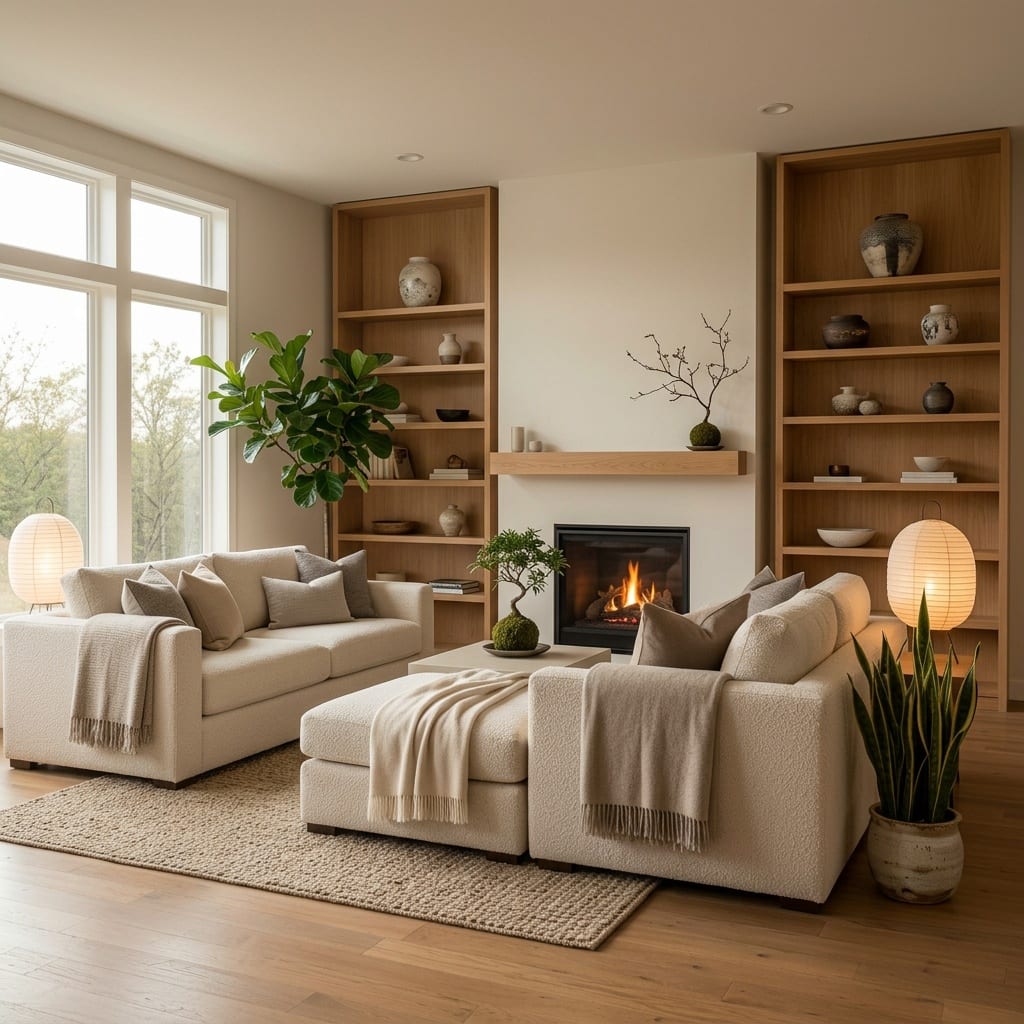
“Free AI room design, no sign up” is one of the most-searched things in this category, and it’s a completely reasonable thing to want. You have a photo of your living room, you want to see it in a different style, and you don’t want to create an account, confirm an email, and start receiving newsletters to find out whether the tool is any good.
Here’s an honest account of what that actually gets you in 2026.
What “no sign up” usually means in practice
There are three common patterns, and it’s worth knowing which one you’ve hit:
1. Generate but don’t download. You upload, you see a result on screen, and the download button opens a registration form. Common on browser tools.
2. Watermarked or low-resolution output. You get the image, but at 512px or with a logo across it. Enough to judge a direction, not enough to show anyone.
3. One free generation, then a wall. The most honest version. You get one real result, then it asks for an email or payment.
Genuinely account-free generation with a usable output does exist, but it’s less common than the search results suggest — and it’s almost always on native apps rather than browser tools, because the app store account already handles identity.
Where free actually holds up
Free tiers are genuinely good at one thing: deciding a direction. If your question is “would this room look better Japandi or industrial?”, one free generation of each answers it.
Free tiers are weak at:
- Final decisions, where resolution and accuracy matter.
- Iteration, because you run out of generations exactly when you start getting somewhere.
- Fine control, since free modes usually run smaller, faster models that take more liberties with your room’s actual geometry.
That last point is worth expanding: a cheap model will happily move your window, straighten a wall that isn’t straight, or invent a doorway. Our guide on why AI room designs look warped covers what causes this and how to spot it.
The questions to ask before uploading a photo of your home
This matters more with free tools than paid ones, because free tools have to make money somewhere.
- Are your images used for training? Check the privacy policy specifically for this. If it isn’t addressed, assume the worst.
- Is output public by default? Some free tools publish generations to a community gallery. That’s a photo of your living room on the internet.
- What happens to the original photo? Is it deleted after generation, or stored indefinitely?
- Is there a way to delete your data without an account you never made?
Our guide on whether it’s safe to upload home photos to AI goes through this in detail.
How to test any free tool in five minutes
Don’t judge by the marketing gallery — every tool’s own examples look excellent. Run this instead:
- Shoot one honest photo of a real room in daylight, straight on, not from a corner.
- Generate two contrasting styles. Check whether your room stays recognisable — same window position, same proportions, same door.
- Look at the straight lines. Warped window frames and bending wall edges are the fastest quality tell.
- Try one targeted change — a wall colour, decluttering — and see whether only that thing changes.
- Find the wall. Before you’re emotionally invested, click download and see what it asks for.
What Architectural AI does here
Being direct about our own position: Architectural AI is free to download on iPhone and gives you starter tokens without creating an account, so you can generate real results before signing up for anything. It works from a photo of your actual room, keeps your real geometry, ships 1000+ styles and themed worlds, and speaks 14 languages.
The honest boundary: it’s token-based, not unlimited. Starter tokens are enough to test the tool properly and settle a direction; heavy iteration means buying tokens or subscribing. We’d rather say that plainly than describe it as “free” and let you discover the wall later.
You can also try the web demo without installing anything, browse the styles gallery and the worlds catalog to see what’s available, or ask a question in our AI designer.
Free vs paid: when to switch
Stay free if you’re browsing directions, testing whether AI design is useful to you at all, or making one low-stakes decision.
Pay when you’re iterating on a real project, need resolution you can show a contractor or a partner, need your room’s geometry preserved accurately, or want a specific tool — decluttering, wall colour, layout changes — rather than a general restyle.
For the wider comparison, our guides to the best AI interior design apps of 2026, what free AI room design apps really get you and AI interior design cost in 2026 go further.
The bottom line
“No sign up” almost always has a wall somewhere — the useful question is where. Generate-but-can’t-download is the most common. Before you upload a photo of your home, check the training and gallery policies. And use free tools for what they’re genuinely good at: settling a direction fast, then committing properly once you know what you want.
Download Architectural AI and generate your first redesign with starter tokens, no account needed.
FAQ
Is there a free AI room design tool with no sign-up? Some tools let you generate at least one result before asking for anything. Architectural AI is free to download on iPhone and gives you starter tokens with no account creation, so you can generate before signing up for anything. Most browser-based tools show you a low-resolution or watermarked preview and require an email before you can download the full image.
What does a no-sign-up promise usually mean with AI design tools? In practice it usually means one of three things: you can generate but not download, you can download a watermarked or low-resolution version, or you get one free generation before an email wall appears. Genuinely account-free generation with a usable output is uncommon, so it is worth checking where the wall sits before you upload a photo.
Are free AI interior design tools any good? For deciding a direction, yes — a free generation is usually enough to tell you whether a style suits your room. For final decisions they are weaker: free tiers often output lower resolution, apply watermarks, or use smaller models that distort furniture and architecture. Use free to explore and paid to commit.
Is it safe to upload photos of my home to a free AI tool? Check two things before uploading: whether the tool states that your images are used to train its models, and whether generated images are made public in a gallery by default. Free tools are more likely to do both. If a tool does not say either way in its privacy policy, treat that as a no.
Keep reading