Design Choices That Measurably Help You Focus
The design choices that most reliably help you focus are the ones that quiet your field of view: less visual clutter in your line of sight, light matched to the time of day, a couple of plants for your eyes to rest on, and your phone physically out of frame. None of it requires willpower — it works by removing the small, constant pulls on your attention before they start. For remote workers, that calmer field of view is worth more than any productivity app, and you can preview it on your own desk before changing a thing.
Why does your environment beat your willpower?
Attention is a limited resource, and every object competing for it spends a little of that budget. A pile of unopened mail, a phone lighting up, a wall crowded with sticky notes — each one is a tiny, involuntary glance away from the task. Home office design for focus works by shaping the environment so there are fewer of those pulls to resist in the first place. It’s cheaper and more durable than discipline, because a calm room keeps working even on the days your motivation doesn’t.
There’s a real link between how a space is designed and how it makes you feel and perform — a theme we dig into in how interior design affects your mood. Focus is downstream of mood: a room that feels chaotic makes a chaotic head, and a room that feels ordered makes ordering your thoughts easier.
How does light temperature change concentration?
Color temperature is how warm or cool a light appears, measured in kelvin — lower numbers look yellow and cozy, higher numbers look crisp and blue-white. It’s one of the most underused focus levers because most people just leave whatever bulb came with the room.
The practical rule: cooler, brighter light (roughly 4000K and above) supports alertness during deep-work hours, while warmer light (around 2700–3000K) signals the day is winding down and helps you step away in the evening. If you can, use a desk lamp with adjustable temperature so your workspace can shift from “focused” in the morning to “finished” at night. Position task light to the side of your writing hand so you’re not working in your own shadow. For the full ambient-plus-task layering, the lighting section of our home office guide walks through it in order.
What does visual noise cost you?
Visual noise is the sum of everything in your field of view that isn’t the task — clutter, clashing colors, busy patterns, cables, and screens you’re not using. Each item is a small tax on attention, and they add up faster than people expect.
Cutting it is mostly subtraction:
- Clear the surfaces in your direct sightline. What’s behind and beside your monitor matters more than what’s in a drawer you never look at.
- Limit the palette to two or three calm colors. Cool neutrals, sage greens, and warm grays read as grounding; saturated brights read as loud.
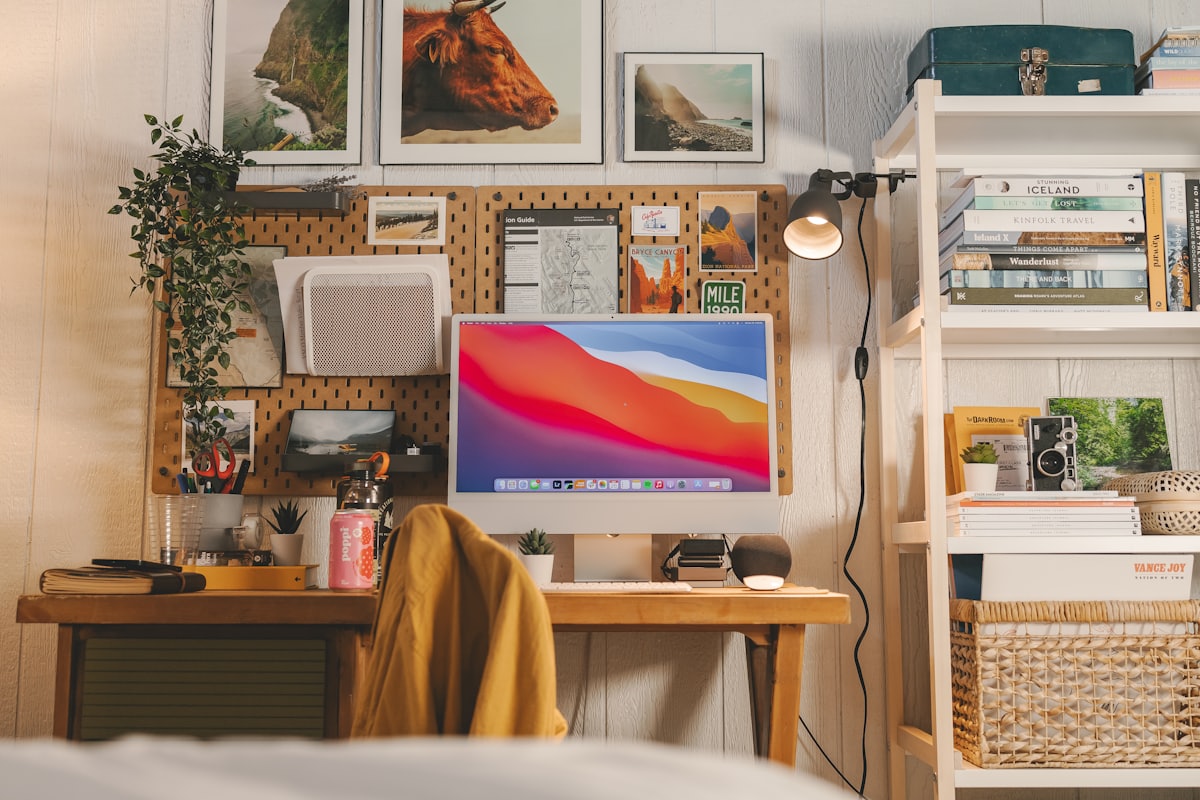
- Give the eye one focal point. One piece of art or one plant to rest on beats a wall of competing things.
- Tame the cables. A tangle at eye level is constant low-grade noise.
A quick way to feel the difference before you commit to it: run a one-tap declutter on a photo of your desk and look at the “after.” Seeing your own space with the noise stripped out is a surprisingly strong motivator, and it shows you exactly how much of the distraction is stuff rather than layout.
Do plants really help — or is that just decor?
Both, honestly. Greenery softens the hard lines of a work setup, and the research-backed pattern is that having nature in view is associated with lower stress and a restful place to park your eyes between bursts of work — which is exactly what sustained attention needs. A plant isn’t going to do your job for you, but it’s one of the highest-payoff, lowest-effort additions to a focus-oriented room.
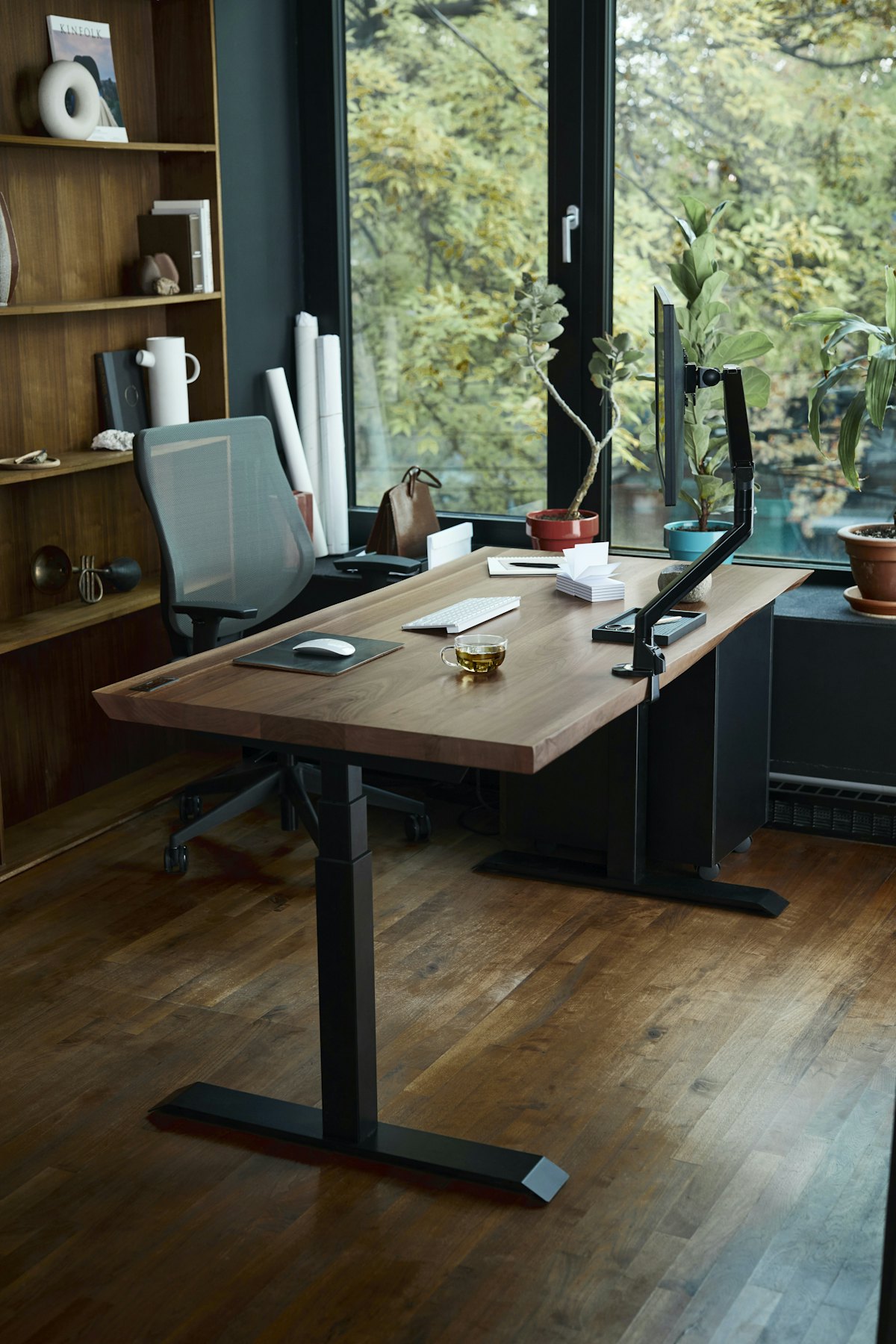
You don’t need a jungle. A tall plant in a corner, one trailing pot on a shelf, and a small desk plant cover the range without adding clutter. Our deeper dive on biophilic design and wellbeing explains why the nature connection does more than just look good — and how to fake it convincingly if you have a low-light corner.
What’s the single most distracting object at your desk?
Your phone, sitting in your line of sight, face up. Even face down and silent, a phone within view measurably splits attention because part of your brain is monitoring it. The design fix is spatial, not moral: put it somewhere you can’t see it during focus blocks.
- Charge it across the room, not on the desk.
- If you need it nearby for calls, put it in a drawer or behind the monitor — out of frame.
- Keep the desktop itself for work objects only, so nothing on it invites a “quick check.”
Designing the phone out of the layout is far more reliable than promising yourself you won’t look at it.
How do you preview a calmer version of your room?
Here’s the trap: you can’t tell whether a change will actually feel calmer until you see it, and rearranging a whole workspace to find out is a lot of work to undo. So preview first. With Architectural AI you can photograph your desk as it is and, in about ten seconds, see it decluttered, recolored to a quieter palette, or restyled into a calmer look — then compare the versions on the before/after slider.
A focused-room preview routine:
- Photograph your desk from where you sit and from the doorway.
- Run declutter to see the low-noise version.
- Test a calm wall color and one styled direction — a minimalist style is a reliable starting point for focus.
- Add plants to the shot to judge placement and scale.
- Keep whichever version your eye settles on fastest.
You can try the whole thing on your own workspace in the demo before you move a single object.
A focus-first design checklist
- Light temperature matched to the task: cooler and brighter for deep work, warmer to wind down.
- Direct sightline cleared; storage handles the rest.
- Palette held to two or three calm colors.
- One or two plants in view.
- Phone out of frame during focus blocks.
- Cables routed and hidden.
- The calmer version previewed before you rearranged the real thing.
The bottom line
Focus is a design problem more than a discipline problem. Quiet the field of view, match the light to the hour, add a little green, and get the phone out of sight — and your attention has fewer battles to fight. Preview the calmer version first, and you’ll know it works before you spend an afternoon rearranging.
Want to see a calmer, more focused version of your desk before you change anything? Download AI Room Redesign: Home Decor on the App Store, photograph your workspace, and compare the before and after in seconds.
FAQ
What home office design changes help focus the most? Cutting visual noise, getting light temperature right, and removing the phone from your line of sight do the most. A calm, low-clutter field of view is the single biggest lever most people can pull.
Does light temperature affect concentration? Yes. Cooler, brighter light (around 4000K and up) tends to support alertness during focused work, while warmer light helps the room wind down in the evening. Matching light to the task matters more than raw brightness.
Do plants actually improve focus? Greenery is associated with lower stress and a restful place for your eyes to land between tasks, which supports sustained attention. A couple of plants in view is a low-effort, high-payoff addition.
How do I stop my desk from being so distracting? Clear the surfaces in your direct line of sight, keep your phone out of frame, limit the palette to two or three calm colors, and give the eye one restful focal point instead of a busy wall.
Keep reading