Interior AI Alternatives You Can Try Before Subscribing (2026)

The most common request under Interior AI’s own Product Hunt launch was simple: let people try it before they pay. If that is you, the good news is that several strong AI room design tools give you a real free start — no card up front — including Architectural AI (free download, starter tokens, no signup), RoomGPT, and REimagineHome’s free tier. Below is an honest, side-by-side look at what “free” actually gets you in each one at the time of writing, so you can test on your own room before committing a cent.
What is Interior AI, and why do people want to try it first?
Interior AI is a web-based room redesign and virtual-staging tool from indie maker Pieter Levels (levelsio) that restyles a photo of a room and can stage empty spaces. It earned a real following for a good reason: an active, responsive founder, fast shipping, and virtual-staging and 3D-flythrough features that impressed early users.
The friction shows up at the wallet. Across its Product Hunt thread, commenters asked again and again for a free trial, with several saying the tool “wanted me to subscribe right away.” One commenter reported disproportional geometry after paying and felt unsupported afterward, and others noted gaps in the docs and FAQ. None of that makes Interior AI a bad product — it makes it a product people want to test on their own room before they trust it with a subscription. That instinct is correct, and it is easy to satisfy.
What should a real “try before you subscribe” tool give you?
A free start is only meaningful if you can complete one honest test. That means:
- Your own room, not a demo gallery. You should be able to upload or shoot a real photo and see it redesigned.
- At least one full result before any paywall — enough to judge realism and whether it kept your room’s geometry.
- No credit card to look around. A card requirement before your first result is a subscribe-first wall, not a trial.
- Clear pricing after the free part. You should know what it costs before you are emotionally invested in a render.
Judge every option below against that bar.
Which Interior AI alternatives let you start free?
Here is how the main contenders compare on their free entry point, at the time of writing:
| Tool | Free start (at the time of writing) | Platform | Best for |
|---|---|---|---|
| Architectural AI | Free download, starter tokens, daily check-in rewards, no signup | iOS | Restyling your real room, quick edits, mobile-first |
| RoomGPT | A few free designs before credits kick in | Web | Fast, simple style swaps |
| REimagineHome | Free tier, then roughly $14–$99/mo | Web | Photorealistic staging, shoppable furniture |
| HomeDesigns AI | Limited free, then roughly $19–$49/mo | Web | Agents needing staging plus renovation concepts |
| Interior AI | Limited; reviewers report an early push to subscribe | Web | Virtual staging, 3D flythrough experiments |
Prices move, so treat the numbers as a snapshot, not a quote.
An honest paragraph on each
Architectural AI is the mobile-first pick if your goal is to test the idea for free on your actual room. You download it, and it works instantly with an anonymous device account — no signup, no email. Free starter tokens plus a daily check-in streak (a seven-day streak unlocks a milestone bonus) mean you can keep experimenting by simply showing up. It leans on photo-preserving edits — 450+ styles and themed worlds, plus one-tap quick edits like declutter, change wall color, and empty room — so the redesign stays anchored to your real windows, doors, and angles. You can run the whole flow on the demo before installing.
RoomGPT is the tool most people try first because it is genuinely fast and easy, and reviewers praise it as inspiring. Its free designs let you feel the magic before credits kick in. The trade-offs reviewers cite: fixed style presets, custom text instructions that get ignored, and occasional broken results — one reviewer famously got mountain landscapes back for a living-room request. Great for a quick style swap, less so when you want fine control.
REimagineHome has a strong reputation for photorealistic staging, a refine flow, and shoppable furniture, and it has a free tier so you can see the quality before paying. Its paid plans run roughly $14–$99/mo at the time of writing. It is built more for real-estate staging than casual homeowner play, which is a plus if that is your job and overkill if it is not.
HomeDesigns AI is positioned for agents who need staging, cleanup, and renovation concepts together, with tiered monthly plans in the roughly $19–$49/mo range at the time of writing. There is limited free use to sample it. Worth a look if you process many listing photos.
Interior AI itself remains worth trying if virtual staging and 3D-flythrough experiments are what you are after and you are comfortable on the web — just go in knowing the free path is thin and reviewers report an early subscribe prompt. Read its FAQ carefully before you commit.
Mobile app or web tool — which fits you?
Choose a mobile app if you want to stand in the room, take a photo, and get a redesign on the spot. That camera-to-result loop suits homeowners and renters making decisions about a space they are physically in. Choose a web tool if you work at a desk, batch-process many listing photos, and want the larger canvas of a browser — the typical real-estate-agent or stager workflow.
Interior AI, REimagineHome, and HomeDesigns AI are web-first. Architectural AI is iOS-first, which is why the no-signup, tap-a-photo start feels so different in practice: there is nothing between you and your first result. If you want a broader mobile-specific breakdown, our buyer’s guide covers what to look for.
What is virtual staging, and do these tools do it?
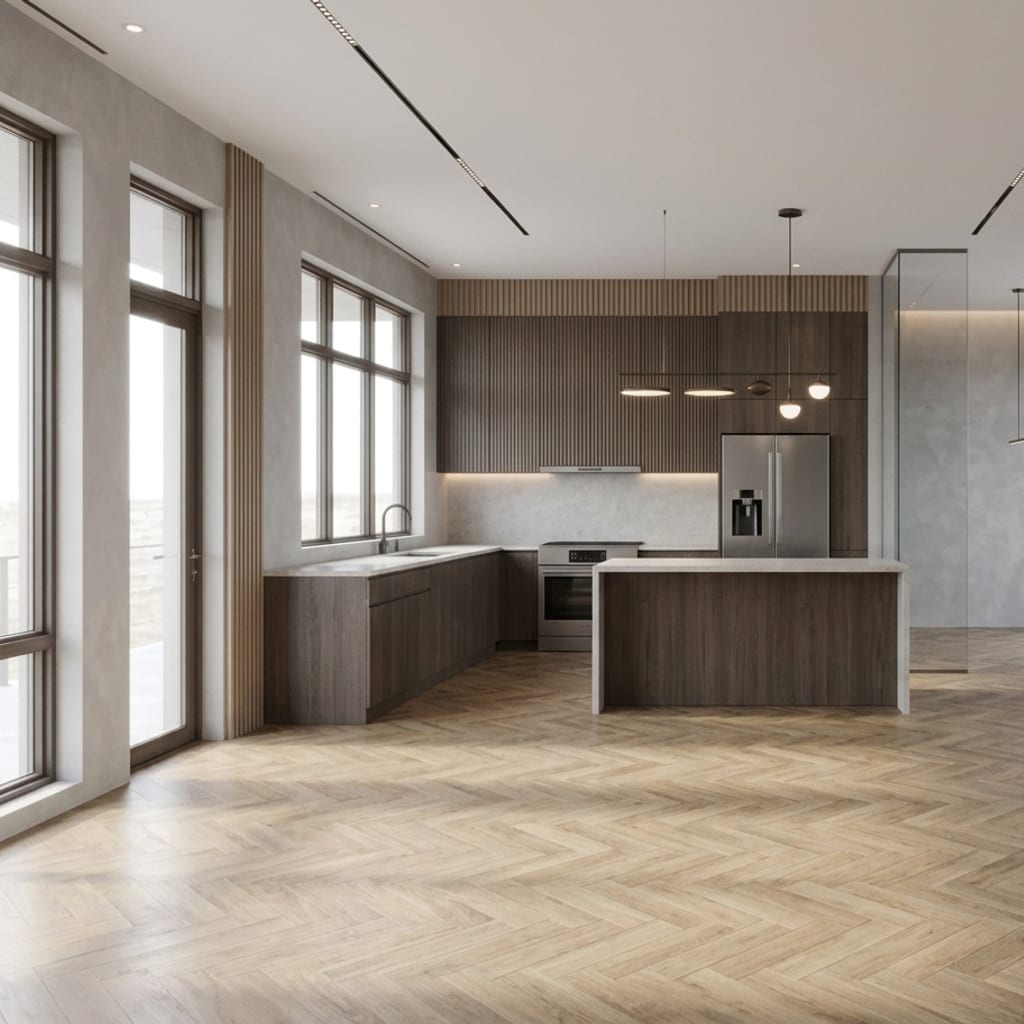
Virtual staging is digitally adding furniture and decor to a photo of an empty or sparsely furnished room, so a viewer can picture it fully furnished without any real furniture being moved in. It is the headline feature for real-estate use, and Interior AI, REimagineHome, and HomeDesigns AI all offer a version of it.
For consumers, the same underlying trick is useful in reverse: Architectural AI’s empty-room and declutter quick edits let you strip a room back so you can decide what stays before you restyle. One note if you plan to list a property: virtual-staging images used in listings generally must be disclosed as digitally altered under 2026 MLS rules, and you should never alter permanent features. Plan with these tools; photograph reality for the listing.
How to test any of these in five minutes
Do not judge a tool by its marketing gallery. Run your own test on each free tier:
- Shoot one honest photo of a real room in good daylight, framed straight-on.
- Try two or three styles and check that each keeps your room’s structure.
- Run one targeted edit — change a wall color or declutter — and confirm it changed only that.
- Find the paywall and note what it costs before you are invested.
- Compare the free results across two tools side by side.
Whichever wins your five-minute test is the one worth your subscription. If you would rather start with the option that asks for nothing up front, Architectural AI is free to download and works on your own room in seconds — try it on the App Store.
FAQ
Does Interior AI have a free trial? Interior AI is largely a paid product. Its own Product Hunt commenters repeatedly asked for a proper try-before-you-buy option, and reviewers report being pushed to subscribe before they could meaningfully test it. There is limited free exploration, but most useful output sits behind a plan.
What is the best Interior AI alternative with a free start? For a genuinely free start with no card and no signup, Architectural AI lets you download and redesign your own room with starter tokens and daily check-in rewards. RoomGPT and REimagineHome also offer free entry points on the web before their paid tiers.
What is virtual staging? Virtual staging is digitally adding furniture and decor to a photo of an empty or sparse room so buyers can picture it furnished, without moving any real furniture in. Most AI redesign tools, including Interior AI and REimagineHome, offer some form of it.
Should I pick a mobile app or a web tool? Choose a mobile app if you want to shoot a photo and get a result on the spot, and a web tool if you work at a desk with large batches of listing photos. Mobile suits homeowners and renters; web suits agents and stagers processing many rooms.
Keep reading