See Furniture in Your Room Before You Buy: The AI Preview Workflow
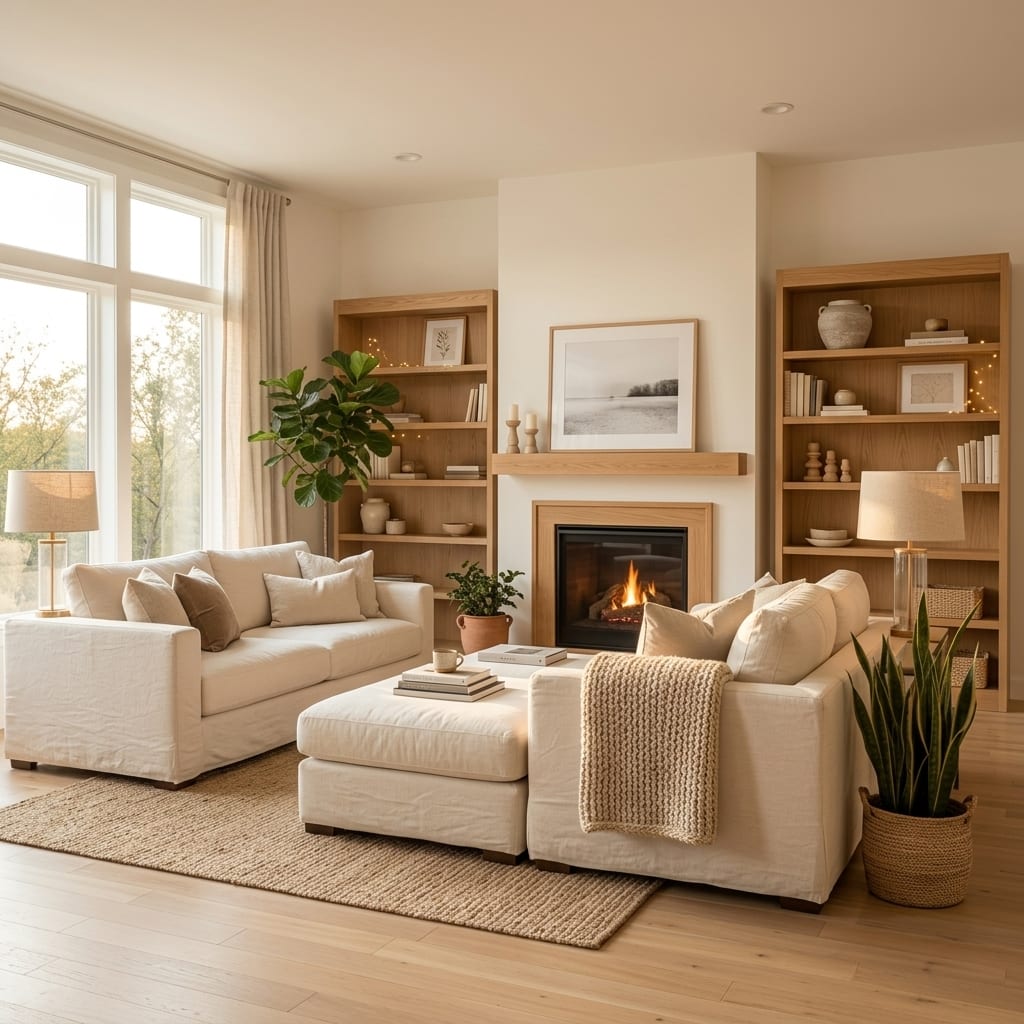
To see furniture in your room before you buy, run a short AI preview workflow: photograph the room, restyle it in two or three directions to find a look, lock that direction, then use one-tap edits and a color palette to test specific pieces and shades on your real walls. In a few minutes you go from guessing to a photorealistic preview of your actual space — the single most-praised use of AI room design in reviews, because it stops the costly mistakes: the sofa that is wrong in the room, the paint you redo twice. Here is the exact workflow.
Why preview furniture before buying at all?
The math is brutal on furniture mistakes. A large piece bought wrong is not a quick return — it is restocking fees, return shipping, the hassle, and often just living with it because sending it back is too much trouble. Paint is worse in its own way: the wrong color means buying, painting, disliking, and repainting, doubling the cost and the weekend.
The value people describe most often in reviews of AI design tools is exactly this — “it helped me visualize before purchasing.” Seeing a piece in your room, at your room’s scale and in your room’s light, converts a gamble into a decision. Furniture preview is testing how a piece looks in your actual space, on a photo of that space, before you spend a cent. It does not replace a tape measure, but it kills the far more common error: buying something that simply looks wrong where you live.
The AI preview workflow, step by step
The whole flow takes a few minutes and works on one photo of your real room. In Architectural AI it looks like this — try it on the demo first if you want to follow along.
1. Shoot one honest photo
Good input, good output. Frame the room straight-on in daylight, hold the camera level at chest height, and get the whole space in — floor, walls, a bit of ceiling. You do not need to tidy first; a cluttered “before” makes the change clearer. This one photo is the canvas for everything below.
2. Restyle in two or three directions
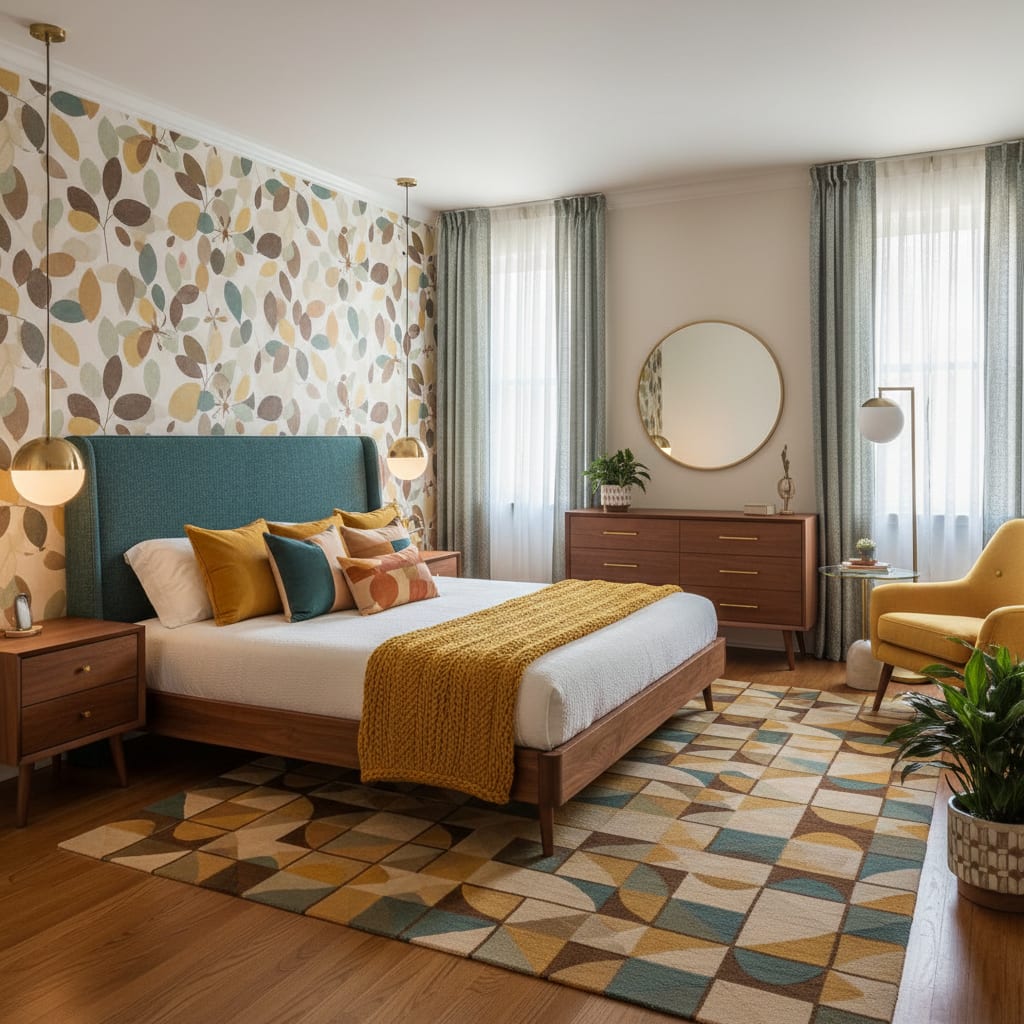
Before you shop for a single piece, decide the look. Apply two or three styles — say Scandinavian, Japandi, and mid-century — to the same photo and compare. This is fast on AI (seconds per style) and it is where the real value sits: you are choosing a direction on your actual room, not on a showroom’s. Browse themed worlds if you want a fuller mood rather than a single style.
3. Lock a direction
Pick the winner. Committing to one look before you shop is what keeps a room coherent — it is the difference between a styled space and a pile of individually nice things that fight each other. Now every furniture decision has a reference to match.
4. Test single pieces with quick edits
With a direction locked, change one thing at a time. One-tap quick edits let you swap flooring, add curtains, add plants, or restyle the layout without regenerating the whole room. Want to see a sectional where your loveseat is, or a rug anchoring the seating? Preview it as a single change so you can judge that one decision cleanly. This is how you test “does a big piece belong here” before committing to a specific product.
5. Nail the exact colors with the palette picker
Style is chosen, pieces are placed — now get the color right. Architectural AI’s palette picker lets you test exact hex colors on your real wall or decor, so you can check a specific paint or upholstery shade in your room’s actual light instead of imagining it from a chip. Test the color across day and night modes, since a shade that sings at noon can go muddy under lamps. This is the step that prevents the repaint-twice regret.
6. Compare with before/after, then shop
Slide between your original photo and the redesign. The before/after view is not eye candy — it is your decision tool and your shopping brief. Note the shapes, the palette, the materials, and the proportions that work, then source real equivalents that match. Because the preview is grounded in your room, the scale and sightlines already work; you are matching to a plan that fits, not guessing in a store.
How close can AI get to a specific product?
Be realistic here, because honesty is the point of the whole exercise. AI will not render an exact catalog SKU on demand. What it shows is a close equivalent — the right shape, size, color, and material — in your real room. That is usually enough: it answers “does a low-slung boucle sofa work in this corner” or “is a dark wood table too heavy for this space,” which is the decision that actually matters. Once the preview confirms the type of piece, you match a real product to it.
Colors follow the same rule. AI previews get you close, but screens shift color and lighting changes how a shade reads, so treat the preview as a strong direction, not a guaranteed match. For anything you are painting, confirm the final shade with one physical sample. Preview to decide; sample to finalize.
Preview vs the cost of getting it wrong
| Approach | Cost | Risk of a wrong purchase |
|---|---|---|
| Buy and hope | Full price, plus returns if wrong | High — no way to see it in your room |
| Physical samples only | Sample cost and time | Medium — hard to judge whole pieces |
| AI preview, then buy | Minutes and a few tokens | Low — you see the look on your real room first |
The preview does not eliminate every risk — you still measure, and you still confirm colors — but it removes the expensive one: committing to a large purchase that looks wrong the moment it arrives. For more ways to make a room feel finished without overspending, see our budget decor guide.
Especially useful for renters
If you rent, previewing is even more valuable, because your best changes are reversible ones and you want to be sure before you buy them. Test rugs, lamps, plants, curtains, and furniture on your real room with zero risk to your deposit and no holes in the wall. A preview also helps you commit to reversible purchases you will actually keep when you move — the opposite of the impulse buy that ends up in storage.
Bottom line
Seeing furniture in your room before you buy is the AI workflow that pays for itself: photograph the space, explore two or three looks, lock one, preview single pieces, test exact colors, and shop against a before/after that matches your real room. AI gets you a faithful preview and the confidence to commit; a tape measure and a sample can handle the final check.
Ready to preview furniture on your own room? Architectural AI is free to download and redesigns your real space in seconds — try it on the App Store.
FAQ
Can AI show a specific sofa in my room? Not an exact catalog SKU, but it can show a close equivalent — the right shape, color, size, and material — in your real room. That is usually enough to judge whether a style of sofa works before you buy, then match a real product to the preview.
How close are AI preview colors to the real thing? Close enough to make decisions, but not a perfect match. Screens shift color, and lighting changes how a shade reads. Use the preview to choose a direction, then confirm the final shade with a physical sample or swatch.
Is previewing furniture cheaper than returning it? Usually, yes. Returns cost restocking fees, shipping, and time, and a wrong large purchase can mean living with a mistake. A few minutes of AI preview costs little and helps you avoid the expensive miss entirely.
Does this work for renters? Yes. Previewing is ideal for renters because every change stays reversible and risk-free. You can test rugs, lighting, plants, and furniture on your real room without touching walls or losing a deposit.
Keep reading