Design a Video-Call Background That Works as Hard as You Do
A video-call background that reads as professional comes down to three things: depth behind you, soft light on your face, and one deliberate object in the frame. You do not need a bigger room, a ring light haul, or a fake blurred background — you need to style the two square meters your webcam actually sees. The fastest way to get it right is to photograph the exact view from your chair and test a few versions before your next call, so you walk in knowing you look the part.
Why is your video-call background the new business card?
For remote and hybrid workers, the little rectangle behind your face does the job a firm handshake and a nice office used to do. Clients, hiring managers, and new teammates form an impression in the first few seconds of a call — before you’ve said anything substantive — and the room reads as a proxy for how organized and serious you are. A video call background home office setup that looks intentional signals competence and care; a leaning ironing board and a tangle of cables signals the opposite, however good your work is.
The good news is that this is one of the cheapest professional upgrades you can make. Unlike a wardrobe or a commute, you style it once and it pays off on every call for months.
What does your webcam actually see?
Here is the reframe that saves the most time and money: your camera does not see your room. It sees a narrow cone — usually a strip of wall from roughly your shoulders up, plus whatever sits a meter or two behind you. Everything outside that cone is invisible on the call, which means you never have to fix the whole space to look put-together on camera.
To find your real frame, sit where you work and take a photo with your phone held at webcam height, roughly at eye level, pointing back at your chair. That photo is your set. Style what’s in it and ignore the rest. This is also why an expensive “office makeover” is overkill for most remote workers — you’re dressing a stage, not renovating a house.
What are the three ingredients of a background that reads professional?
Nearly every credible-looking setup shares the same three elements.
- Depth. Sitting with a flat wall directly behind your head flattens the image and makes it feel like a mugshot. Angle your chair so the camera sees into the room — a bookshelf receding behind you, a doorway, a plant a couple of meters back. Even 30–40 cm of separation from the wall adds dimension.
- Light on your face. The face should be the brightest thing in frame. Soft, even light in front of you does more for how professional you look than any prop behind you.
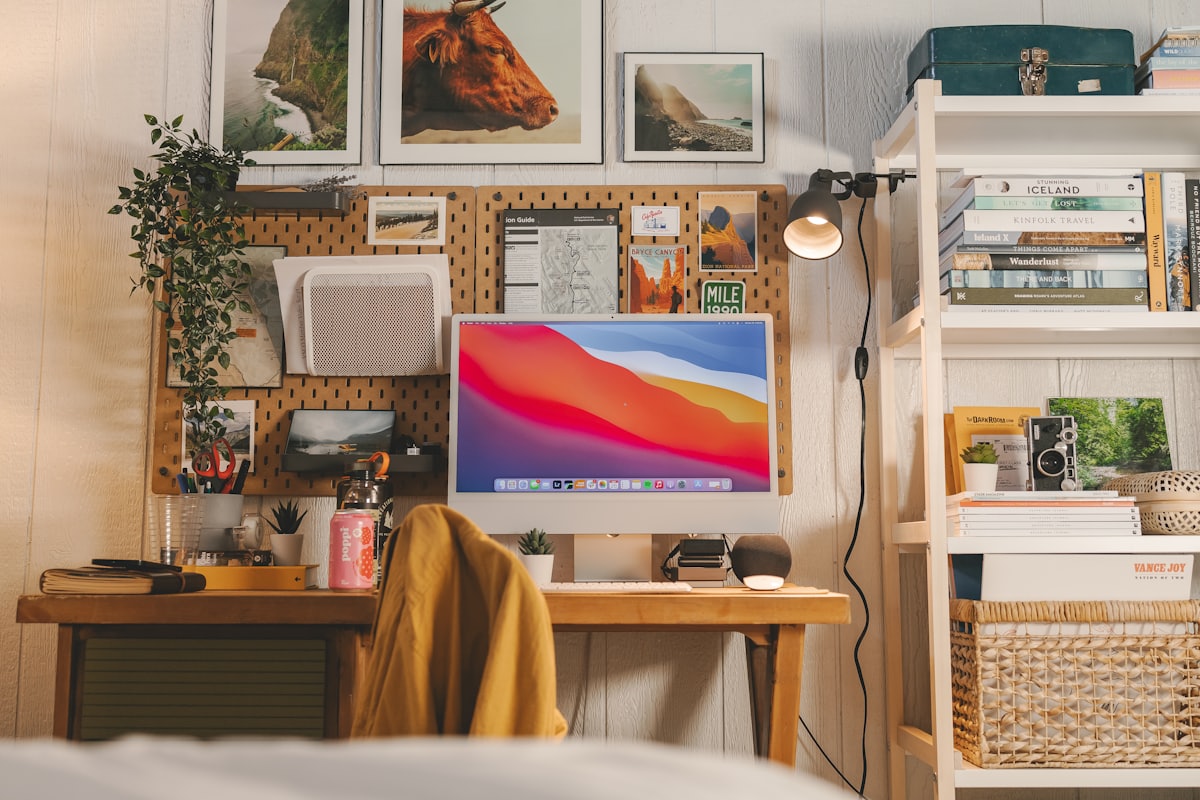
- One signal object. A signal object is a single, deliberate item that says something true about you — a tidy shelf of books, one framed print, a healthy plant, a warm lamp. The rule is one, not five. A single considered object reads as taste; a busy wall of stuff reads as clutter.
What reads as professional versus distracting?
| In frame | Reads as | Better move |
|---|---|---|
| Flat wall behind your head | Cheap, flat, “closet office” | Angle the chair to show depth |
| Window directly behind you | Silhouette, dark face | Face the window; put your back to the wall |
| Full bookshelf, crammed | Busy, anxious | Style one shelf, leave air around objects |
| Unmade bed / laundry | Careless | Reframe, or add a folding screen |
| One plant + one lamp + art | Calm, competent | Keep it — that’s the whole trick |
How do you light your face without buying gear?
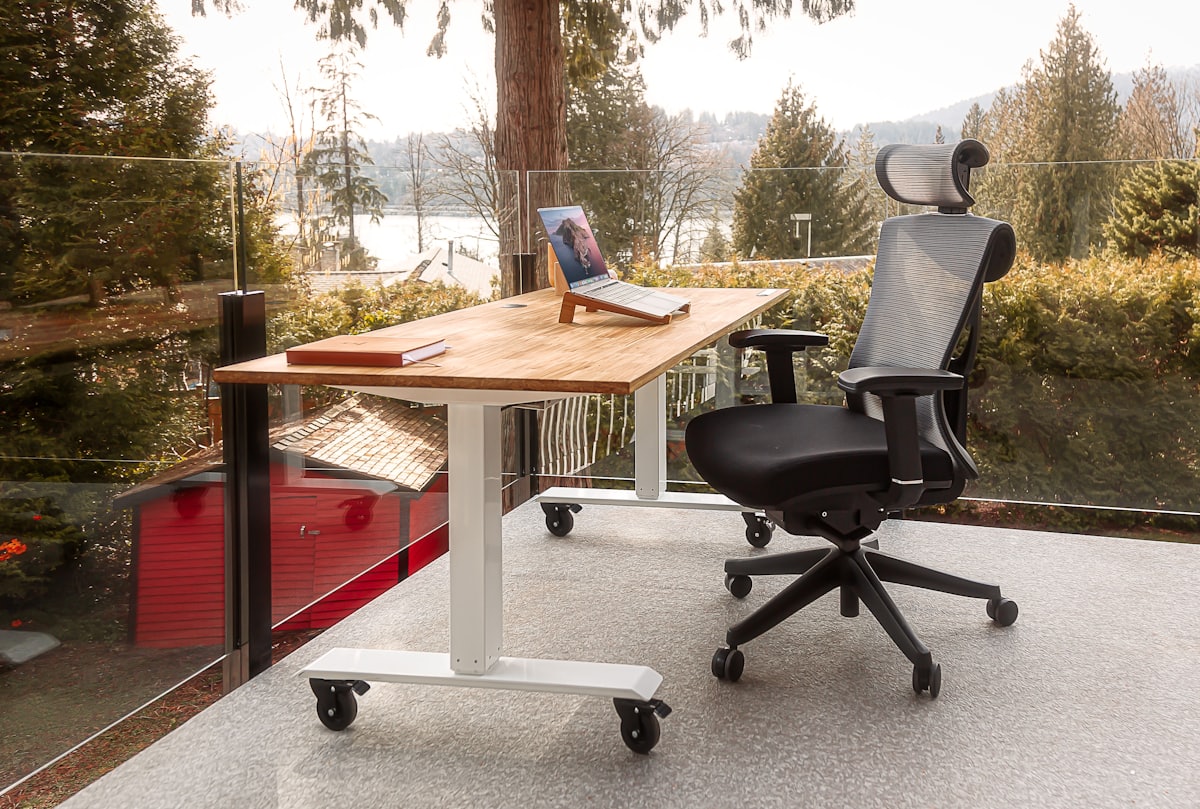
Lighting is the single biggest lever, and daylight is free. The reliable rule is to face your light source, not sit in front of it. A window in front of you (or off to one side at about 45 degrees) lights your face softly and evenly; a window behind you turns you into a silhouette no ring light can fully rescue.
When daylight isn’t available — early calls, dark afternoons, a windowless corner — layer two soft, warm-neutral lamps in front of you instead of relying on the overhead light, which casts unflattering shadows under the eyes. If you’re weighing where fixtures should go before you buy anything, our guide to lighting ideas for every room covers the ambient-plus-task layering that also happens to be perfect on camera.
What if you share the room — or the wall is blank?
Most remote workers don’t have a dedicated office. You might share the room with a partner who’s also on calls, or with a guest bed, or you’re working from a corner of the living room. Two things make shared and blank-wall setups work:
- Claim a corner, not a room. Because the camera only sees a cone, you can carve a single credible-looking pocket out of a shared space and leave the rest as it is. A slim shelf, one plant, and a lamp behind one chair is enough.
- Give a blank wall something to do. A single large piece of art, a floating shelf styled with three objects, or a leaning plant breaks up an empty wall so it stops reading as “I taped my laptop to the kitchen table.” If you and a partner share the space, agree on one shared backdrop you can both sit in front of rather than each building a rival set.
The rest of the room can stay lived-in. For the broader plan of making a single space earn its keep, the home office design ideas guide is a good companion to this one.
How do you preview your background before the call?
This is where testing beats guessing. Rather than rearranging real furniture the morning of a client pitch, snap that from-the-chair photo and try styled versions of the exact frame first. With Architectural AI you can upload the shot and, in about ten seconds, see the same corner with a plant added, the wall recolored, the space decluttered, or a whole calmer style applied — so you compare options side by side on the before/after slider instead of imagining them.
A quick workflow that works well:
- Photograph the frame from webcam height.
- Run a one-tap declutter to see the corner with the noise removed — often that alone is 80% of the fix.
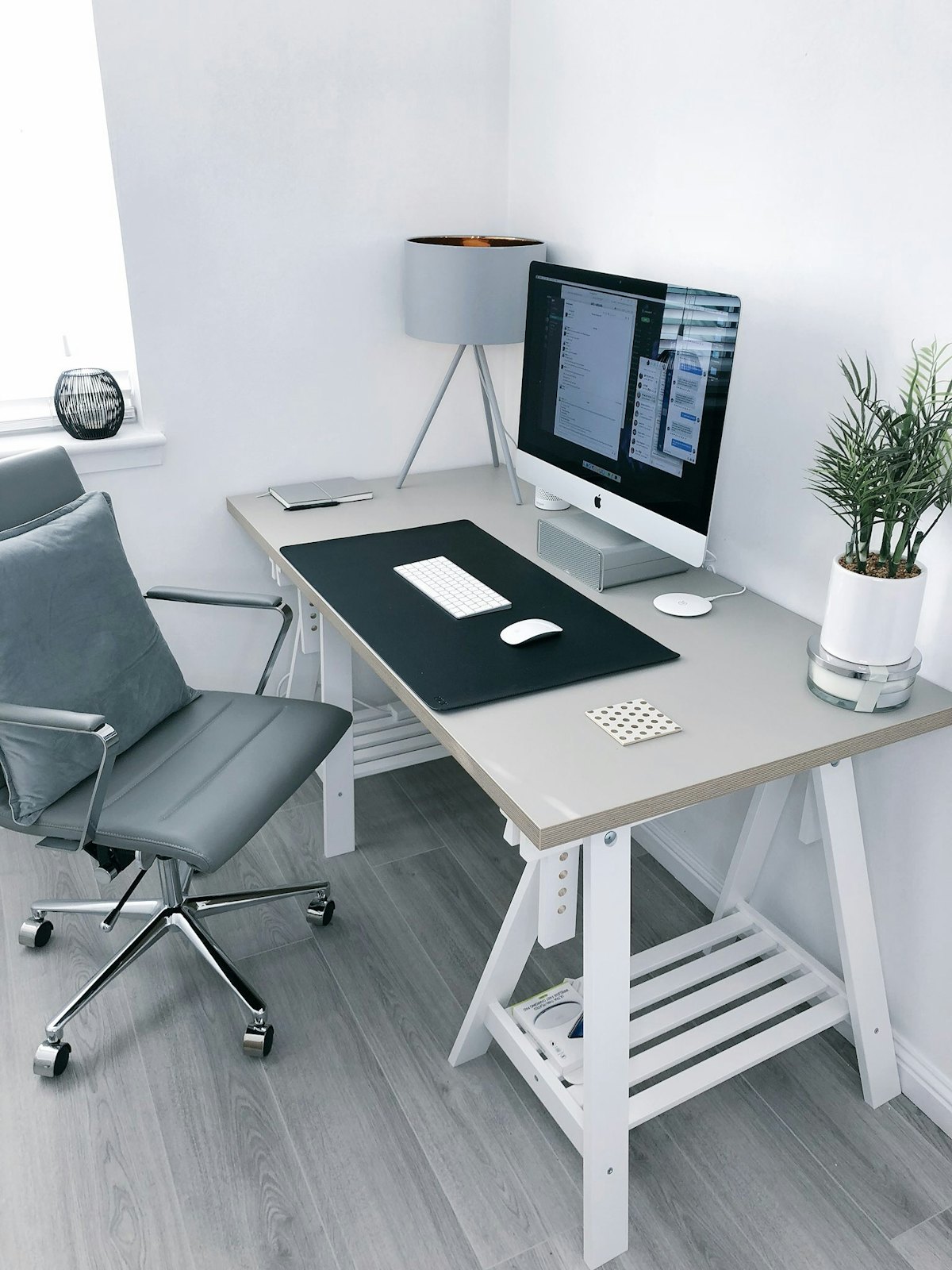
- Test one styled direction (a clean minimalist look reads especially well on camera) and one “add a plant” version.
- Pick the winner, then style the real corner to match.
You can try this on your own workspace in the demo before touching a single shelf.
A pre-call background checklist
- Camera at eye height, not looking up your nose from a laptop on the desk.
- Your face is the brightest thing in frame; light in front, not behind.
- Some depth behind you — you’re not pressed against a flat wall.
- One deliberate object, styled with breathing room around it.
- Nothing personal or private you wouldn’t want a client to zoom into.
- No motion behind you (a hallway where housemates walk through mid-call).
The bottom line
You don’t need a studio to look like you mean business on video. Style the small cone your webcam sees, put the light in front of you, add depth and one honest object, and preview the frame before it matters. Do it once and every future call starts you a step ahead.
Want to see your own call setup styled three ways before you rearrange anything? Download AI Room Redesign: Home Decor on the App Store, photograph your chair’s-eye view, and test the frame in seconds.
FAQ
What makes a good video call background? Depth behind you, soft light on your face, and one deliberate object in frame. Avoid a flat wall right behind your head, backlight from a window, and visible clutter or laundry.
Do I need a big room for a professional video-call setup? No. Your webcam only sees a narrow cone, so you only need to style the small slice of wall or shelf directly behind your chair, not the whole room.
Are blurred or virtual backgrounds better than a real one? A tidy, well-lit real background almost always reads as more credible than a blur or a stock image, which can glitch around your hair and signal that you’re hiding the space.
How can I preview my background before an important call? Take a photo from your chair at webcam height, then test a few styled versions of that exact frame so you can commit to one look before you go live.
Keep reading