Airbnb Hosts: AI Room Makeovers That Help Your Listing Stand Out
AI room makeovers can help Airbnb hosts plan a refresh that photographs better and books more — but the AI images are for planning only, never for the listing itself. Your listing photos must always show the real room a guest will walk into; using AI-generated pictures to represent the space is misrepresentation and a fast track to angry reviews. What AI is brilliant for is deciding, on a budget, which styles, colors and small changes are actually worth making before you spend a dollar or lift a paintbrush. Here’s how to use it well.
Can you use AI images in your Airbnb listing?
No — and this is the one rule to internalize before anything else. Guests book based on your photos and expect the room to match. If the listing shows an AI-imagined version that’s brighter, bigger or better furnished than reality, you’ll get disappointed check-ins, poor reviews, and potential policy trouble. Airbnb’s whole trust model depends on photos being an honest record of the space.
So think of AI as your planning tool, not your camera. The workflow is always: preview the makeover with AI → make the real changes → photograph the finished, real room → list those photos. Everything below fits inside that loop.
Which styles actually book well?
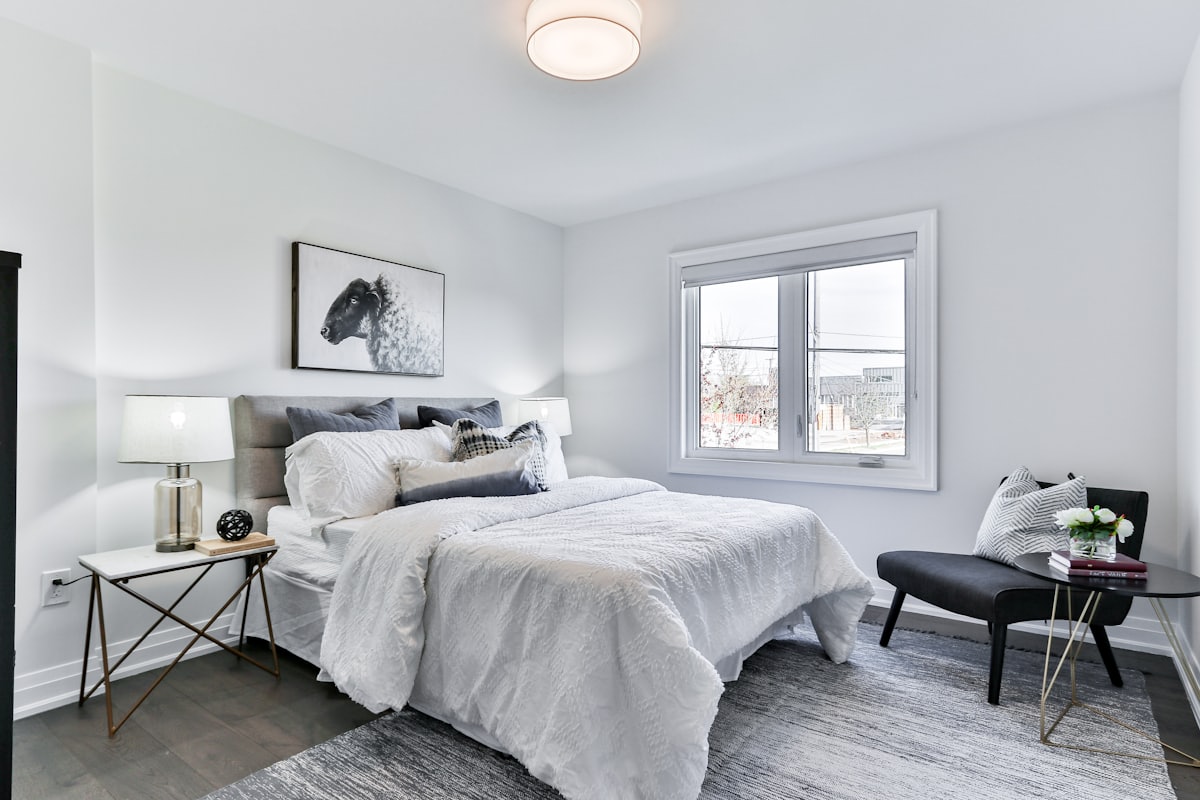
Guests reward rooms that feel calm, clean and cohesive — not rooms that show off a host’s specific taste. When you’re testing directions, lean toward broadly appealing looks that photograph as restful and premium:
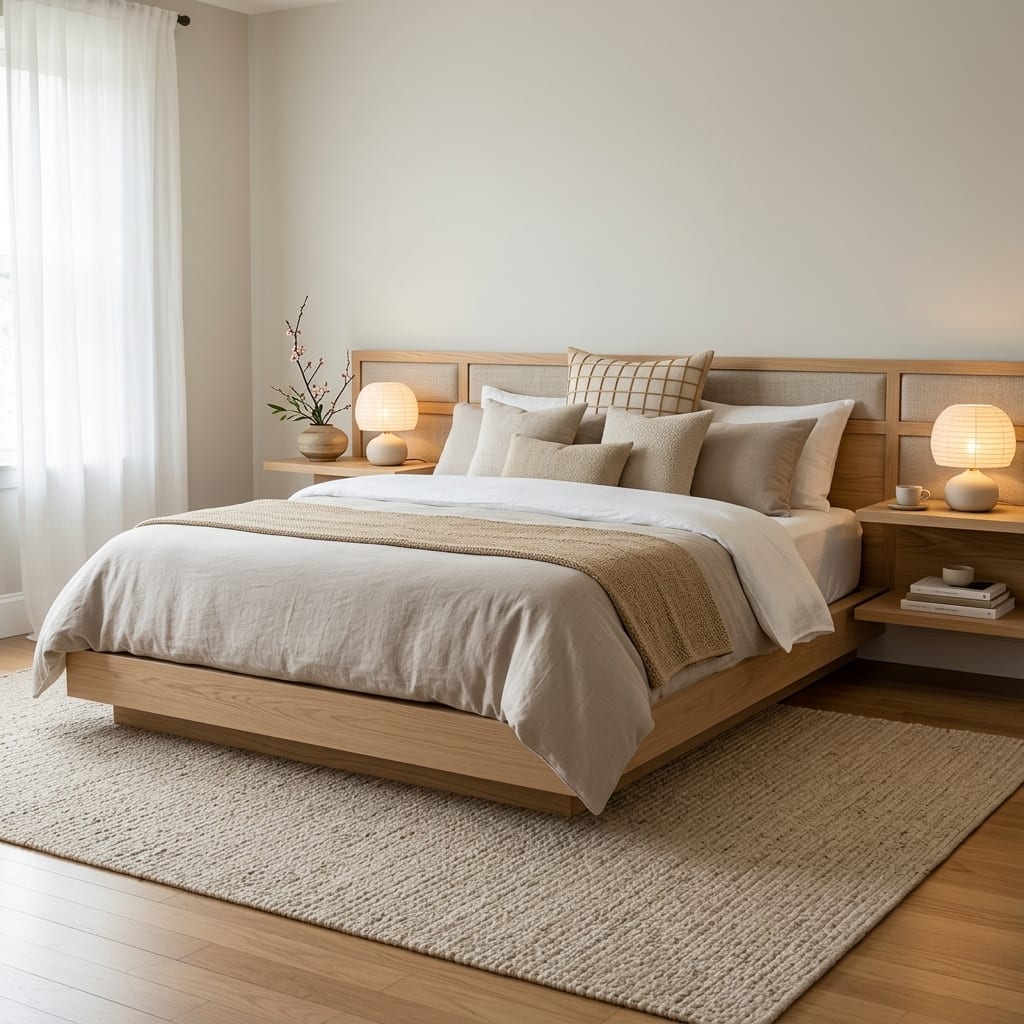
- Japandi — the blend of Japanese minimalism and Scandinavian warmth is almost purpose-built for guest bedrooms: uncluttered, neutral, quietly upscale. Explore the Japandi style or the deeper Japandi design guide to see why it reads as “boutique hotel” to guests.
- Coastal — bright, airy and forgiving, coastal works especially well for properties near water or anywhere you want a light, holiday feel. Preview the coastal style on your room to see it.
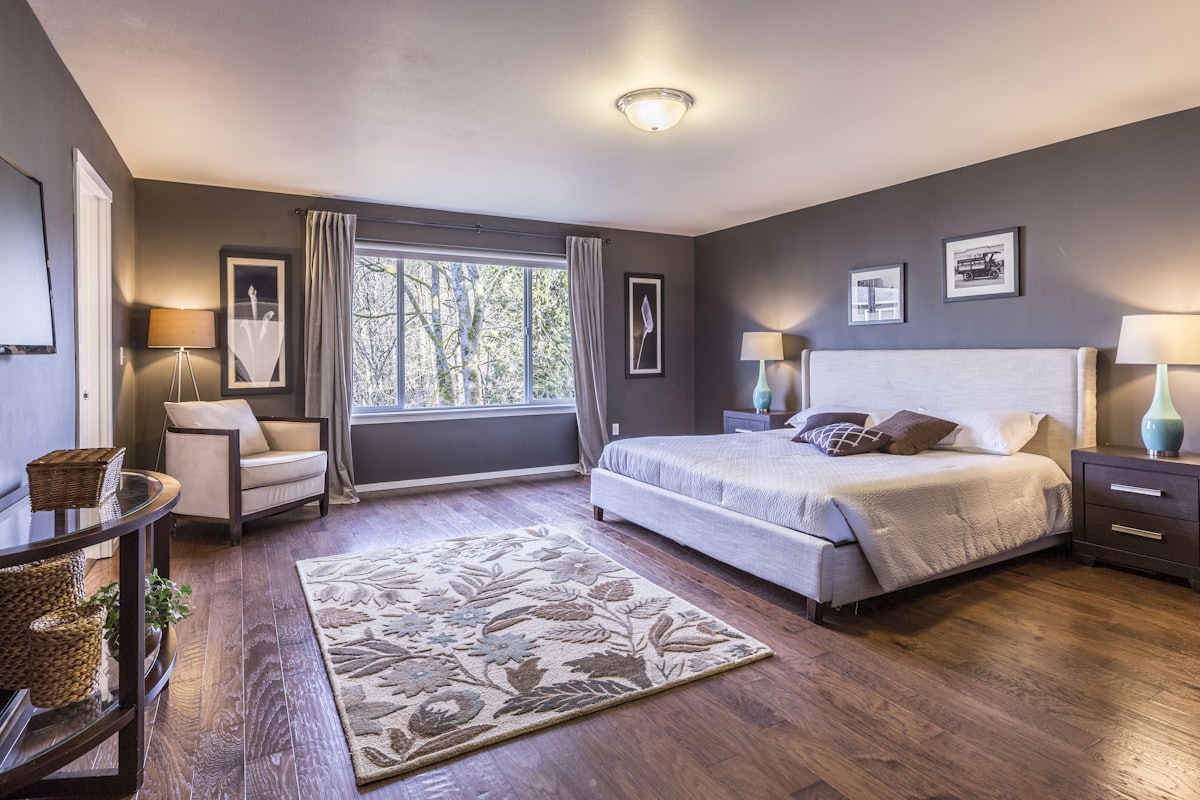
- Boutique-hotel luxury — a slightly elevated, hotel-like palette (rich textiles, layered lighting, a considered headboard wall) signals quality and can justify a higher nightly rate.
- Scandinavian — the safe, near-universal default: light woods, soft textiles, a room that feels bigger and cleaner than it is.
The point of previewing several of these on the same photo of your actual room is that you stop guessing. You’ll quickly see which direction flatters your specific space and light, and which ones fight it. Browse the full range of looks in the styles library or wander the curated themed worlds if you want a stronger character for a signature room.
How AI helps you plan photo day
Great listing photos are a makeover in themselves — even without renovating. Before you book a photographer or pull out your phone, AI previews help you plan the shoot:
- Declutter first, virtually. A one-tap declutter or clean-room preview shows you the room stripped of visual noise, which is a shot list for what to physically remove before the camera comes out.
- Test the lighting mood. Relight and day/night previews help you decide whether the room photographs best in bright daylight or a warm evening glow, so you shoot at the right time and add the right lamps.
- Stage the small stuff. Seeing where a throw, a plant or a piece of art lifts the frame tells you exactly what props to buy and where to place them for the real photos.
This is the honest use of the “makeover modes” — declutter, repaint, relight — covered in our home makeover modes guide. You’re not faking the room; you’re planning how to make the real room look its genuine best.
Using the palette picker for repaint decisions
Paint is the single highest-impact change per dollar in any rental, and it’s also the one hosts most often get wrong — the wrong white reads cold, the trendy dark accent wall shrinks a small room, and repainting twice wipes out the savings. This is where testing a color on a photo of your actual wall beats a paper swatch every time. A palette tool lets you drop exact colors onto your real wall and see them at full scale, in your room’s real light, before you buy a single can.
For a short-term rental, the rule of thumb is: warm neutrals for broad appeal, one restrained accent for personality, and always check the color in both day and night light since guests use the room around the clock. Previewing removes the expensive coin-flip.
Cheap, high-impact changes to test first
Hosts almost always over-invest in one big change when several small ones would move bookings more. Rank your ideas by impact-per-dollar, and use previews to confirm before you spend:
- Fresh paint in a warm neutral — biggest visual reset for the money.
- Better lighting — layered lamps and warm bulbs make every photo look more expensive.
- New textiles — hotel-quality bedding, a large rug, simple curtains.
- Decluttering and better storage — space reads as calm and clean.
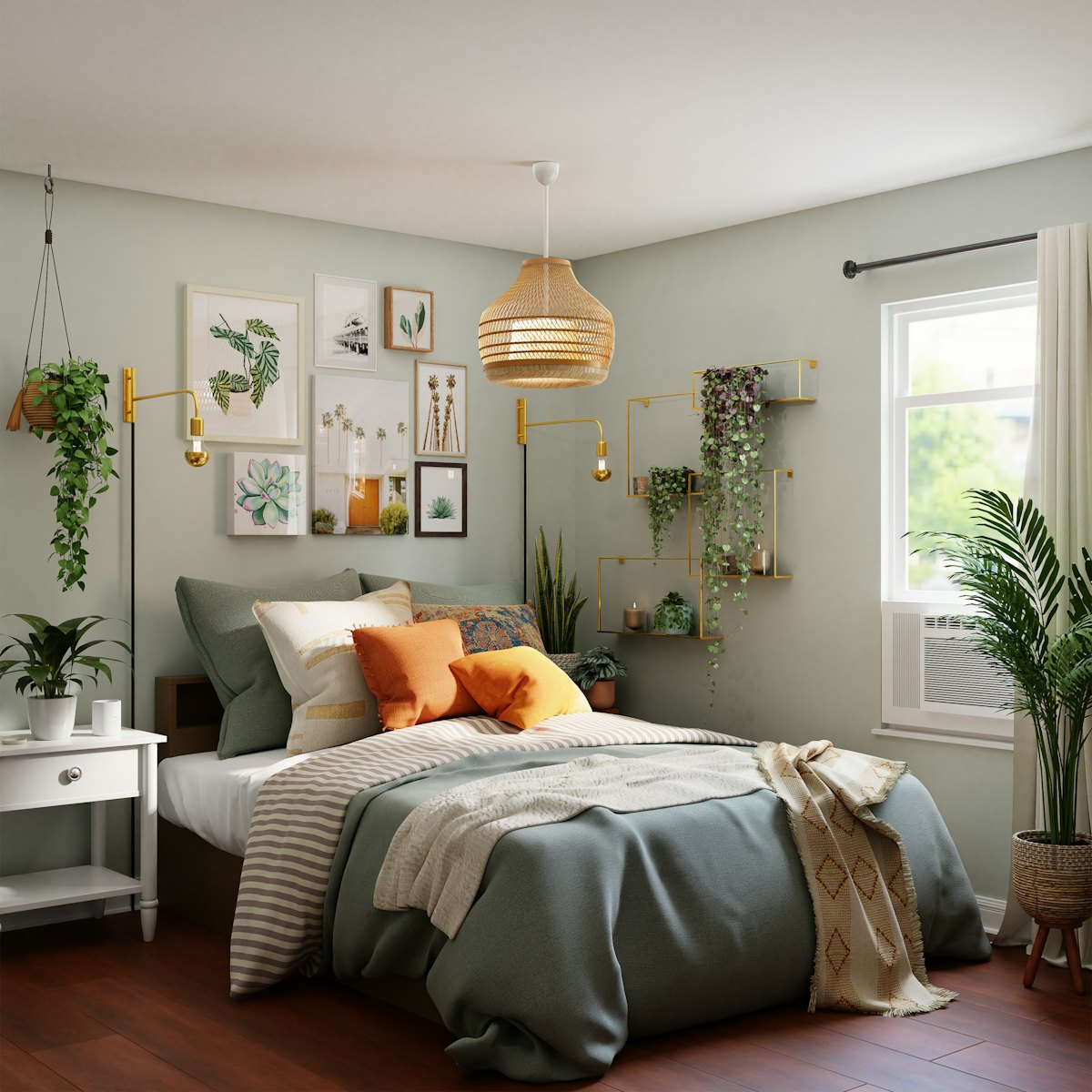
- A few plants — instant warmth and life in a corner that photographs flat.
You can test every one of these on your own room photo in the interactive demo before committing, and our guide to decorating on a budget has more low-cost, high-return moves that apply directly to rentals.
Match the makeover to your guest and location
The style that books best isn’t universal — it depends on who stays with you and where you are. A beach condo and a downtown loft reward opposite palettes, and a family rental has different needs than a couples’ getaway. Before you lock a direction, think about who’s actually clicking “book”:
- Location sets the base. Coastal and airy for anywhere near water; warm, textured and cozy for cabins and mountain stays; clean and contemporary for city apartments. Let the setting the guest expects guide the room.
- Guest type shapes the details. Family listings win on durability and a sense of space; couples’ retreats win on mood, layered lighting and a hotel-like bedroom; business travelers want a calm, functional desk corner.
- Photograph-ability is the tiebreaker. Between two styles you like equally, choose the one that reads best in a thumbnail, because that grid image is what earns the click.
Previewing two or three location-appropriate directions on your actual room takes the guesswork out of this. You see which look flatters your space and fits your guest, instead of committing to a trend that photographs flat in your particular light. The themed worlds are a fast way to test a stronger character for a signature room without over-committing.
Test before you renovate
The most expensive mistake a host makes is renovating on a hunch — repainting a room a color that looks worse in person, or buying furniture that overwhelms the space. AI previews collapse that risk. Upload one photo, generate the room in three or four directions, and you’ll know which makeover is worth doing before any money leaves your account. Then you do the real work, photograph the real result, and list the real room.
That sequence — preview, build, photograph reality — is what keeps your listing both attractive and honest, which is the combination that earns repeat five-star reviews.
Frequently Asked Questions
Can I use AI-generated images in my Airbnb listing?
No. Airbnb listing photos must show the real space guests will actually stay in, or you risk misrepresentation and bad reviews. Use AI previews to plan your makeover, then photograph the finished, real room for the listing.
Which room styles book well on Airbnb?
Calm, broadly appealing looks tend to perform best: Japandi and Scandinavian for restful bedrooms, coastal for bright and airy spaces, and a boutique-hotel or luxury feel for a premium impression. The safest bet is a clean, cohesive style rather than a niche theme.
What are the cheapest high-impact changes for a rental?
New paint, better lighting, fresh textiles (bedding, rugs, curtains), decluttering, and a few plants deliver the biggest visual lift per dollar. Previewing them on a photo first helps you spend only on the changes that clearly improve the space.
Can I test a makeover before I actually renovate?
Yes. Upload a photo of the room and AI can show it in different styles, wall colors and lighting in seconds, so you can decide what’s worth doing before spending money — then execute the real changes and photograph the result.
Planning a refresh for your rental? Preview it first with Architectural AI — download it on the App Store, test guest-favorite styles on a photo of your actual room, then make the real changes and shoot the honest listing photos your guests deserve.
Keep reading