The Airbnb Seasonal Refresh Calendar: What to Update Each Quarter

A seasonal Airbnb refresh is a rotating quarter-by-quarter checklist of small, reversible swaps — textiles, lighting, and a few styling accents — that keeps a listing feeling current without a renovation. The physical changes are cheap and mostly involve soft goods you can store flat between seasons. The smart move is to preview each seasonal look on a photo of your actual room first, decide what’s worth buying, then style the real room and — only when the space has genuinely changed — reshoot the listing. Here’s the calendar, quarter by quarter.
Why refresh an Airbnb seasonally at all?
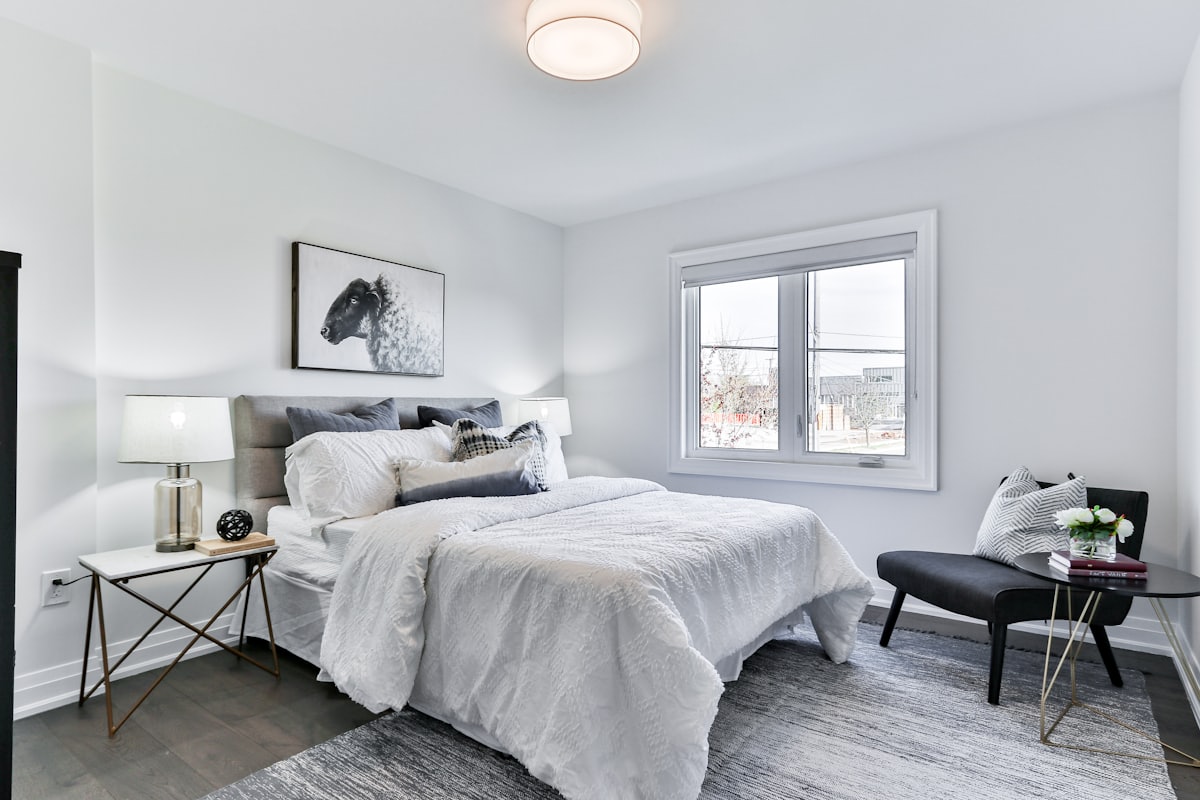
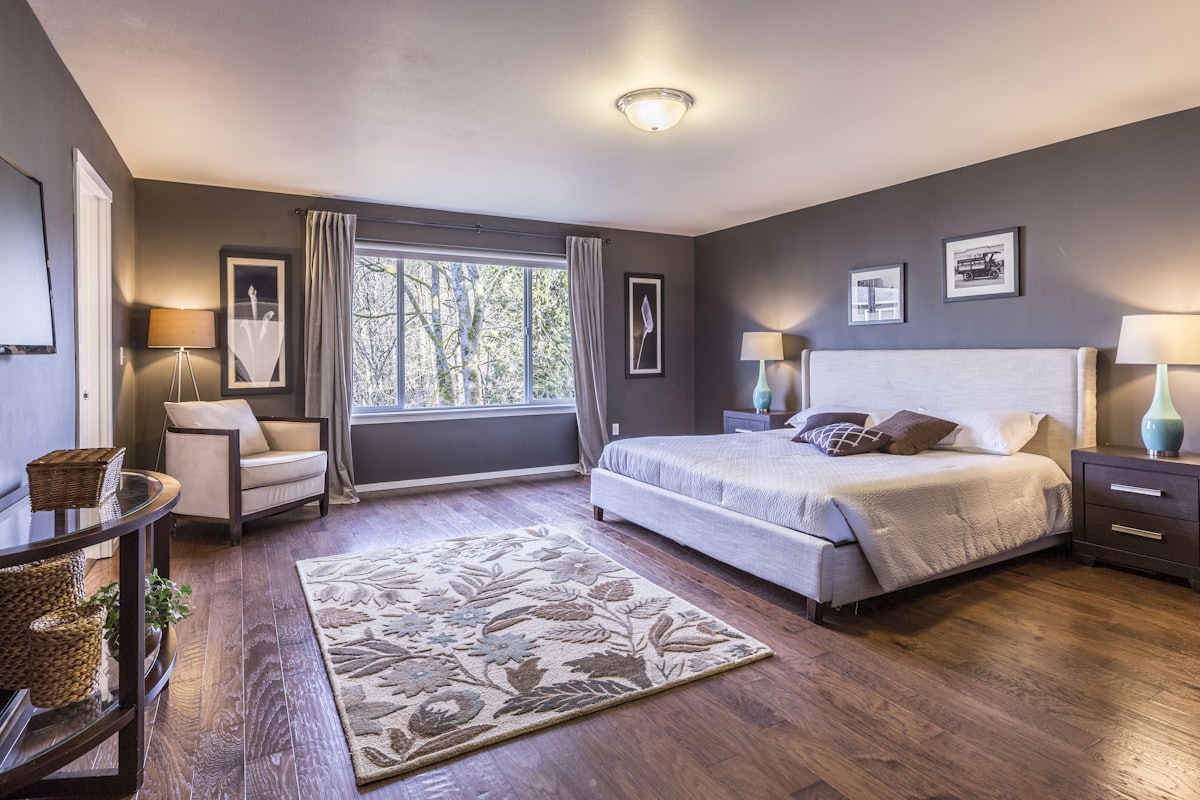
A seasonal refresh is a scheduled, low-cost restyle timed to the way guests actually book: warm and cozy in the colder months, bright and airy in the warmer ones. Warm-to-cool restyling — heavier textiles and amber light in winter, lighter linens and cooler tones in summer — is a proven way to lift a listing’s appeal, because it makes the room feel matched to the trip the guest is imagining.
There’s a practical reason too. Rooms that never change start to feel tired to you, and that fatigue leaks into how you maintain them. A quarterly rhythm forces a walk-through with fresh eyes — you spot the chipped lamp, the pilled throw, the burned-out bulb — and fixes them before a guest photographs them into a three-star review. Think of the calendar below as a maintenance habit disguised as a styling habit.
None of this requires big money. The whole point of leaning on soft goods is that a bin of off-season textiles costs a fraction of furniture and swaps out in a single turnover.
The quarter-by-quarter refresh calendar
Treat each quarter as a 30-minute styling pass during a normal turnover, not a project. Keep two labeled bins — “warm season” and “cool season” — so swaps are a matter of unpacking, not shopping.
Q1 · Deep winter into early spring
The coldest, darkest booking window, so lean all the way into warmth.
- Textiles: heavier duvet or an added blanket layer, chunky-knit throws, deeper-toned cushion covers.
- Lighting: warm bulbs everywhere, at least two lamps lit for a layered evening glow, no cold overhead-only lighting.
- Accents: a bowl of textured objects, a candle or two (unlit but present), a folded extra blanket over the sofa arm as a visible comfort signal.
- Maintenance pass: check heating works and is obvious to guests; this is the season it makes or breaks a stay.
As spring arrives, start lightening: pull one blanket layer, swap the darkest cushions for mid-tones.
Q2 · Spring into summer
Shift from cozy to bright and open. This is when a lighter, airier look pays off most.
- Textiles: lighter bedding, crisp white or pale linens, breathable throws you can practically fold away.
- Lighting: open every curtain, add sheers if the light is harsh, let daylight do the work.
- Accents: fresh greenery or a simple stem in a vase, lighter art if you rotate any, clear surfaces.
- Maintenance pass: check fans, blinds and any outdoor space — patios and balconies start earning bookings now.
Q3 · Peak summer into early fall
Hold the bright look through the busy summer, then begin easing back toward warmth as evenings cool.
- Textiles: keep summer linens through the heat, then reintroduce one texture layer as fall approaches.
- Lighting: balance daylight with a warmer evening scene for the shoulder-season nights.
- Accents: transition from fresh green to warmer, earthier tones — a rust cushion, a wood object.
- Maintenance pass: the post-summer deep clean; peak season is hard on a space, so reset it before fall guests arrive.
Q4 · Fall into the holidays
Return to full warmth and, if it fits your market, a restrained holiday touch.
- Textiles: the warm bin comes back out — knits, deeper colors, layered bedding.
- Lighting: amber, layered, cozy; this is the season warm light sells the hardest.
- Accents: keep any holiday styling tasteful and neutral so it photographs and appeals broadly, not to one specific holiday. Our guide to a cozy Christmas living room has ideas that stay elegant rather than kitsch.
- Maintenance pass: the year-end review — decide what furniture or paint genuinely needs upgrading before next year.
When should you actually update your listing photos?
Here’s the line that trips hosts up: seasonal styling and listing photos are two different clocks. Restyle the room every quarter for the guests who stay there. Reshoot the listing far less often — after any real change to the space, and roughly every year or two so the photos still honestly match what a guest walks into.
You do not need a new photo set for every seasonal swap, and chasing that would waste money. But stale photos are their own problem: if your listing still shows last year’s furniture or a wall color you’ve since painted over, guests arrive to a mismatch, and mismatch is what turns into “not as pictured” reviews. The rule of thumb — reshoot after real changes and at least every year or two — keeps your gallery honest without turning you into a full-time photographer.
How to plan a seasonal swap without wasting money
The risk with seasonal styling is buying props that look wrong once they’re in the room — the throw that clashes, the “warm” bulb that reads orange, the holiday accent that overwhelms a small space. Previewing removes that coin-flip.
Upload one photo of the room and generate it with the seasonal direction you’re considering: warmer textiles and amber lighting for a Q4 look, lighter linens and open, cool daylight for Q2. Seeing the shift on your actual room — your light, your layout — tells you what’s worth buying before anything leaves your account. A palette tool lets you test exact accent colors on your real walls and cushions, and one-tap relight and day/night previews show how the same room reads in bright afternoon versus warm evening, so you know which mood to lean into each season. For the small, reversible wins that matter most in a rental, our budget decorating guide pairs well with this.
With over 450 styles and themed worlds and results in seconds, you can test three seasonal directions in the time it takes to unfold one blanket — and there’s no signup to get started.
The one rule: previews plan, photos show reality
This matters enough to state plainly. AI previews are for planning your seasonal refresh — they are never your listing photos. Your gallery must show the real room a guest will actually stay in. Use AI to decide which seasonal swap is worth doing, make the real change, then photograph the finished, real room when it’s time to reshoot. That sequence — preview, style the real room, photograph reality — is what keeps a listing both fresh and honest, which is the combination that earns repeat five-star reviews. For the full planning workflow, see our guide to AI room makeovers for Airbnb hosts.
Frequently Asked Questions
How often should I refresh my Airbnb?
Do a light styling swap each quarter — textiles, lighting and a few accents — and a deeper review once a year. The physical changes are cheap; the goal is to keep the space feeling current and cared-for, which guests notice and reviews reward.
Do I need new listing photos every season?
Not every season. Reshoot after any real change to the space and roughly every year or two so your photos still match what guests walk into. Seasonal swaps mostly improve the in-person stay; only re-photograph when the room has genuinely changed.
What’s the cheapest way to make a rental feel seasonal?
Swap soft goods: bedding weight, throw blankets, cushion covers, and a warm-versus-cool lighting shift. These cost little, store flat between seasons, and change the whole mood of a room without any renovation.
Can I preview a seasonal look before buying props?
Yes. Upload a photo of the room and AI can show it with warmer or cooler styling, different textiles and lighting in seconds, so you buy only the props that clearly improve the space — then style the real room that way for guests.
Planning this quarter’s swap? Preview it first with Architectural AI — download it on the App Store, test warm and cool seasonal looks on a photo of your actual room, then style the real space and shoot honest photos when it’s time to refresh your listing.
Keep reading