Can AI Design a Themed Room From a Photo? Yes — Here's How

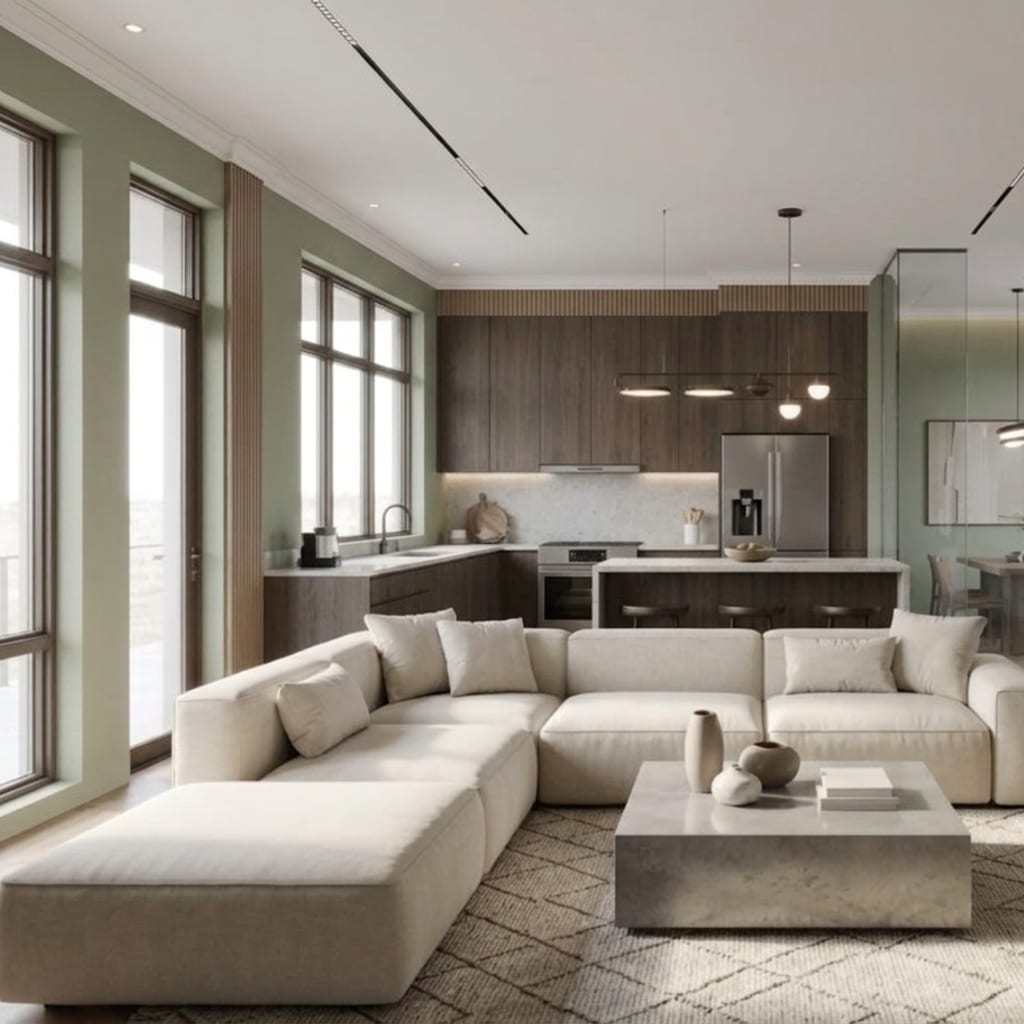
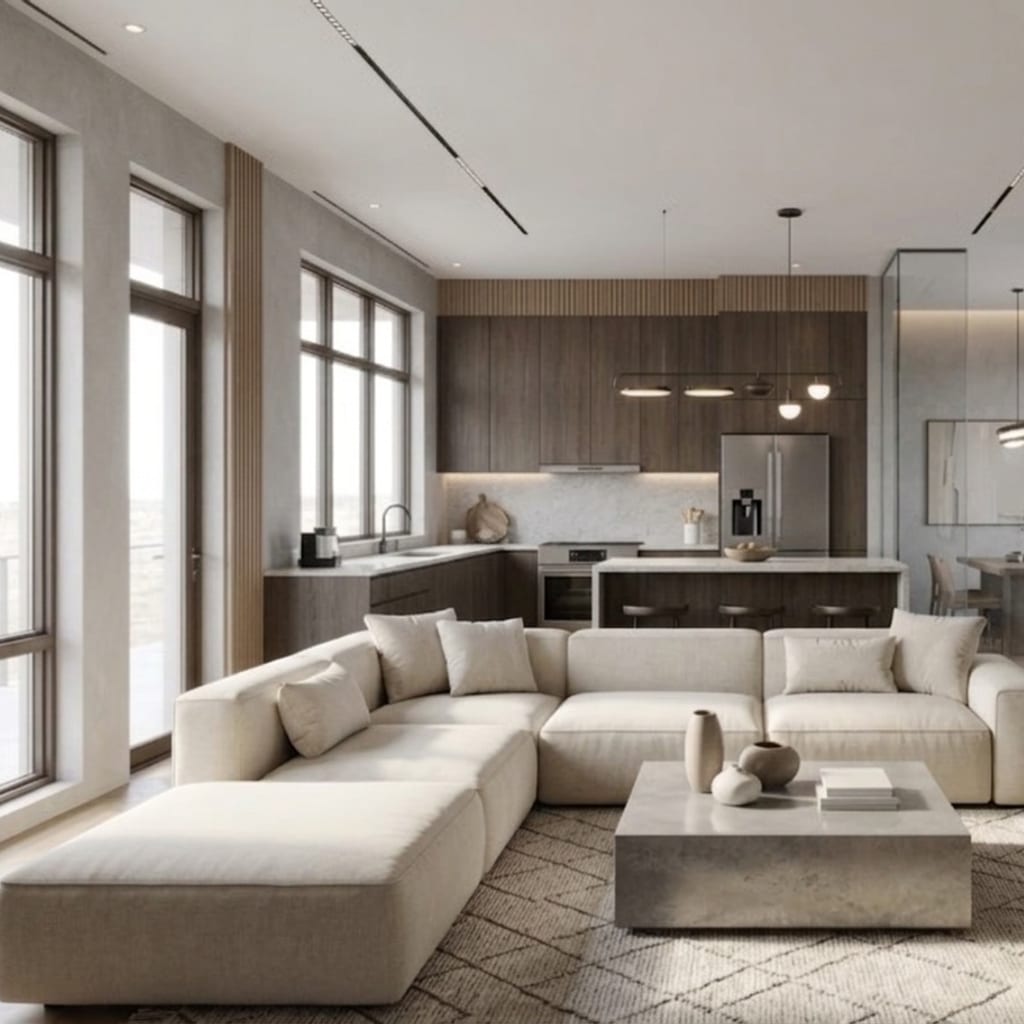
Can AI design a themed room from nothing but a photo? Yes — and it takes seconds, not weeks. Upload one picture of your real bedroom, living room or garage, choose a theme (or type one in your own words), and the AI returns that exact room rebuilt as an F1 pit garage, an 80s basement hangout or a storybook cottage — same walls, same windows, your actual space. This guide explains how it works, what’s genuinely possible, where the limits are, and how to try it on your own room with Architectural AI.
Can AI really design a themed room from one photo?
Yes. Modern image models understand both the geometry of your room (walls, windows, floor, light direction, furniture footprint) and the visual language of a theme (a racing garage’s floors and signage, an 80s basement’s wood panelling and CRT glow). Given one photo and one theme, the AI regenerates the scene so the theme is applied to your room rather than pasted over it.
That last part is the whole trick. Generic inspiration images show you someone else’s themed room. A photo-based redesign shows you your ceiling height, your window placement, your awkward corner — themed. That’s the difference between “nice idea” and “I can actually see this working here.”
How does AI themed-room design work?
The pipeline is simpler than it sounds:
- You upload one photo. The model reads the room’s structure from it — no measurements, no floor plan, no scanning.
- You pick the theme. Either a ready-made Themed World from the catalog, or a custom prompt typed in your own words.
- The AI regenerates the image. It preserves the room’s bones and repaints everything else — surfaces, furniture styling, lighting, props — in the theme’s language. In Architectural AI this takes seconds per render.
- You iterate. Swap themes, adjust the mood, or use quick-edit tools (declutter, repaint, relight) to refine a result you almost love.
A clear, well-lit daylight photo taken from a corner gives the model the most structure to work with — the better it understands your room, the more convincingly the theme lands on it.
What themed rooms can AI create?
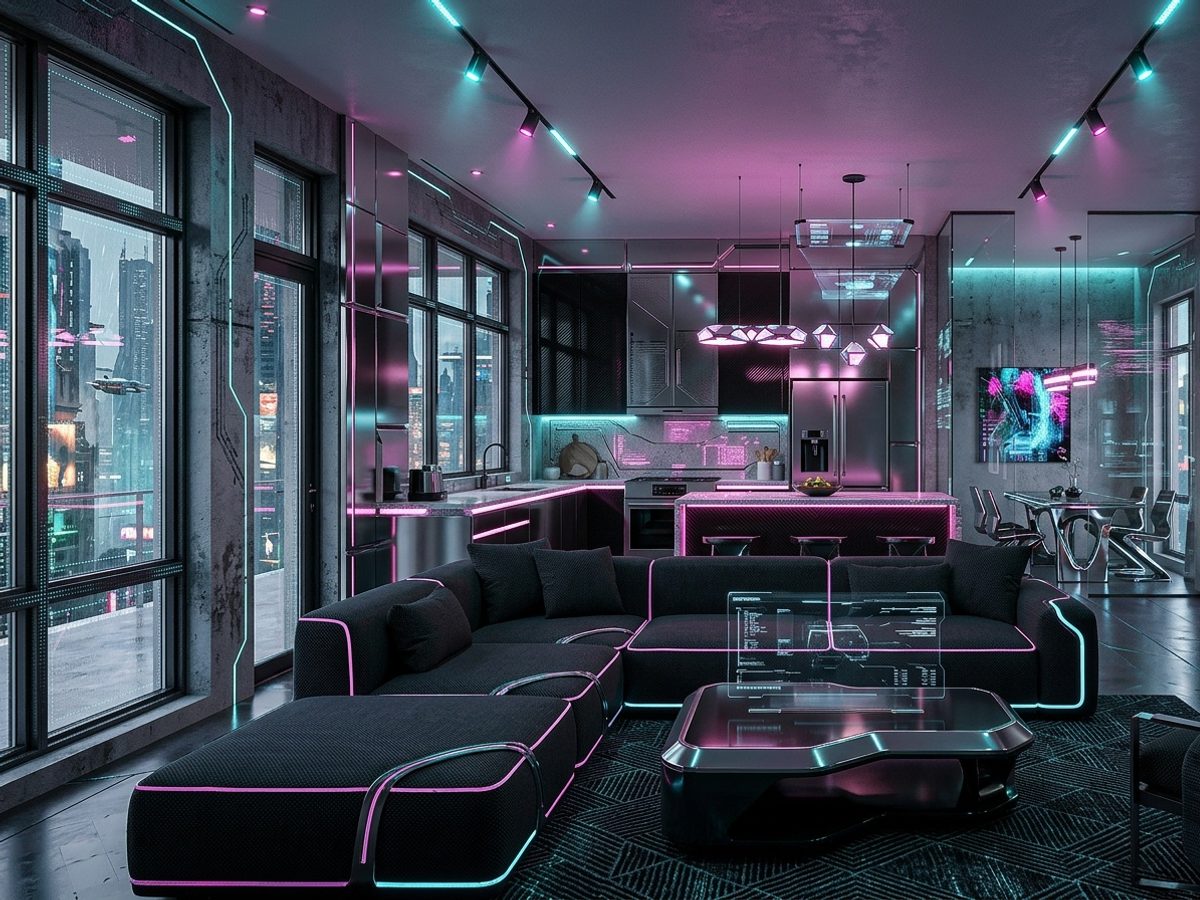
The honest answer: anything you can describe. The ready-made catalog alone spans an unusually wide range — Formula 1 pit garages (like this article’s cover render), 80s basement hangouts straight out of your favourite retro sci-fi series, castle halls, zodiac rooms, cyberpunk lofts, cottagecore cottages and dozens more fandom, cinematic and aesthetic directions.
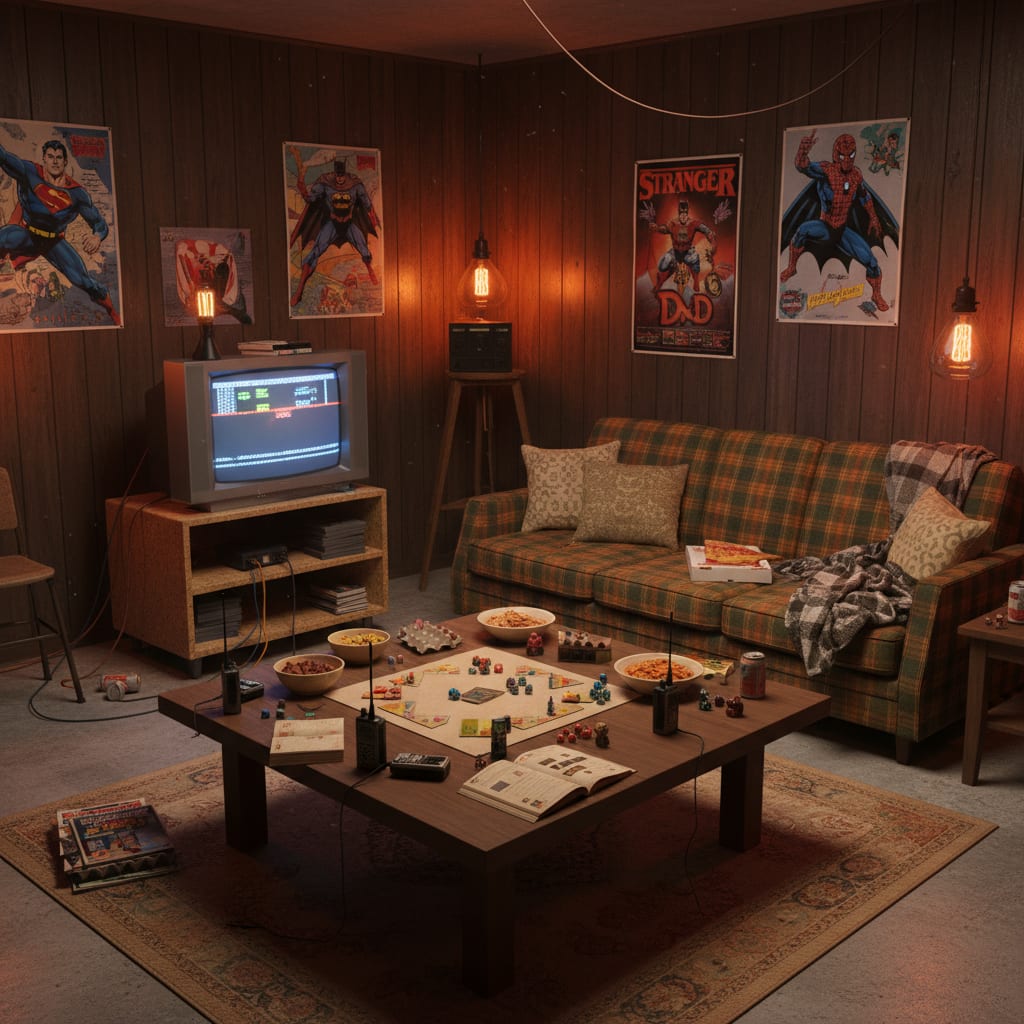
Two things worth knowing about how themes behave:
- It’s the atmosphere, not the trademark. The AI captures a world’s palette, materials and mood — checkered floors and pit-lane reds for a racing garage, wood panelling and warm lamp glow for an 80s rec room. It won’t (and shouldn’t) reproduce licensed logos; the look is what transforms your room anyway.
- Themes stack with reality. Because the render keeps your actual layout, even the wildest theme stays weirdly plausible — the racing garage has your garage’s proportions, which is exactly what makes people share the results.
Alongside the themed catalog, there are also ~16 base interior styles — Modern, Scandinavian, Japandi, Industrial, Coastal and friends — for days when you want a redesign rather than a transformation.
Should you use a ready-made Themed World or a custom prompt?
Both routes work; they’re good at different things.
Themed Worlds are the fast lane. Each one is a professionally tuned theme you apply with a single tap — consistent results, no prompt-writing, and a browsable catalog that’s genuinely fun to scroll. If your theme is there (racing, zodiac, cinematic castles, cottagecore, and many more), start there.
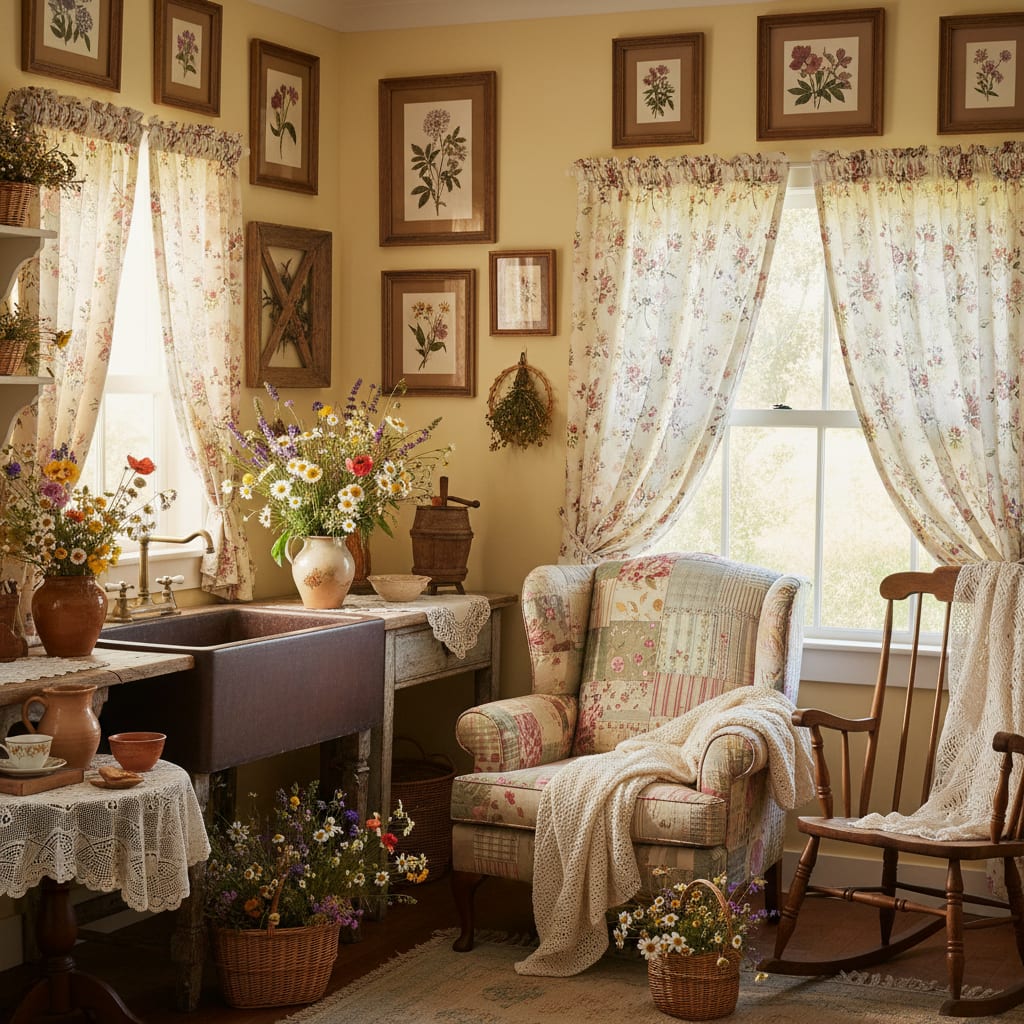
Custom prompts are the infinite lane. If the theme you want isn’t in the catalog — say a wizard’s common room, a spaceship bridge, or “my grandmother’s kitchen in 1974” — you simply type it: “wizard’s common room, dark timber, candlelight, house banners, worn armchairs by the fire.” The AI generates it just as readily. This is also how you personalise a ready-made world: start from the closest Themed World, then refine with your own words.
A practical rule: browse first, describe second. The catalog shows you directions you didn’t know you wanted; the prompt box guarantees you’re never limited to it.
What are the limits of AI themed-room design?
Being straight about this makes the tool more useful, not less:
- It’s a design draft, not a construction drawing. The render nails palette, materials, lighting and styling direction. Occasionally it invents a detail — a doorway that isn’t there, a slightly warped shelf. Regenerate or quick-edit and it’s gone; just don’t hand a single render to a builder.
- No licensed logos or exact IP reproduction. You get the atmosphere of a world — house colours, materials, mood — which is the part that actually decorates a room.
- Photo quality sets the ceiling. A dark, cluttered, tilted photo produces a wobblier result. One clean daylight shot from a corner fixes 90% of quality issues.
- Iteration is the workflow, not a failure. The first render is a conversation opener. Two or three passes — “warmer lighting”, “less clutter”, “swap the rug” — get you to something you’d genuinely build. Browsing what other people have generated in the gallery is a fast way to calibrate expectations.
How to get the look on your own room
- Take one clear daylight photo from a corner of the room, with the main wall, window and floor all visible.
- Pick your route: open a ready-made Themed World from the catalog, or type the theme as a custom prompt in your own words.
- Upload the photo and generate — your room comes back themed in seconds, layout intact.
- Iterate and compare: try two or three neighbouring themes, refine with quick edits (declutter, repaint, relight), and regenerate anything that misfires.
- Save the winners to your gallery and use them as the plan — palette, materials and hero pieces are all right there in the render. Quality tiers and options are on the pricing page if you want the sharpest possible output.
Frequently Asked Questions
Can AI design a themed room from a photo?
Yes. Apps like Architectural AI take one photo of your real room and regenerate it in a chosen theme — an F1 garage, an 80s basement, a cottagecore retreat — in seconds, keeping your actual walls, windows and furniture footprint.
What is a Themed World in Architectural AI?
A Themed World is a ready-made, professionally tuned theme you apply with one tap — the catalog spans fandom, cinematic and aesthetic directions, from Formula 1 garages to zodiac rooms and cottagecore. Each one redesigns your uploaded photo in that world’s look.
Can I create a theme the app doesn’t have?
Yes — type it as a custom prompt in your own words, like “wizard’s common room, dark timber, candlelight, house banners”. The AI generates any theme you can describe, so you’re never limited to the ready-made catalog.
Does the AI keep my real room layout?
Yes — the design is generated on your photo, so the walls, windows, proportions and overall furniture footprint stay yours. That’s what makes the result useful: you’re seeing your room themed, not a stranger’s.
Is AI themed room design accurate enough to act on?
Treat it as a fast, visual first draft rather than a construction drawing. It nails palette, mood, materials and styling direction — occasionally it invents a detail, so iterate a couple of times and use the result as a plan, not a blueprint.
See your room in a new world
The question isn’t really whether AI can design a themed room — it’s which theme you’ll try first. Take one photo, open the demo, and watch your own four walls become a pit garage, an 80s hangout or a storybook cottage in the time it took to read this sentence. The catalog is deep, the prompt box is infinite, and the room is already yours.
Keep reading