How Does AI Interior Design Actually Work? (No Jargon)
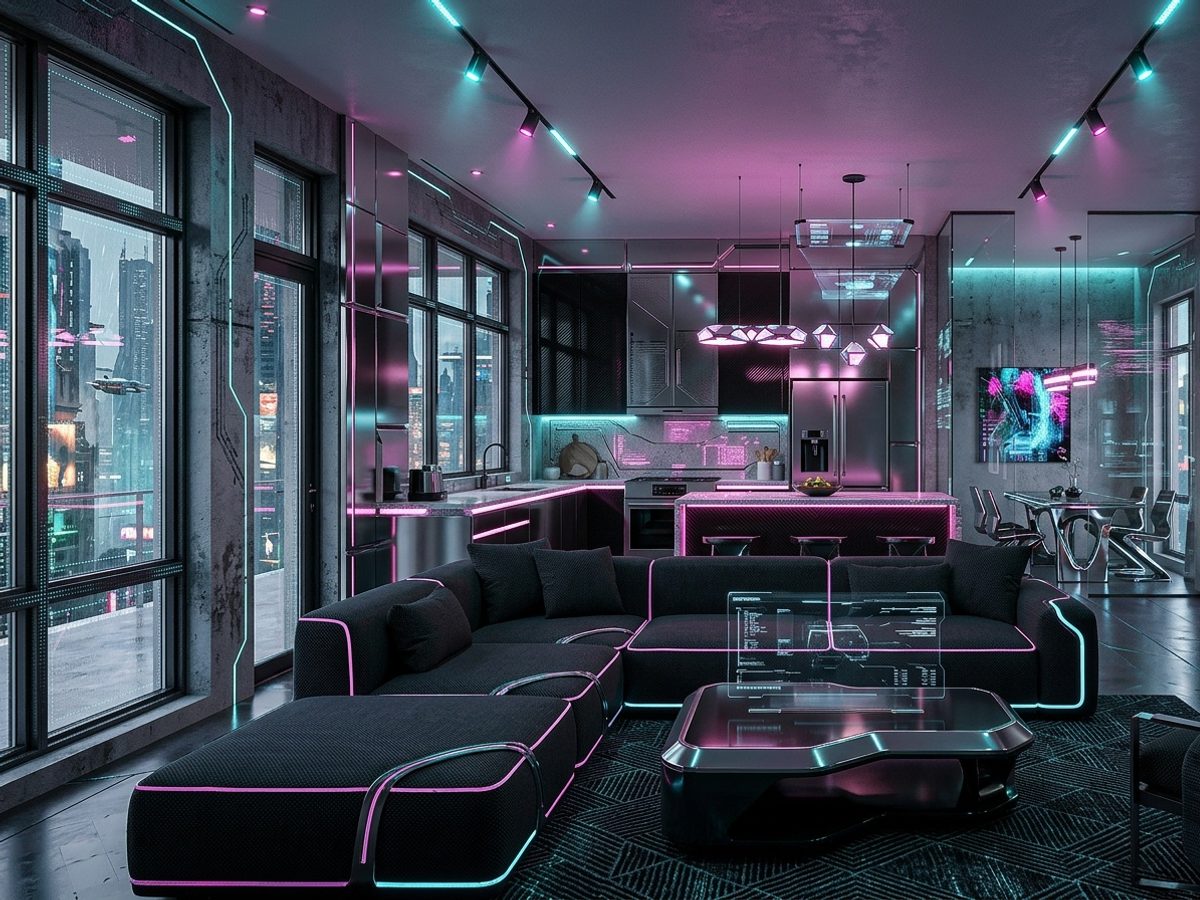
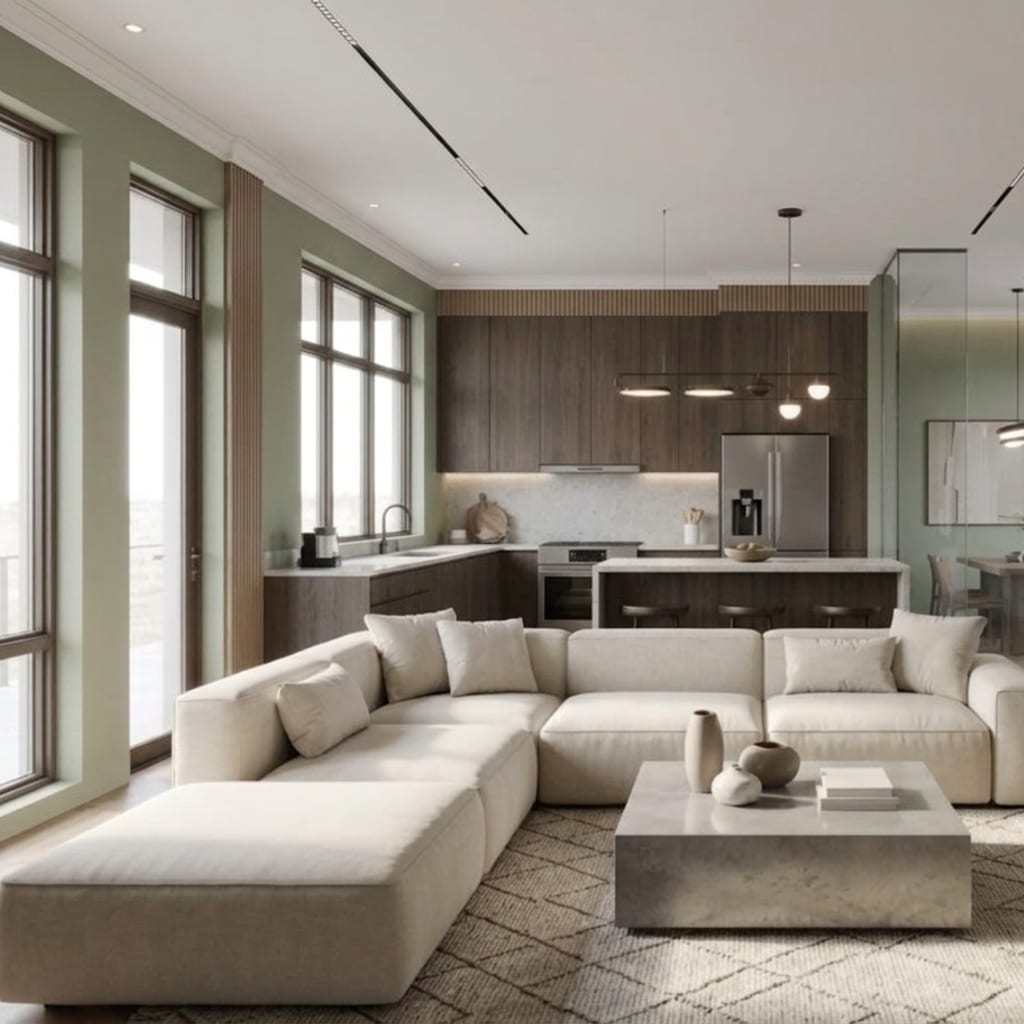
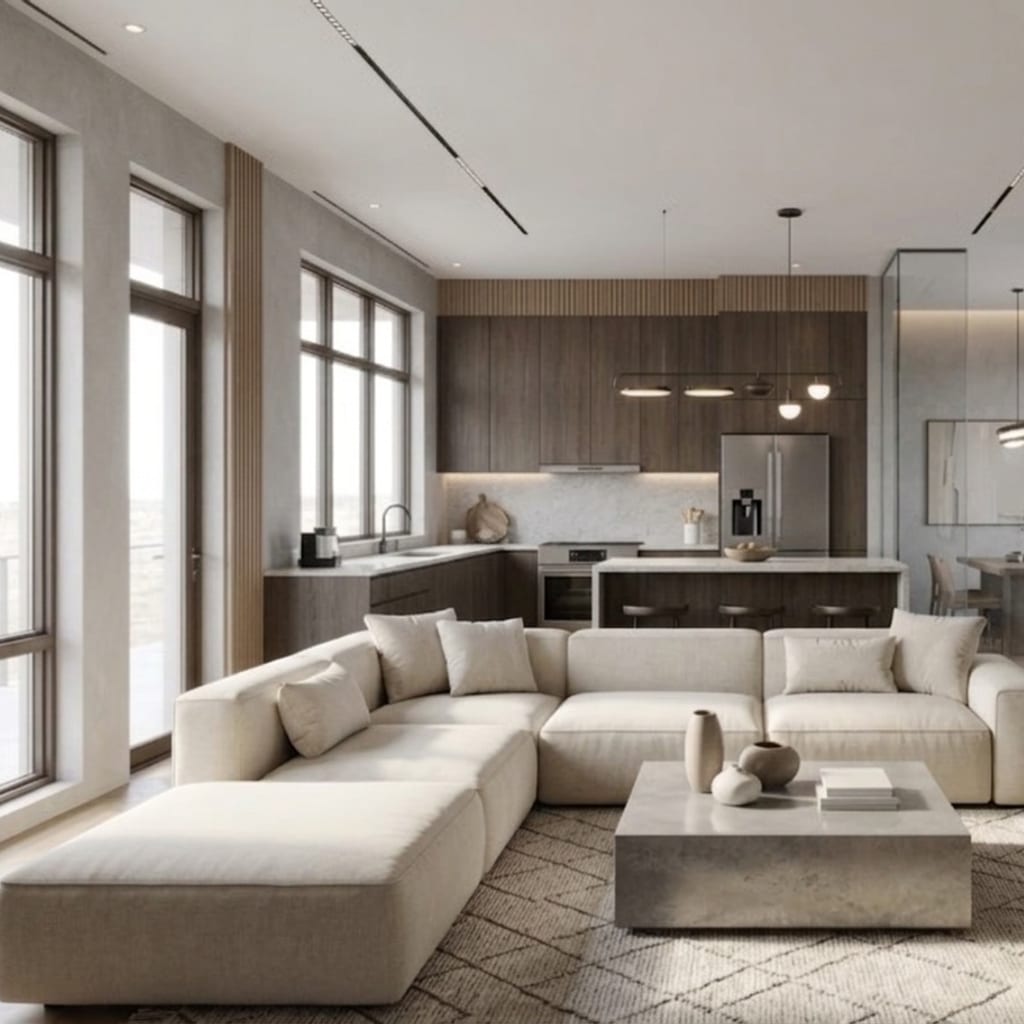
AI interior design works by feeding a photo of your room into a diffusion image model and asking it to repaint the scene in a new style — ideally by editing your actual photo rather than inventing a fresh room from a text description. The whole thing runs on rented graphics hardware in a data center, which is why a redesign lands in seconds and costs a token or credit. Once you understand that single pipeline — photo in, restyled photo out — almost every good and bad result you’ll ever get from these apps starts to make sense.
This is the no-jargon version. No math, no model names to memorize — just the handful of concepts that explain why one app nails your room and another hands you a warped mess.
What is a diffusion model, in plain English?
A diffusion model is an AI that learns to turn random visual static into a coherent image, one denoising step at a time. Picture a TV tuned to noise. The model has been trained on millions of images, so it “knows” what a living room, a sofa, or oak flooring tends to look like. Starting from that static, it repeatedly cleans up the picture, nudging the pixels toward something that matches your instructions until a finished room emerges.
That’s the engine inside virtually every AI interior design app on the market. When a company says it uses “AI,” it almost always means a diffusion-based image model doing exactly this denoising dance. The app’s real job is to steer that engine toward your room and your chosen style — and that steering is where products differ enormously.
Text-to-image vs image-to-image: what’s the real difference?
This is the single most important concept in the whole category, and most frustrated reviews trace back to it.
Text-to-image generation invents a brand-new picture from a written description alone. You type “cozy Scandinavian living room,” and the model dreams up a Scandinavian living room — but not necessarily yours. It has no obligation to your windows, your ceiling height, or the angle you shot from.
Image-to-image editing takes your actual photo as the starting point and transforms it while trying to preserve the structure that’s already there. Instead of starting from pure noise, the model starts from your pixels and changes only what it’s asked to — the furniture, finishes, and styling — while holding onto the bones of the room.
Here’s why this matters more than any feature list: if an app leans too hard on text-to-image, it will happily generate a beautiful room that simply isn’t the one you photographed. That’s the mechanism behind the infamous complaint where a reviewer asked for a living-room makeover and got mountain landscapes instead — the model wandered off into “generate something plausible” mode and left the input photo behind. An edit-first pipeline is far less likely to do that, because your photo is the anchor the whole time.
If you want the redesign to look like your space, you want image-to-image editing. This is exactly the design principle behind Architectural AI: it edits your uploaded photo rather than regenerating a stranger’s room, so windows, doorways, and camera angle survive the makeover. We dug into the failure mode in more detail in why AI room designs look warped.
Why do AI redesigns sometimes warp the room?
Warping — melted furniture, extra doors, a doorway that leads nowhere, a bed scaled for a giant — happens when the model prioritizes “make a nice-looking image” over “respect the geometry I was given.” Every diffusion model is, at heart, a plausibility machine. It generates what looks right, not what’s measured right.
Two things push results toward warping:
- A weak anchor to your photo. The more freedom the model has to reimagine the scene, the more it drifts from your real layout.
- An ambiguous input. Extreme wide-angle shots, heavy clutter, mirrors, and dim lighting all give the model less reliable structure to hold onto, so it invents to fill the gaps.
The apps that stay realistic are the ones that keep a strong grip on your original image and constrain how far the redesign can roam. That’s also why photo quality on your end matters so much — a clean, straight-on, well-lit shot gives the model a solid skeleton to dress rather than a puzzle to guess at.
What actually happens when you tap “redesign”? (The pipeline)
Here’s the end-to-end journey of one generation, as a simple list:
- You upload a photo. This becomes the anchor image the model edits.
- You pick a style or a themed world. Behind the scenes this loads a carefully written prompt — a dense text instruction describing the target look — so you don’t have to art-direct in words.
- You optionally add a quick edit or custom note. A quick edit (“change wall color,” “declutter”) narrows the change to one thing; a custom prompt adds your own details.
- The app sends photo + prompt to the diffusion model running on a GPU in a data center.
- The model denoises from your photo toward the prompt, editing furniture and finishes while trying to preserve structure.
- A finished image comes back in seconds, usually with a before/after slider so you can judge the change against reality.
A style preset is really just a battle-tested prompt in disguise — someone already wrote the perfect description of “Japandi” or “industrial loft” so you get a coherent result with one tap. A themed world bundles a whole mood (a cinematic or fandom aesthetic) the same way. And a quick edit is a tightly scoped instruction that tells the model to touch one variable and leave everything else alone — that scoping is what makes it reliable. You can browse the range of preset looks under styles and the curated moods under worlds.
Why do the same photo and style give different results each time?
Because diffusion starts from random noise, every generation is a fresh roll of the dice. Same room, same style, slightly different sofa placement or throw-pillow color — that variation is a feature of how the technology works, not a bug in the app.
The practical takeaway: treat the first render as a draft, not a verdict. Reviewers who generate once and give up are fighting the tool’s nature. Generate three or four times, and you’ll usually find one that’s noticeably better. This is the same reason iterating is the core skill in getting realistic AI results — the winner is often the third attempt, not the first.
Why do results appear in seconds — and why do they cost credits?
Speed and cost come from the same place: the GPU. Diffusion models run on specialized graphics processors that can perform the denoising steps in a few seconds. Those chips are expensive and are rented by the second from cloud providers.
A token (or credit) is simply a unit that maps to the GPU compute one redesign consumes. When you spend a token, you’re paying for those few seconds of high-end hardware plus storage and delivery of the finished image. That’s why “unlimited free forever” is essentially impossible in this category — every image has a real, non-zero cost behind it. Apps handle it differently: some give daily free credits, some sell packs, some bundle a subscription. Architectural AI leans on free starter tokens plus a daily check-in streak, so you can earn generations by showing up rather than paying up front — the economics are broken down in our pricing overview.
Does knowing this change how you use these apps?
Yes — it turns guesswork into strategy. Once you understand the pipeline, the winning habits are obvious:
- Feed it a strong anchor. A clean, well-lit, straight-on photo gives image-to-image editing the structure it needs to stay realistic.
- Use presets before custom prompts. A style preset is an expert-written instruction; you’ll usually beat your own wording.
- Scope changes with quick edits. One variable at a time is more reliable than a total reimagining.
- Iterate. Randomness means the third or fourth try is often the keeper.
- Judge against the before/after. The question isn’t “is this pretty?” — it’s “is this my room, improved?”
None of this requires understanding the math. It just requires knowing that you’re steering a plausibility engine that’s anchored to your photo — and that your job is to give it a good anchor and a clear target.
The bottom line
AI interior design is a diffusion image model, running on a rented GPU, editing your photo toward a style you chose. Text-to-image invents rooms; image-to-image edits yours — and that distinction quietly decides whether the result looks like your home or a stock photo. Pick tools that edit rather than reinvent, feed them a clean photo, iterate a few times, and the technology does exactly what you hoped.
Want to watch the pipeline in action on your own space? Open the demo and redesign a real room in seconds — no signup, no jargon required.
FAQ
What AI model do interior design apps use? Almost all of them run on diffusion-based image models — the same family of AI that powers popular image generators. The app wraps that model in an interior-design interface with style presets, room-aware editing, and one-tap actions.
What’s the difference between text-to-image and image-to-image? Text-to-image invents a brand-new room from a written description, while image-to-image transforms the actual photo you uploaded. For redesigning your own space, image-to-image is what keeps the result looking like your room.
Why do results vary from one try to the next? Diffusion models start from random noise, so the same photo and style can produce slightly different rooms each time. That built-in variation is why iterating three or four times usually beats judging the first render.
Why do generations cost tokens or credits? Each redesign runs on rented GPU hardware that costs real money per second of compute. Tokens and credits are how apps pass that per-image cost along, which is why almost nothing in this category is truly unlimited and free.
Keep reading