Virtual Decluttering: See Your Room Clean Before You Lift a Finger
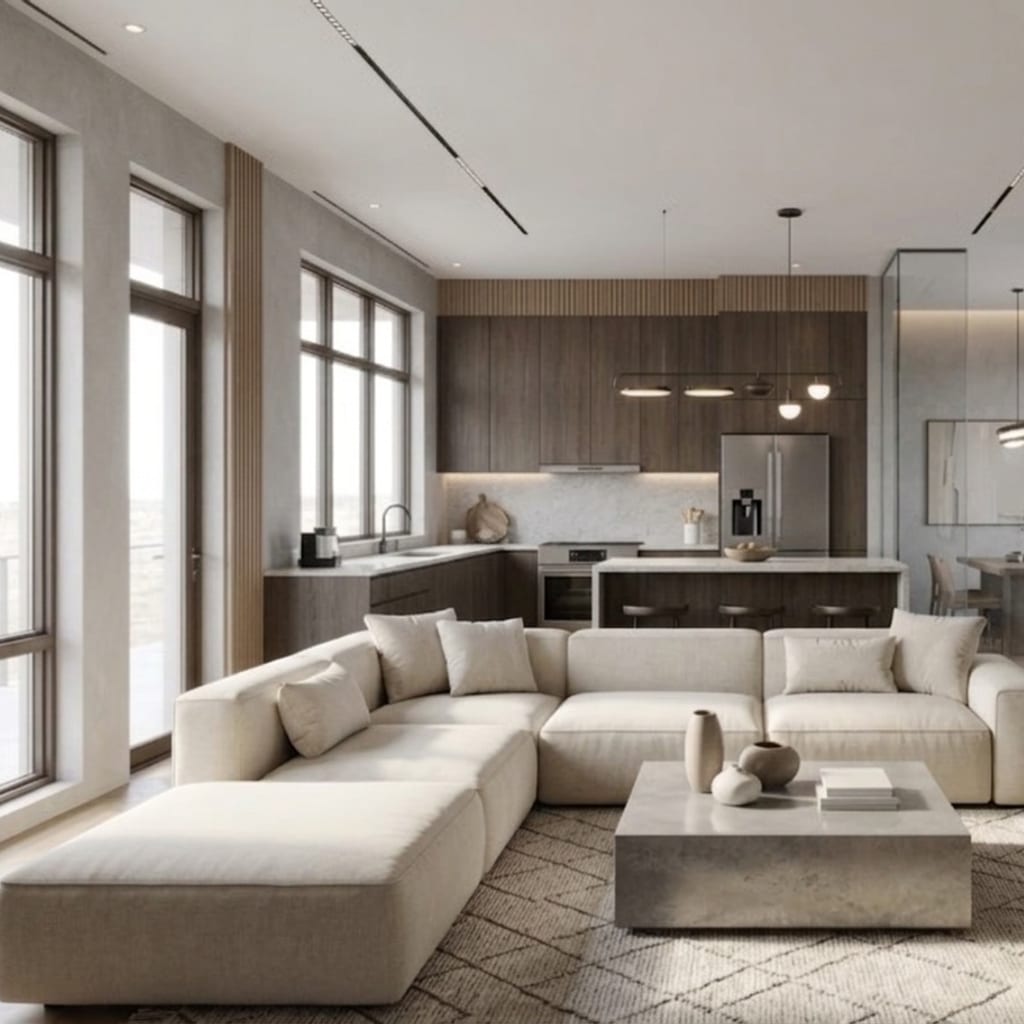
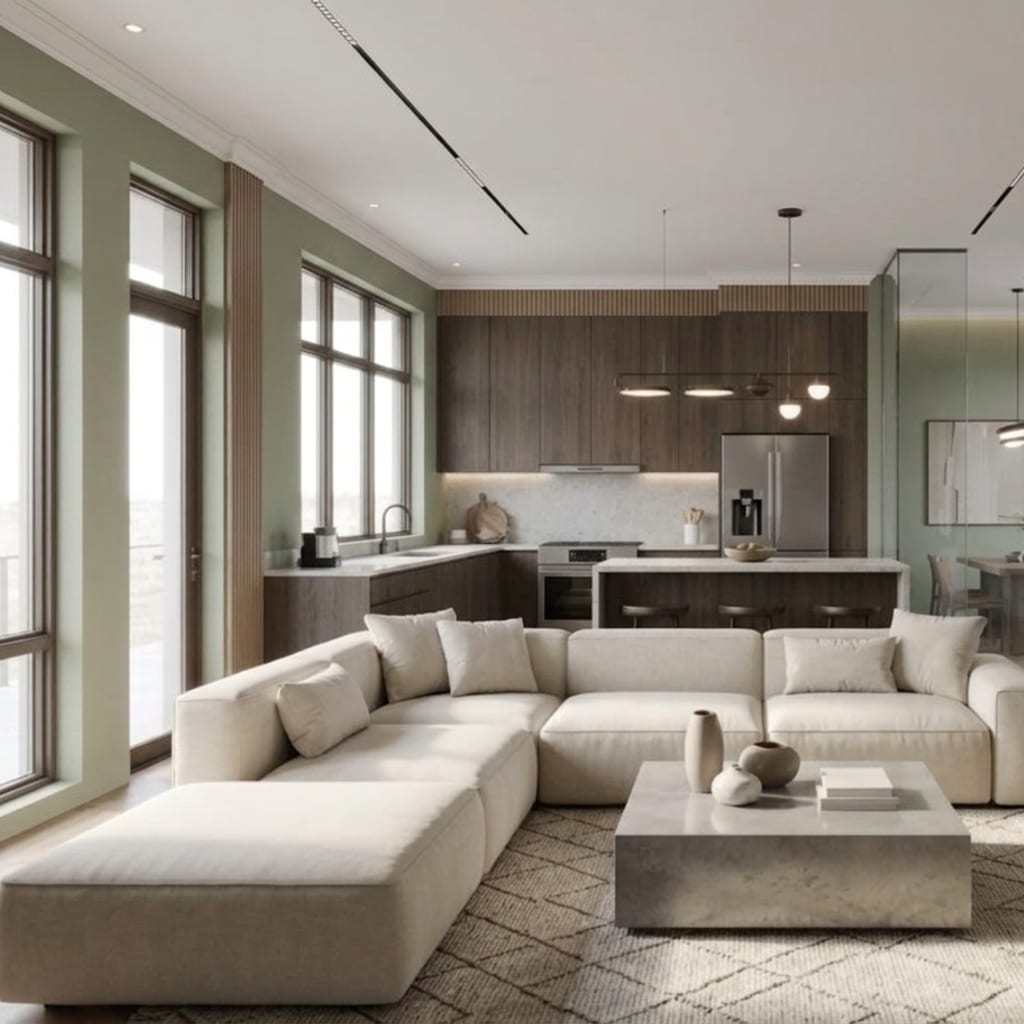
Virtual decluttering uses AI to edit a photo of your room so it appears clean, tidy, or completely empty — in about ten seconds, without you moving a single object. You upload the messy reality, tap a declutter mode, and see the calm version of your actual space. It won’t wash the dishes for you, but seeing the reward before the work is a surprisingly powerful nudge to actually do it — and a genuinely useful tool for selling, planning, and deciding what stays.
Here’s how it works, why it motivates better than willpower alone, and the handful of situations where it earns its keep.
What is virtual decluttering, exactly?
Virtual decluttering is an AI photo edit that removes clutter and mess from an image of a room while leaving the room itself intact. It’s a targeted use of image-to-image editing: the model keeps your walls, windows, furniture, and layout, and simply clears the visual noise — the laundry, the cables, the countertop pile-up.
That “keep the room, remove the mess” scoping is what separates it from a full redesign. You’re not restyling anything or buying new furniture in your imagination. You’re seeing the same room on its best day. Architectural AI runs this as a one-tap quick edit, so the change touches only the clutter and leaves the rest of your space exactly as you shot it.
Declutter vs clean room vs empty room: what’s the difference?
These sound similar but do three different jobs. Knowing which to reach for saves you a few generations:
- Declutter removes the mess and clutter but keeps your furniture where it is. Best when you want to picture a tidy version of the room you already have.
- Clean room goes a step further, giving surfaces and the overall space a crisp, showroom-fresh feel — useful for photo-day prep and listings.
- Empty room strips the space down to bare walls, floor, and windows — no furniture at all. Best when you want a blank canvas to plan a fresh layout or imagine the room from scratch.
A simple rule of thumb: declutter to tidy, empty room to restart. If you’re deciding what to keep, declutter first to see the room calm; if you’re deciding what to buy, empty it and start fresh. These modes are part of the same family we cover in AI home makeover modes: declutter, repaint, relight.
Why does seeing the clean version first actually work?
Because motivation follows a visible reward, not a vague intention. “I should tidy up someday” is abstract and easy to postpone. A photorealistic image of your room, calm and clear, is concrete — and concrete goals pull harder.
There’s a simple psychology at play. A traditional before/after makes you stare at the “before” (discouraging) and imagine the “after” (effortful). Virtual decluttering flips the order: it hands you the “after” instantly, so the mess in front of you suddenly looks like a small, solvable gap rather than an overwhelming project. You’ve already seen the finish line, and the room in the photo becomes a target to match.
It also removes decision paralysis. Staring at a cluttered room, it’s hard to know where to even start. Seeing the cleared version makes the missing steps obvious — that surface goes bare, those cables disappear, that corner opens up. The image becomes a checklist you can literally look at.
There’s a second, quieter benefit: it lowers the emotional stakes. Clutter often feels like a personal failing, which makes it harder to face. A calm, photorealistic preview reframes the mess as a fixable gap between two images rather than a judgment about you — and that reframe alone makes people more willing to start.
When is virtual decluttering genuinely useful?
This isn’t just a party trick. A few situations where it earns real value:
Motivation for a tidy-up. The most common use: you’re avoiding a deep clean, so you generate the clean version and use it as a “match this” goal. Reviewers across AI design apps consistently praise seeing their space transformed as the thing that finally got them off the couch.
Selling or renting prep. Before listing a home or a rental, an empty-room or clean-room preview helps you plan how the space should look on photo day — which furniture to remove, which surfaces to clear. Important honesty caveat: use these previews to plan the real cleanup, then photograph the actual tidy room for your listing. Don’t publish AI-edited photos as if they show the real space.
Deciding what furniture stays. Torn on whether to keep the bulky armchair? Declutter the room, then mentally add pieces back one at a time — or empty the room entirely and see how much lighter it feels. It’s a low-stakes way to test “less” before you commit to giving anything away.
Minimalism experiments. Curious how far you could pare back? An empty-room render shows your space at zero, and a declutter shows it at “essentials only.” Seeing the minimalist version of your actual room makes the aesthetic concrete instead of aspirational — a natural companion to the minimalist style if you decide to lean in.
Renovation and layout planning. An empty room is the perfect blank slate for testing a new arrangement or imagining built-ins, without the visual distraction of your current stuff.
How do you get a good declutter result?
The usual photo habits apply, plus a couple specific to decluttering:
- Shoot the room as-is. You don’t need to tidy first — that’s the whole point. Just get a clear, well-lit, straight-on shot.
- Use good light. Daylight helps the AI tell surfaces from shadows, so it clears clutter more cleanly.
- Pick the right mode. Declutter to keep furniture, empty room to remove it. Reaching for the wrong one is the most common source of “that’s not what I wanted.”
- Iterate if needed. As with any AI generation, a second or third pass often gives a cleaner result — the randomness means the best clear-out isn’t always the first.
- Then do the real thing. The image is the motivator; the tidy room is the payoff. Keep the render open and match it.
The bottom line
Virtual decluttering is the rare productivity trick that’s also genuinely fun: see your actual room clean, clutter-free, or empty in seconds, and let that image do the motivating. Use declutter to picture the space tidy, empty room to plan a fresh start, and either one to decide what deserves to stay. It won’t lift a finger for you — but seeing the reward first makes lifting yours a lot easier.
Curious how your space looks without the mess? Open AI Room Redesign and tap declutter on a photo of your room — the clean version is about ten seconds away.
FAQ
Can AI show my room without the clutter? Yes — a virtual declutter mode edits your photo to remove the mess while keeping the room and its furniture, so you see a tidy version of your actual space in seconds. It’s a preview of the clean room, not a change to the real one.
What’s the difference between declutter and empty room? Declutter removes the mess but keeps your furniture in place, while empty room strips the space down to bare walls and floor. Use declutter to picture a tidy version of the room you have, and empty room to imagine it as a blank canvas.
Does virtual decluttering delete my stuff in real life? No — it only edits the photo. Sadly, the laundry pile is still there when you look up. The point is to see the reward first so you’re motivated to make the real room match the image.
Can virtual decluttering help with minimalism? Yes — seeing your room stripped back to essentials makes the minimalist version concrete instead of abstract. It’s an easy way to test how much you could remove before committing to giving anything away.
Keep reading