Empty vs Furnished vs Virtually Staged: What Helps a Listing Most?
For most listings, virtually staged photos give you the best return — buyers respond to furnished rooms, and it costs a fraction of the alternative. Physically staged rooms win when the emotional payoff of walking into a real, styled space justifies the expense, typically on higher-end or fully vacant homes. Empty photos are the weakest option, because a bare room gives buyers no sense of scale, function, or how their life fits inside it. Which one is right for you comes down to three things: your budget, whether the home is occupied, and its price bracket.
Here’s the honest three-way breakdown, including the 2026 disclosure rules you can’t skip.
What do these three options actually mean?
Empty photos are exactly that — pictures of a vacant, unfurnished room. Cheap and instant, but buyers see square footage without context and often read the space as smaller and colder than it is.
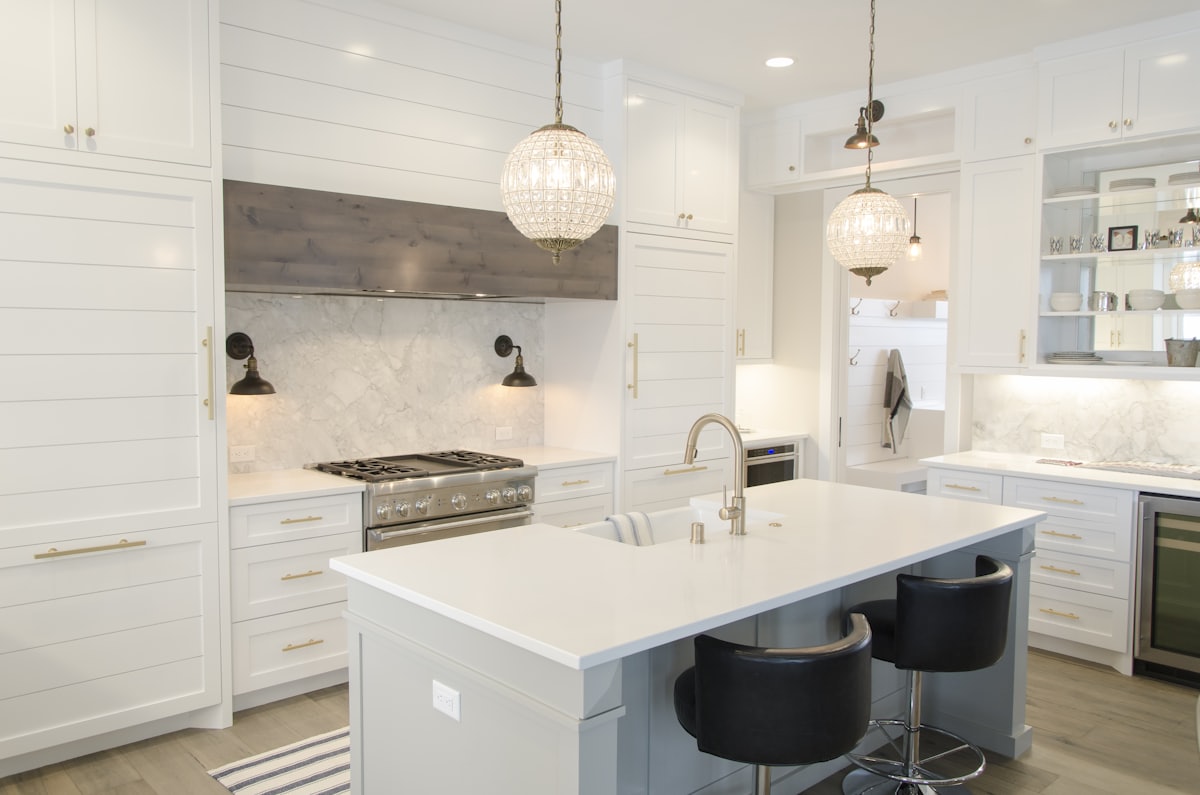
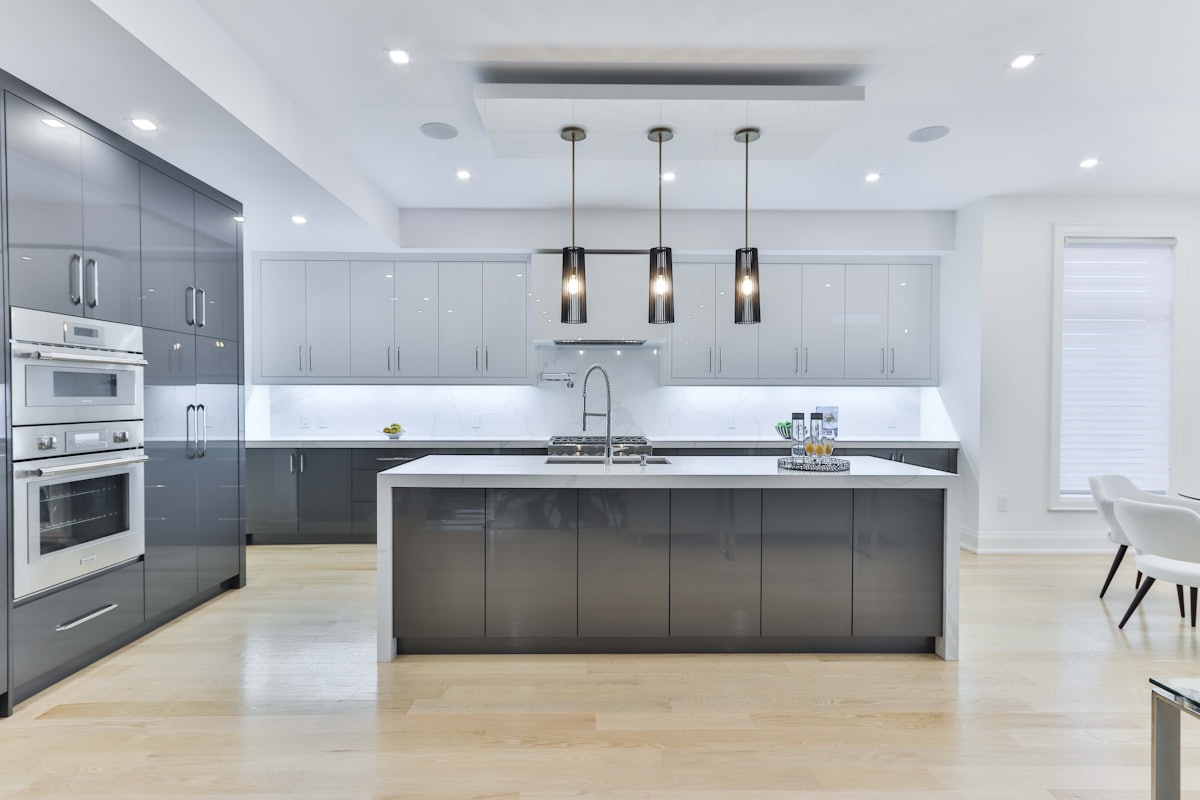
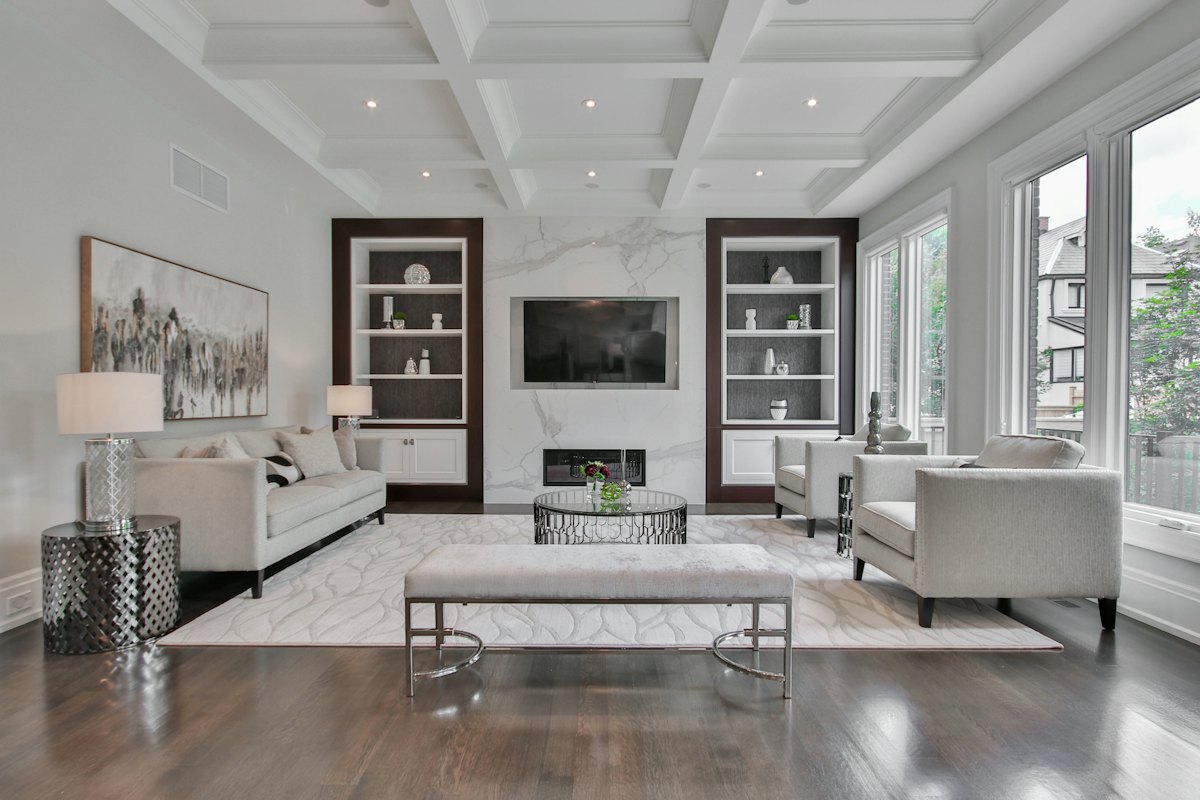
Furnished photos show the room with real, physical furniture in it — either the seller’s own belongings (an occupied listing) or professional staging furniture brought in for the sale. Professional physical staging is the premium version: a stager selects, delivers, and arranges rental furniture and decor to make the home aspirational.
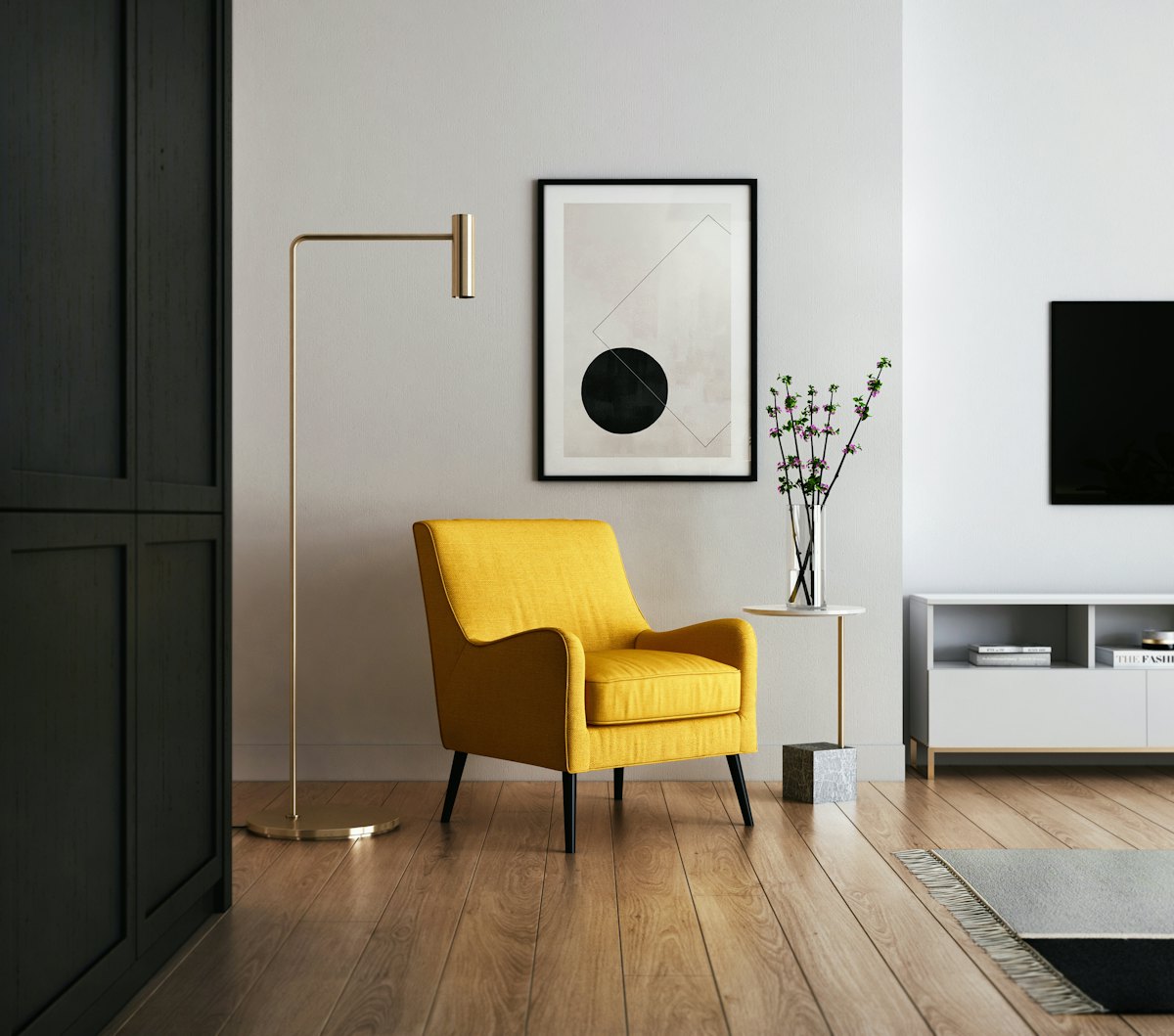
Virtual staging is the digital addition of furniture and decor to a photo of an empty or sparse room, so buyers can visualize it furnished without any real furniture being moved. The room’s real geometry — walls, windows, dimensions — is preserved; only the styling is added in the image. It’s the middle path: the emotional pull of a furnished room at close to the cost of empty photos.
How do the three compare?
| Option | Relative cost | Speed | Best for | Disclosure needed? | Main downside |
|---|---|---|---|---|---|
| Empty photos | $ (lowest) | Instant | Land, teardowns, buyers who want a blank slate | No | Buyers can’t judge scale; rooms feel cold |
| Furnished (seller’s own) | $ (free) | Instant | Well-kept occupied homes | No | Clutter and personal taste can distract buyers |
| Physical staging | $$$$ (highest) | Days to weeks | Vacant high-end homes, competitive markets | Generally no (it’s real) | Stager fee plus monthly rental; slow to set up |
| Virtual staging | $$ | Hours | Vacant or sparse rooms on a budget | Yes — must be disclosed | Must look realistic and be clearly labeled |
Prices and tooling shift constantly, so treat the cost column as relative, not absolute. For virtual-staging software specifically, dedicated tools ranged from free tiers up to roughly $14–$99/mo at the time of writing, while consumer apps let you preview staging from a phone for far less. Physical staging remains the most expensive by a wide margin because you’re paying for a professional plus real furniture rental.
When does each option win?
Empty wins rarely — mainly for land, gut-renovation projects, or the occasional buyer segment that explicitly wants to see the raw space. Even then, one or two furnished reference shots usually help.
Furnished with the seller’s own belongings wins when the home is genuinely well-styled and clutter-free. If the furniture is tasteful and the rooms are tidy, you already have your staging — just declutter, neutralize, and shoot. Our pre-listing update guide walks through getting an occupied home camera-ready.
Physical staging wins for vacant, higher-priced homes in competitive markets, where the in-person “wow” of walking into a fully realized space can move the offer. Buyers touring an empty luxury home struggle to justify the price; a staged one feels move-in ready. The trade-off is cost and lead time.
Virtual staging wins for the largest slice of sellers: vacant or sparsely furnished homes on a normal budget who need great listing photos fast. It delivers the furnished look online — where most buyers first judge the home — without the rental bill.
What do the 2026 disclosure rules require?
This is the part sellers most often get wrong, so read it carefully. The following is general guidance, not legal advice — confirm the exact rules with your MLS, your broker, and local regulations before you list.
Under 2026 MLS guidance across most markets, listing photos that have been digitally altered or virtually staged generally must be labeled as such — a caption like “virtually staged” or “digitally altered” on the affected images. The intent is simple: a buyer should never be surprised in person by a room that looked different online.
Two lines you shouldn’t cross, regardless of local specifics:
- Never digitally add or hide permanent features. Virtually staging furniture into an empty room is standard practice. Digitally removing a support column, adding a window that doesn’t exist, or erasing water damage is misrepresentation.
- Always label altered photos. Disclosure protects you as much as the buyer. Undisclosed staging that misleads a buyer can unravel a deal or worse.
For the fuller picture on staging ethics and the disclosure workflow, see our dedicated guide to AI virtual staging for home sellers.
The hybrid workflow most sellers should use
Here’s the approach that combines the strengths and sidesteps the traps. It separates planning the look from producing the listing photos — a distinction that keeps you compliant.
- Preview the potential. Before spending on anything, photograph each room and preview it furnished, decluttered, or repainted to decide what the home should look like. AI room design apps make this fast: Architectural AI can fill an empty room with furniture, declutter a cluttered one, or restyle a space from a single phone photo in seconds — enough to see whether the room reads well before you commit budget.
- Do the real work where it counts. Use those previews to decide: declutter, neutralize, maybe bring in a few real pieces or book a stager for the hero rooms.
- Shoot the real result for your primary listing photos.
- Add virtual staging only where a room is truly empty — and label every altered photo per your MLS rules.
The key mental model: use AI previews to decide what to change, then make sure your public listing photos honestly represent the home a buyer will walk into.
The bottom line
Empty photos are the weakest choice, furnished-your-own works when the home already shows well, physical staging earns its cost on vacant premium listings, and virtual staging is the budget-and-speed winner for everyone else — as long as you disclose it. Preview your options on the real rooms first, then choose the format that fits your budget and your market.
Want to test how a room looks furnished, decluttered, or restyled before you decide how to shoot it? Download AI Room Redesign: Home Decor on the App Store and preview every option from one photo.
FAQ
Do empty or staged listing photos sell better? Staged photos generally outperform empty ones because buyers struggle to judge scale and purpose in a bare room. Furnished or virtually staged rooms help buyers picture living there, which drives more clicks and showings.
What is virtual staging? Virtual staging is the digital addition of furniture and decor to a photo of an empty or sparse room so buyers can visualize the space furnished. The room’s real walls, windows and dimensions stay the same; only the styling is added digitally.
Do I have to disclose virtually staged photos? In most markets, yes. Under 2026 MLS guidance, digitally altered or virtually staged photos generally must be labeled as such. This is general guidance, not legal advice — always confirm the exact rules with your MLS, broker, and local regulations.
Is virtual staging cheaper than physical staging? Almost always. Virtual staging is a per-photo or subscription software cost, while physical staging adds a stager’s fee plus monthly furniture rental. Virtual staging is the budget and speed winner; physical staging wins on in-person emotional impact.
Keep reading