Change Floor
New Flooring
Turn your room into Change Floor — New Flooring. Upload a photo and Architectural AI reimagines your exact space as Change Floor in seconds.

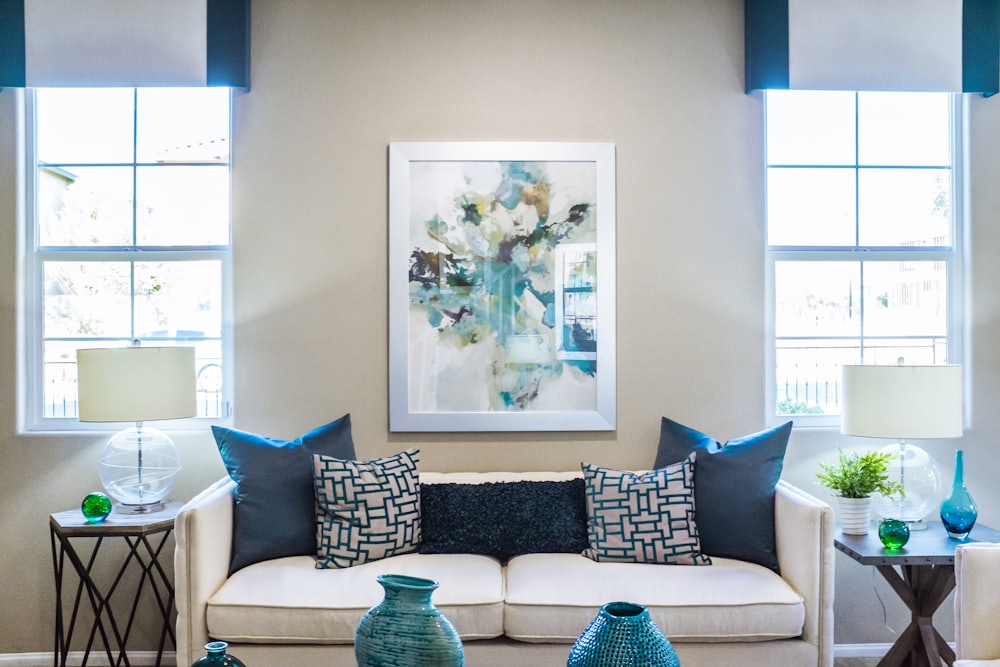 Before
 How it works
- 1. Snap or upload a photo of your room.
- 2. Choose the “Change Floor” world.
- 3. Get a photorealistic Change Floor version of your room in seconds.
Change Floor — FAQ
How do I turn my room into Change Floor? +
Open Architectural AI, upload a photo of your room, pick the Change Floor world, and the app transforms your exact space into Change Floor.
Is Change Floor free to try? +
Architectural AI is free to download and includes free starter credits, so you can try Change Floor right away. Extra generations use tokens.
What is Change Floor? +
Change Floor is one of 1000+ themed worlds in Architectural AI — an AI room transformation you can apply to a photo of your own space.


