AI Interior Design Glossary: 20+ Terms Explained Simply
AI interior design comes with its own vocabulary — image-to-image, diffusion, tokens, design intent — and nearly all of it describes one of three things: how the AI makes a picture, what it changes in your room, or how you pay for it. This glossary defines 20+ of the terms you’ll meet in these apps, each in a single plain sentence you can quote, with a little context underneath. Skim it once and every app in the category will make more sense.
Terms are listed A to Z.
The terms, A to Z
Before/after slider
A before/after slider is an interactive control that wipes between your original photo and the AI redesign so you can compare them on the exact same frame. It’s the honest way to judge a result: drag the handle and see precisely what changed. If an app hides the “before,” you can’t tell whether the AI kept your room or replaced it.
Declutter mode
Declutter mode is a one-tap edit that removes mess and clutter from your room photo while keeping the furniture and layout in place. It shows you a tidy version of the space you already have — great for motivation or selling prep. We cover it alongside repaint and relight in AI home makeover modes.
Design intent
Design intent is what you want the AI to do to your room, usually one of three modes: transform, preserve, or rearrange. Transform restyles everything into a new look; preserve keeps your furniture and changes finishes like walls or flooring; rearrange keeps your furniture but moves it into a new layout. Knowing which intent you want is the fastest way to get a result that matches your goal instead of fighting it.
Diffusion model
A diffusion model is the type of AI behind almost every interior design app — it turns random visual noise into a coherent image, one denoising step at a time. Trained on millions of images, it “knows” what rooms and furniture look like and cleans up static toward your instructions. It’s the engine; the app is the steering wheel.
Digitally-altered disclosure
A digitally-altered disclosure is a note on a listing photo stating that the image was virtually staged or edited rather than photographed as-is. Under 2026 MLS rules, virtually staged real-estate photos generally must carry this label (this is general guidance, not legal advice). The ethic is simple: never let an edited photo imply a property looks different than it really does.
Empty room
Empty room is an edit that strips a space down to bare walls, floor, and windows by removing all the furniture. It gives you a blank canvas for planning a fresh layout or imagining the room from scratch. It’s the “restart” counterpart to declutter’s “tidy up.”
Geometry preservation
Geometry preservation is an app’s ability to keep your room’s real structure — walls, windows, doorways, ceiling height, camera angle — unchanged while restyling everything else. It’s the single biggest quality signal in AI interior design. When it fails, you get the warping complaints — extra doors, melted furniture, impossible scale — that dominate negative reviews.
Hex color
A hex color is a six-character code (like #8A9A5B) that names an exact color with no ambiguity. It’s how you test a specific paint shade instead of a vague “sage green.” If you can find a brand color’s hex value, you can apply that precise color to your wall — the core of testing paint colors on a photo.
Image-to-image
Image-to-image is when the AI transforms the actual photo you uploaded, using your image as the starting point it edits. This is what keeps a redesign looking like your room, because your pixels anchor the result. It’s the opposite of text-to-image, and choosing image-to-image tools is how you avoid “that’s not my room” surprises. You can watch it work in the live demo.
Iteration
Iteration is generating the same room multiple times to find the best result, rather than judging the first render. Because diffusion is partly random, each attempt varies slightly — so the third or fourth try is often the keeper. Reviewers who generate once and quit are working against how the tool behaves.
Palette picker
A palette picker is a tool that lets you choose exact colors — often by hex code — and apply them authoritatively to your redesign. It ensures the app uses your colors instead of drifting toward whatever a generic prompt suggests. In Architectural AI it’s how you test real paint and decor colors on a photo of your actual space before buying anything.
Photorealism
Photorealism is how convincingly an AI result looks like a genuine photograph of a real room rather than an obvious render. High photorealism means believable light, materials, and proportions; low photorealism looks plasticky or dreamlike. It’s a big part of why one app feels usable for real decisions and another feels like a toy.
Prompt
A prompt is the written instruction that tells the AI what to create or change. In most consumer apps you rarely type one directly — the style presets and quick edits load expert-written prompts for you behind the scenes. When you do add custom text, a clear, specific prompt beats a vague one.
Quick edit
A quick edit is a tightly scoped, one-tap action that changes a single thing — like wall color, flooring, or clutter — while leaving the rest of the room untouched. That narrow scope is exactly what makes quick edits reliable for real decisions. They’re the tool for “just change this one thing,” as opposed to a full restyle.
Render
A render is a single finished image the AI produces from your photo and instructions. Each render is one output you can keep, compare, or iterate on. “Generate a render” and “generate a design” mean the same thing in most apps.
Style preset
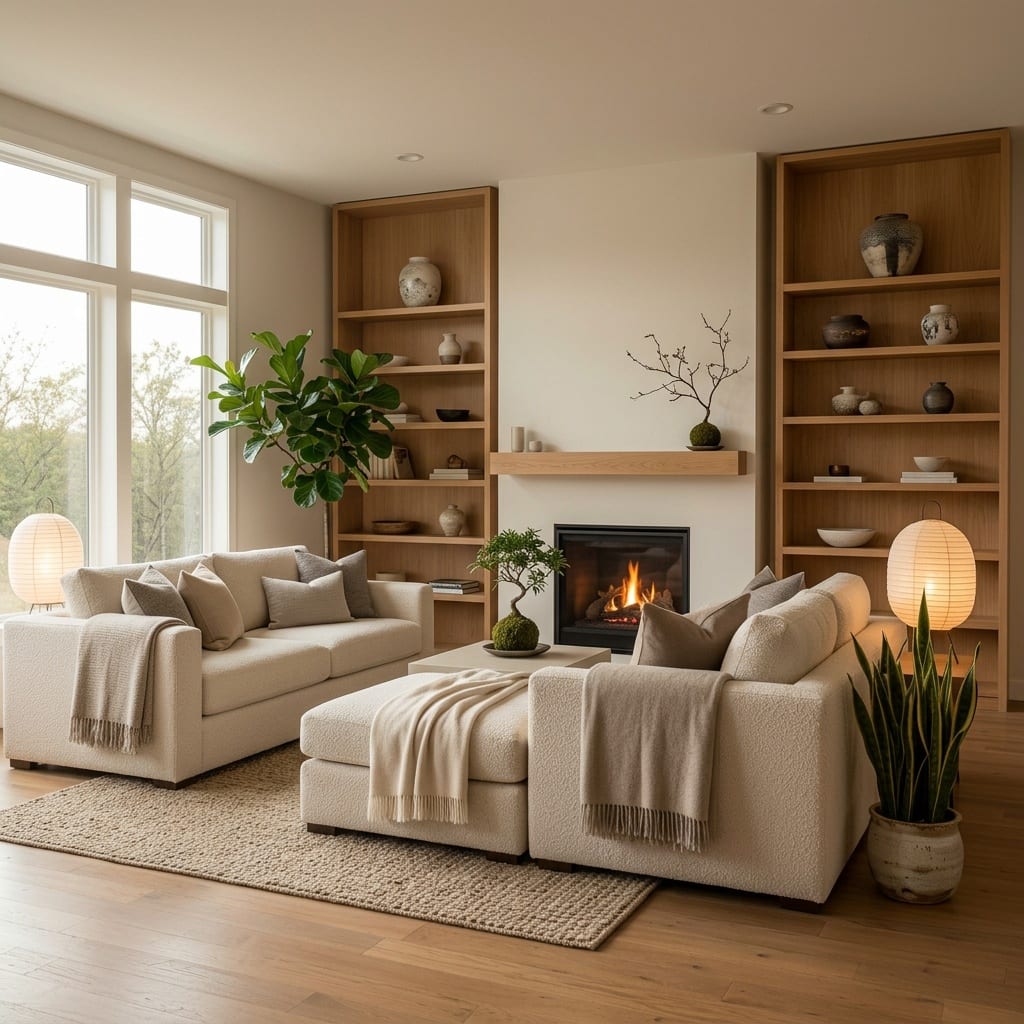
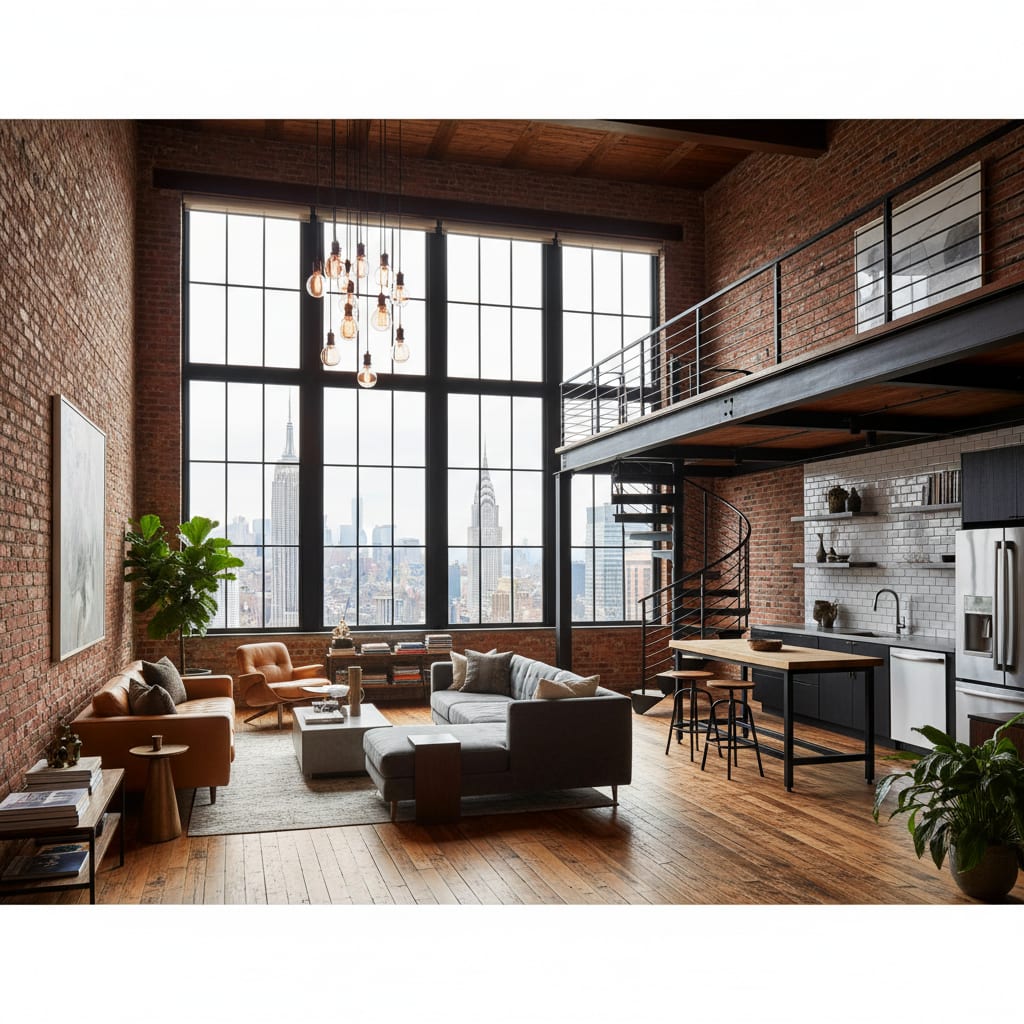
A style preset is a saved, expert-tuned look — like Scandinavian, Japandi, or industrial — that applies a coherent aesthetic in one tap. Under the hood it’s a carefully written prompt, so you get a polished result without art-directing in words. Browsing a deep library of styles is usually more reliable than typing your own descriptions.
Text-to-image
Text-to-image is when the AI invents a brand-new picture from a written description alone, with no obligation to your actual room. It’s fantastic for pure inspiration but risky for redesigning your space, because the result may look nothing like your photo. Most “the AI gave me a random room” complaints trace back to a tool leaning too hard on text-to-image.
Themed world
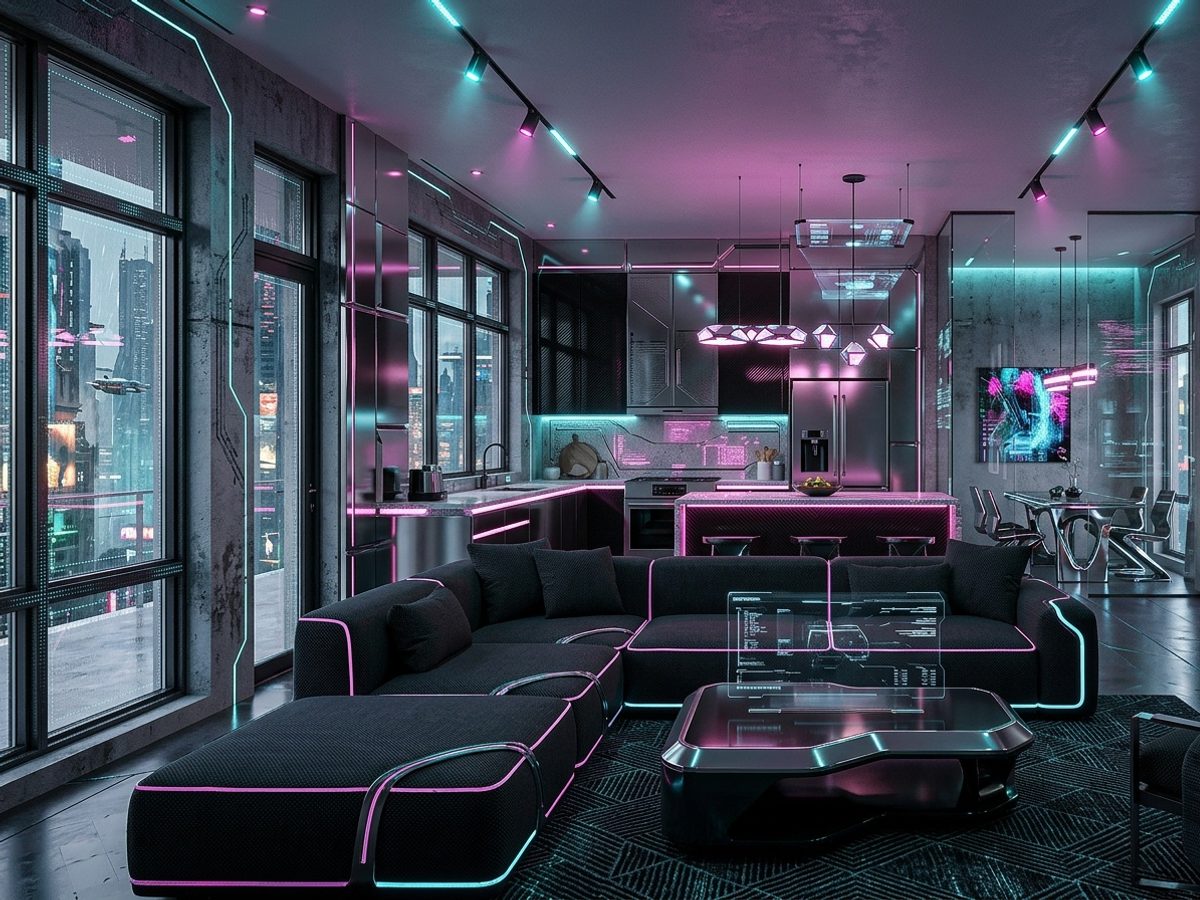
A themed world is a curated, pre-composed aesthetic — often cinematic or fandom-inspired — that bundles a whole mood into one selection. Where a style is a single look, a world is a finished vibe with coordinated details. Explore the range under worlds.
Token / credit
A token (or credit) is the unit you spend to generate one redesign, roughly mapping to the GPU compute that image costs. Because every render runs on rented graphics hardware, tokens are how apps cover that per-image cost — which is why nothing here is truly unlimited-free. See how it’s structured in pricing.
Virtual staging
Virtual staging is digitally adding furniture and decor to a photo of an empty or sparsely furnished room, usually to help a property sell or rent. Because the furniture isn’t physically there, listings that use it generally must carry a digitally-altered disclosure. It’s a marketing tool, distinct from redesigning a room you actually live in.
Virtual try-on for rooms
Virtual try-on for rooms is previewing a style, color, or piece of furniture on a photo of your real space before you buy or commit. It’s the room-scale version of trying clothes on — see it in your context first, avoid expensive mistakes. It’s the single most-praised use case across AI design app reviews.
The bottom line
Most AI interior design jargon collapses into a few ideas: diffusion models make the pictures, image-to-image keeps them looking like your room, quick edits and design intents control what changes, and tokens cover the compute. Keep this page handy, and the next app you try — or the next review you read — will read like plain English. For a broader tour of the category, see our best AI interior design apps guide.
Ready to put the vocabulary to work? Open AI Room Redesign and try image-to-image editing, quick edits, and the palette picker on a photo of your own room.
FAQ
What is image-to-image in AI interior design? Image-to-image is when the AI transforms the actual photo you uploaded rather than inventing a new room from text. It’s what keeps the redesign looking like your real space, because your photo is the starting point the model edits.
What’s the difference between a themed world and a style? A style is a single design look, like Scandinavian or industrial, while a themed world is a curated, pre-composed aesthetic — often cinematic or fandom-inspired — that bundles a whole mood in one tap. Styles are building blocks; worlds are finished vibes.
What are tokens or credits? Tokens (or credits) are the units you spend to generate a redesign, each roughly mapping to the GPU compute one image costs. Apps hand out free starter tokens and sell more because every generation has a real hardware cost behind it.
What is virtual staging? Virtual staging is digitally adding furniture and decor to a photo of an empty or sparse room, usually to help a property sell or rent. Because the furniture isn’t real, listings that use it typically must disclose that the photo is digitally altered.
Keep reading